Make Wix accessible – with SiteCockpit
Wix comes with its own accessibility tools. Whether your website is accessible, however, depends on your design, content and apps. SiteCockpit adds the easyVision accessibility widget, automated WCAG checks and an accessibility statement to your Wix site – via a code snippet, without a relaunch.








How to add SiteCockpit to your Wix site
SiteCockpit is added via a code snippet. Wix provides the “Custom Code” area in your site settings for this. You do not need an additional app, and your design stays exactly as it is.
According to Wix, your site must be published and connected to your own domain. If you change the domain later, Wix removes the snippets you added. In that case, simply add the code again. Our documentation explains the details.

easyVision on your Wix site in 3 steps
1. Copy the code
Copy the easyVision embed code from your SiteCockpit account.
2. Paste it into Wix
In your Wix dashboard, open Settings, select “Custom Code” under “Development & integrations” and add the code to all pages.
3. Customize and check
Adjust the button, icon, position and colors to your design in your SiteCockpit account. easyMonitoring checks your pages against WCAG automatically.
Accessibility is an opportunity for everyone.
Wix is easy. So is accessibility.
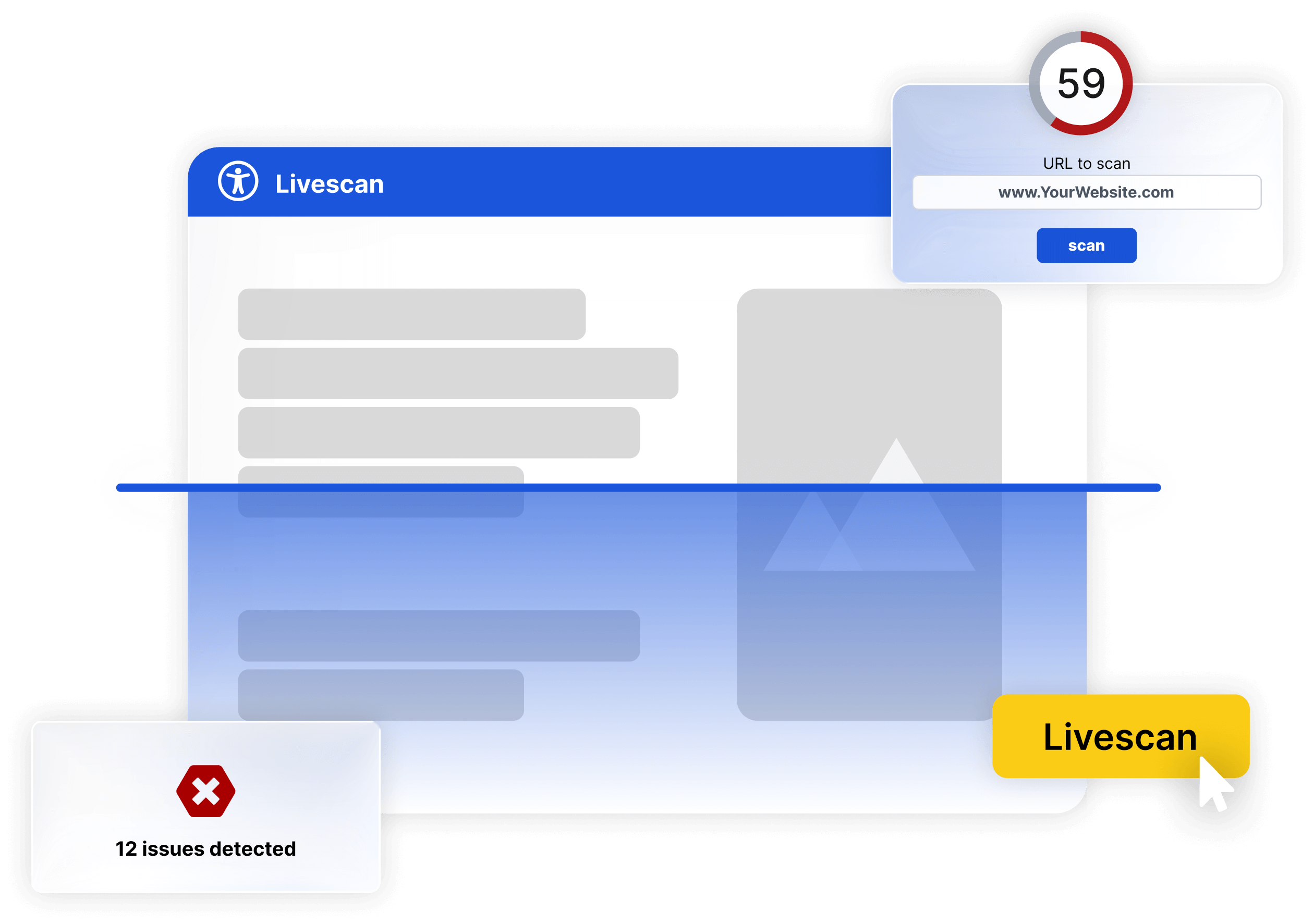
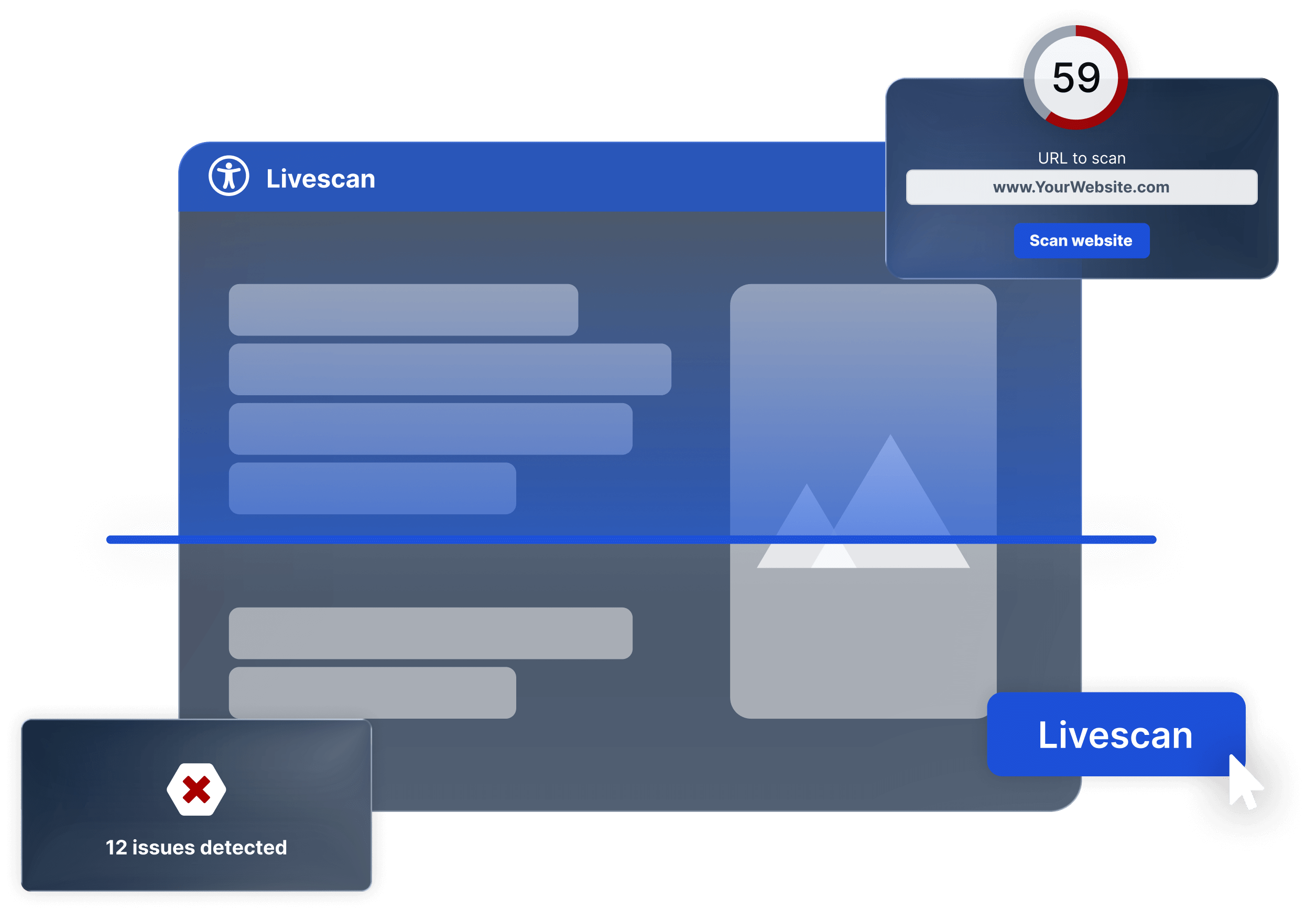
Try it now: how accessible is your Wix site?
Our Live Check gives you an initial assessment straight away – no sign-up required. Enter the URL of your website and get an automated check of how well it meets key accessibility requirements.
What Wix offers – and where its limits are
Wix offers an Accessibility Wizard in the editor. It scans your site and guides you through tasks such as alt text, page titles, heading structure, color contrast and site language. According to Wix, the tasks are based on WCAG 2.2, with level AA as the target.
-
 Images without alt text, or decorative images that are not marked as decorative
-
Insufficient color contrast in templates and buttons
-
Text that only looks like a heading
-
Lightboxes, menus and sliders that cannot be operated by keyboard
-
Forms without properly associated field labels
-
Link texts such as “more” that do not name the target
However, Wix itself points out that it cannot guarantee compliance with accessibility laws and that site owners remain responsible for accessible content and design. The wizard also only checks the primary language and does not scan CMS content or Velo code.
The list shows typical barriers on Wix sites. Our lexicon explains the basics: alt text, semantic HTML, keyboard accessibility, accessible pop-ups and accessible links.
What SiteCockpit does for your Wix site
A widget alone does not make a website accessible. That is why SiteCockpit combines assistance for your visitors with tools that reveal barriers in your design and content.
easyVision
Your visitors adjust the display themselves: contrast, text size, line spacing, animations and more, plus profiles for dyslexia or low vision, for example.
More about easyVisioneasyMonitoring
Checks your Wix pages against WCAG automatically and shows which barriers in your template or content should be fixed.
More about easyMonitoringeasyStatement
Creates the accessibility statement for your website that the BFSG requires for services within its scope.
More about easyStatementBFSG: does my Wix website have to be accessible?
Germany's Accessibility Strengthening Act (BFSG) has applied since 28 June 2025. Among other things, it covers e-commerce services for consumers. What matters is what your Wix site offers, not the system itself.
Your website may be affected in particular if you:
-
sell to consumers via Wix Stores
-
offer bookings, subscriptions or other contracts online, for example with Wix Bookings
-
are not a micro-enterprise: service providers with fewer than 10 employees and an annual turnover or balance sheet total of no more than €2 million are exempt
WCAG 2.2 and Wix: what matters
WCAG 2.2 describes how digital content becomes perceivable, operable, understandable and robust. For your Wix site, this mainly means:
-
alt text for all informative images
-
a contrast ratio of at least 4.5:1 for normal text
-
a clear heading structure on every page
-
forms with labels and clear error messages
-
content that remains usable at 200% zoom and on smartphones

Questions about Wix and SiteCockpit
Our Plans and Prices at a Glance
Choose the plan that fits — scalable for single projects or multi-Wix setups.
Starter
- Website Widget
- 1 Domain
- Accessibility Statement
- 2500 Credits per month
- 1 User
- easyMonitoring
- easyALT (aut. Alt attributes)
Pro
- Everything from Starter +
- 2 Domains
- 10,000 Credits per month
- easyMonitoring
- 3 Users
- easyTranslate (Live-Translation)
- Integration service
Premium
- Everything from PRO +
- 5 Domains
- 30,000 Credits per month
- easyLanguage
- 10 Users
- Key-Account & Personal Onboarding
- Assistance with inspections by the authorities
Enterprise
- Individual requirements
- Key account support
- Manual audits and training courses
- Support with audits by authorities and with content-related issues through warnings (no legal advice)
- 99.9% SLA
** Note: Vouchers are non-transferable, not combinable with other discounts and can only be redeemed online. A cash payment is excluded.
More CMS Integrations Available
Whether WordPress, Shopify or TYPO3 — SiteCockpit can be integrated into almost any system.


Make your Wix site more accessible
Copy the code, paste it into Wix, done: easyVision is live on your website within minutes.