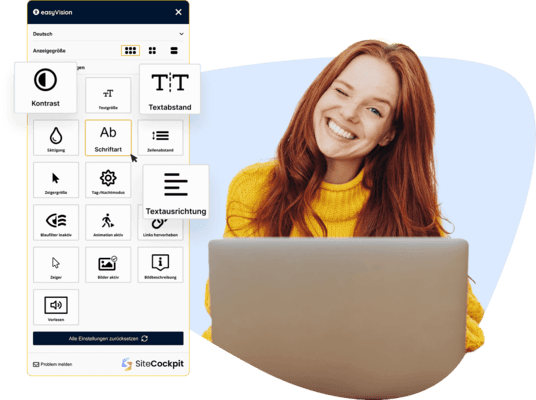
Our Free Browser Add-on for Chrome Users
People are our focus. That’s why we offer all users a free browser add-on to enhance digital accessibility.
With the SiteCockpit Chrome Extension easyVision, we enable better readability, stronger contrasts, and easier navigation – regardless of individual limitations.
The add-on works on any website and online shop, directly in the Chrome browser, with no registration or payment required.
Our goal: an accessible web experience for everyone – anytime and anywhere.
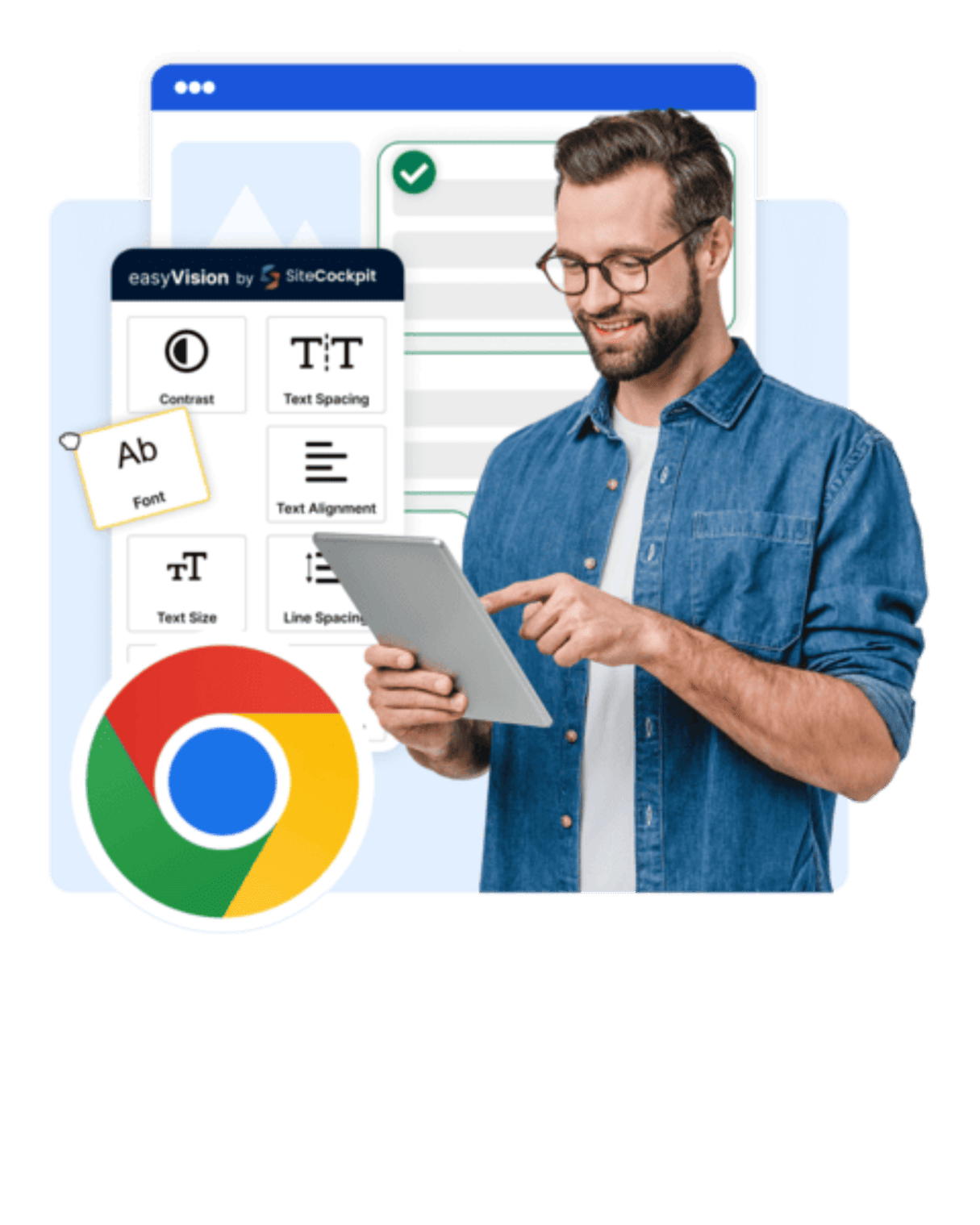
Accessibility in the Chrome Browser – instantly usable and effective
The WCAG 2.2 defines clear requirements for accessible web content – independent of the website visited. easyVision brings these principles directly into the Chrome browser and enables users to enjoy better readability, contrast, and usability on any site.
With the SiteCockpit Chrome Extension, users activate key accessibility features directly in the browser:
-
 Flexible adjustment of font sizes, colors, and contrast
-
Enhanced display with reading modes and reduced animations
-
Profile-based presets (e.g., for ADHD, dyslexia, visual impairments)
-
Focus control for keyboard navigation and screen reader support
-
No website installation required – full control in the browser
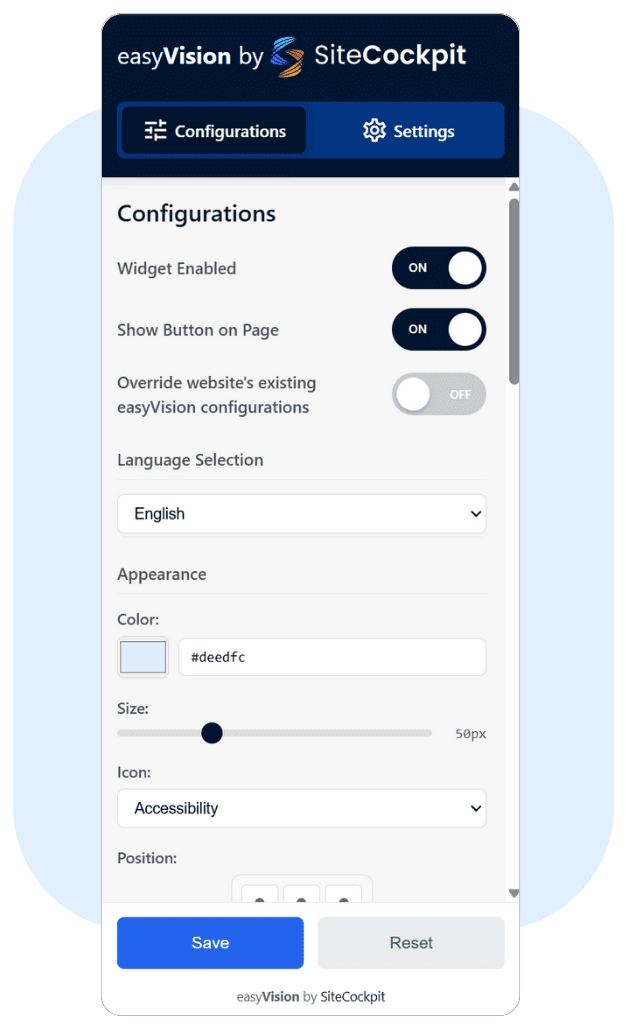
Three Easy Steps to Accessibility
1. Visit the Chrome Web Store
Open your Google Chrome browser, visit the Chrome Web Store, and search for "easyVision by SiteCockpit".
2. Add to Browser
Click "Add to Chrome" to install easyVision. Within seconds, the extension icon appears in the top-right corner of your browser.
3. Activate the Widget
Click the icon to open the extension and enable features like contrast modes, font sizes, or night mode directly on any visited website.
Try it Now – How Accessible Is Your Shop?
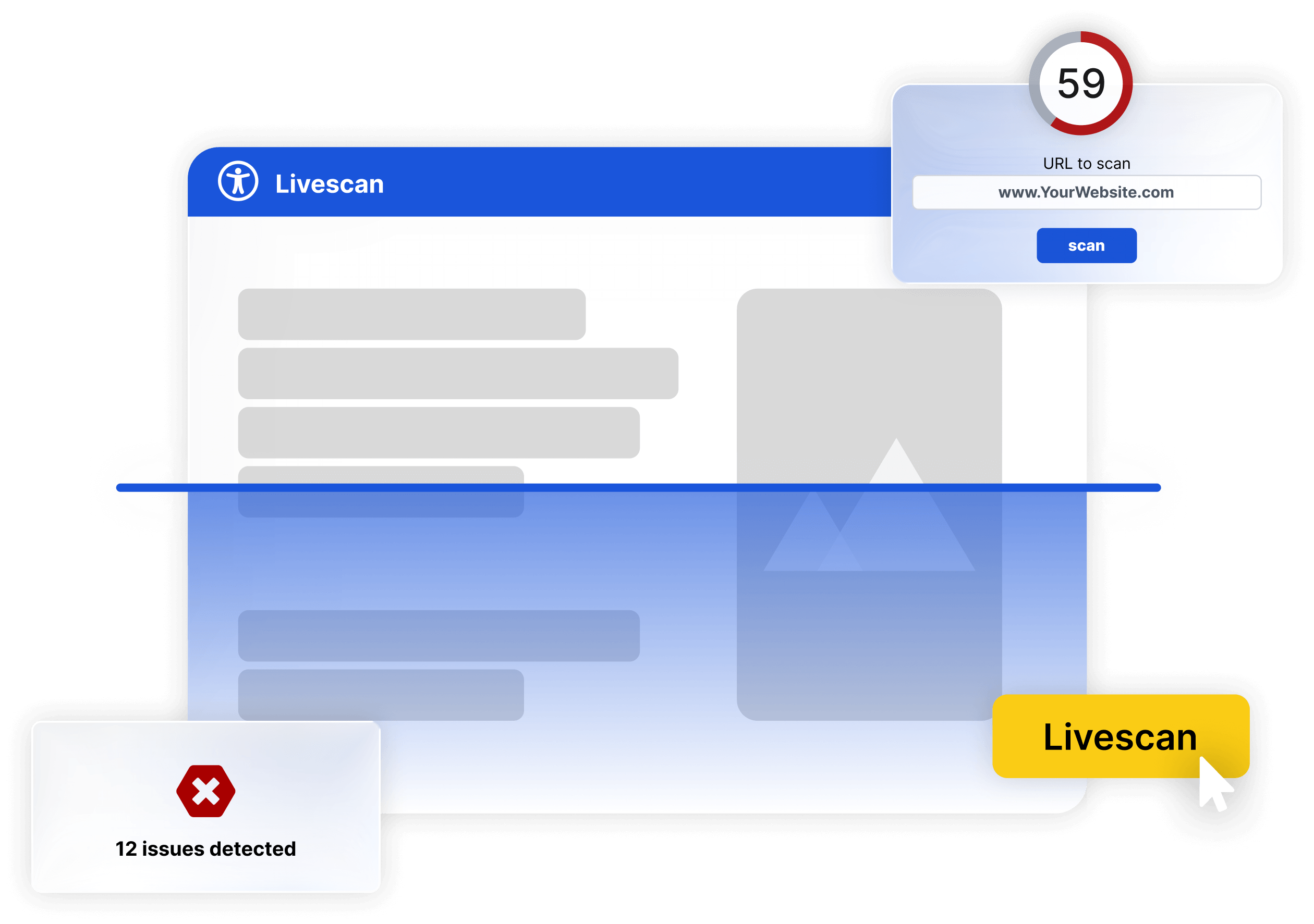
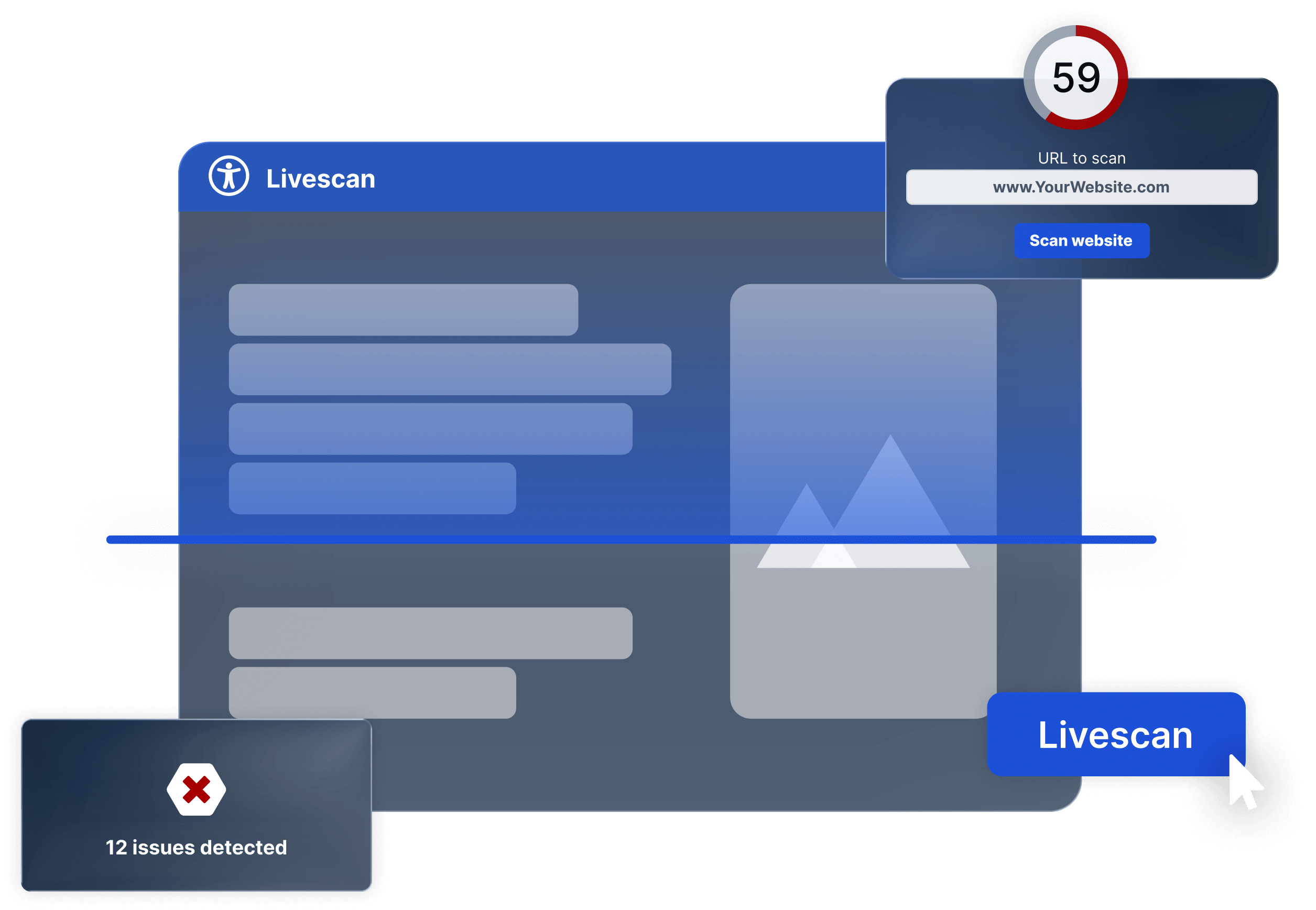
Use the Live Check to instantly test your website or shop for accessibility. Enter your URL, click "Start Check", and the tool will highlight all detected issues, including text contrast, CSS rules, semantic tags, font sizes, and button dimensions.
Customizable for Any Use Case
Whether it’s dark mode, color changes, CSS overrides, or custom text: under "Settings" you can fully tailor easyVision to your needs – with instant visual results.
Design the widget layout freely – position, size, colors, and display across layers, screens, or languages are fully customizable.
Save your favorite setups as presets, share them with team members, or manage central profiles – ideal for agencies, teams, and dynamic web environments.
Accessibility & SEO – Improve Ranking with Better UX
Accessibility impacts not only user experience, but also your ranking on Google. The SiteCockpit Extension shows you how technical issues, contrast errors, or missing alt texts affect your site’s visibility.
The tool pinpoints what needs fixing to achieve better search results and keep visitors engaged longer. Combine SEO with accessibility to boost performance and reach.