Make your JTL Shop accessible – with official plugin
Over 35,000 online shops run on JTL. Since 28 June 2025, most of them must be accessible. With the official SiteCockpit plugin from the JTL Extension Store, you make your JTL Shop accessible: installed in minutes, without relaunch, without developers.









Make your JTL Shop accessible in 3 steps
The official SiteCockpit plugin is available in the JTL Extension Store. You do not need a developer and no relaunch. Here is how it works:
1. Load plugin from Extension Store
Download the official SiteCockpit plugin directly from the JTL Extension Store and activate it in your JTL backend. Free, tested, official.
2. Enter API Key
Log in to your SiteCockpit account, copy your personal API Key and enter it in the plugin settings. Done.
3. Start accessible immediately
The easyVision widget is active. Your customers can adjust contrasts, font sizes, reading modes and keyboard navigation directly.
Video: Install SiteCockpit in JTL Shop 5
See step by step how to integrate the SiteCockpit plugin into your JTL Shop 5. From installation to configuration through the active widget: the entire integration takes less than five minutes.
What an accessible JTL Shop means in practice
Making a JTL Shop accessible means that all customers can find, understand and purchase your products. People who shop with screen readers have product images and prices read to them. People with color vision deficiency need sufficient contrast. People with motor impairments navigate by keyboard instead of mouse. And people with reading difficulties benefit from adjustable font size and clear typography.
In JTL Shop 5, this affects every area: from the product list through the shopping cart and mega menu to checkout. This is exactly where SiteCockpit comes in.
-
 Product images need meaningful alt texts so screen readers can describe them
-
Forms in checkout must be clearly labeled and error tolerant
-
Filters, shopping cart and mega menu must remain keyboard accessible
-
Contrasts, font sizes and spacing must work even with limited vision
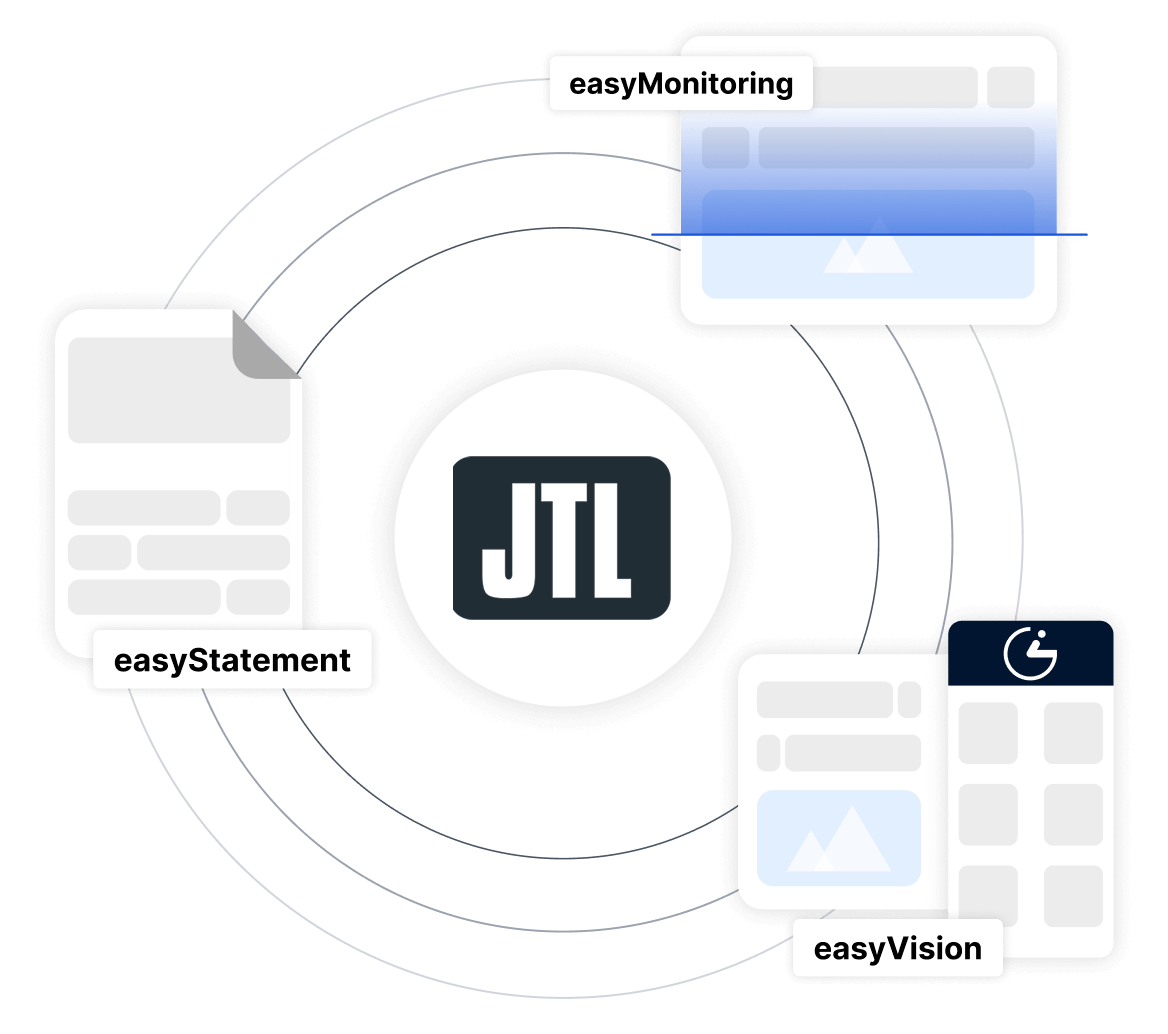
 Official plugin in JTL Extension Store
 No developer costs, no relaunch required
 GDPR compliant, developed in Germany
The SiteCockpit modules for your JTL Shop
With the plugin you activate not only the frontend widget, but also get access to the entire SiteCockpit platform. Step by step, make your JTL Shop accessible:

easyVision
Contrasts, font sizes, reading modes and keyboard navigation directly in your JTL Shop. Your customers adjust the display individually.

easyMonitoring
Automated testing of your JTL Shop according to WCAG 2.2. You see per page which barriers exist and where action is needed.
easyStatement
Legally compliant accessibility statement for your JTL Shop: automatically created, individually customizable, always up to date.

easyAlt
Missing alt texts for product images? easyAlt detects gaps and generates context specific descriptions via AI.
easyTranslate
Your JTL Shop in every language: live translation powered by DeepL, without language copies and without maintenance effort.
Typical barriers in JTL Shops and how SiteCockpit solves them
JTL Shop 5 comes with the NOVA template, which already provides modern standards with basic responsive functions. In practice, however, individual customizations, third party templates and subsequently inserted content regularly create barriers. These are the most common problems we see in JTL Shops:
Missing alt texts on product images: JTL offers an alt text field in the goods management, but in practice the fields remain empty for thousands of products. easyAlt automatically detects these gaps and generates context specific descriptions via AI without you having to edit each product individually.
Mega menus and filters not keyboard accessible: Many JTL templates use JavaScript based mega menus and filter bars that work with the mouse but are not reachable by keyboard. easyMonitoring detects these problems and prioritizes them by severity.
Contrasts and typography: Individual templates often use light gray tones and small font sizes that are problematic for people with visual impairment. easyVision gives your visitors the option to increase contrasts, adjust font sizes and activate a dyslexia friendly mode directly.
Checkout forms without clear labeling: Required fields, error messages and input aids in many JTL Shops are not correctly marked up for screen readers. easyMonitoring shows you exactly which forms need action.
Accessibility is an opportunity for everyone.
How accessible is your JTL Shop? Find out now.
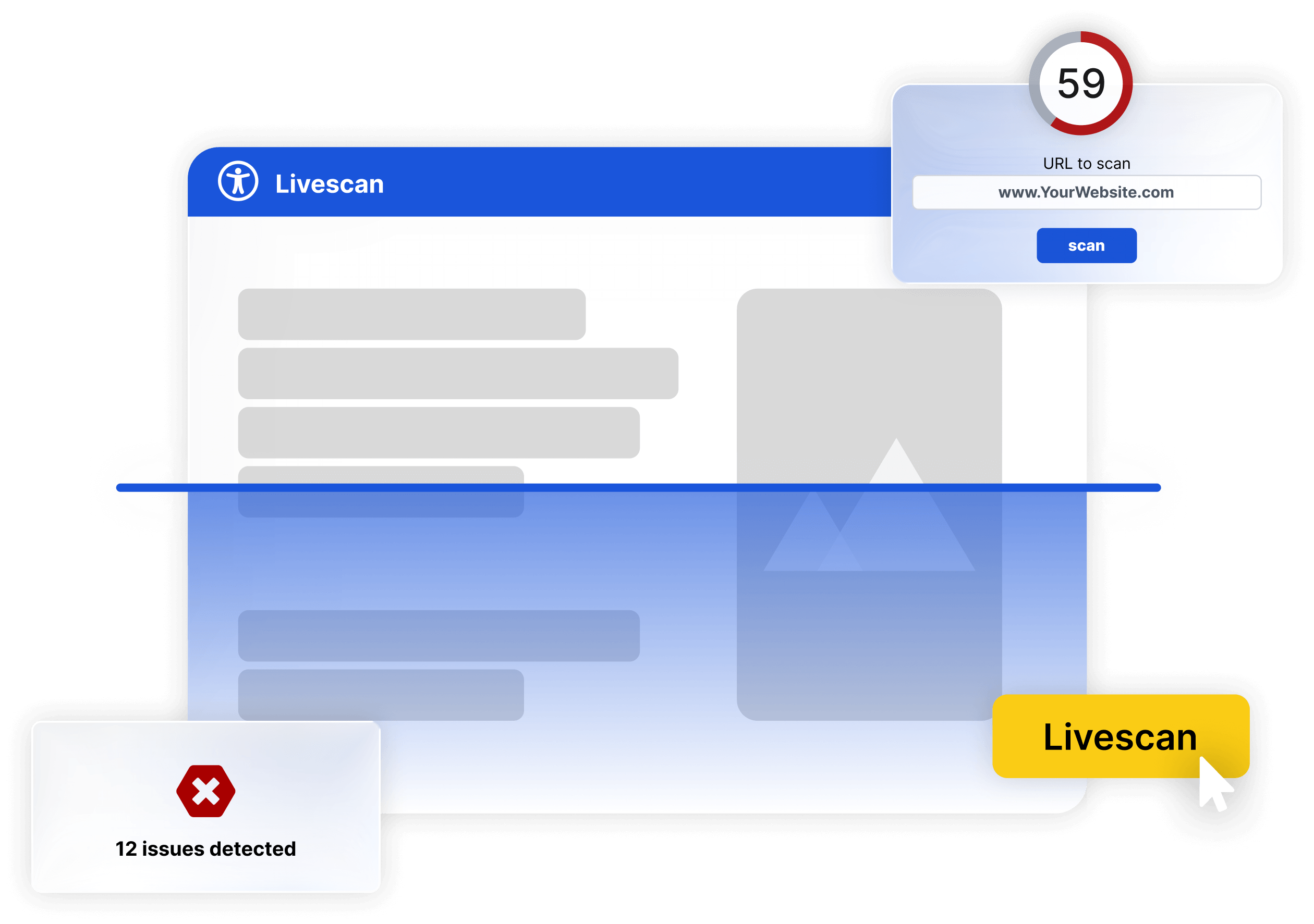
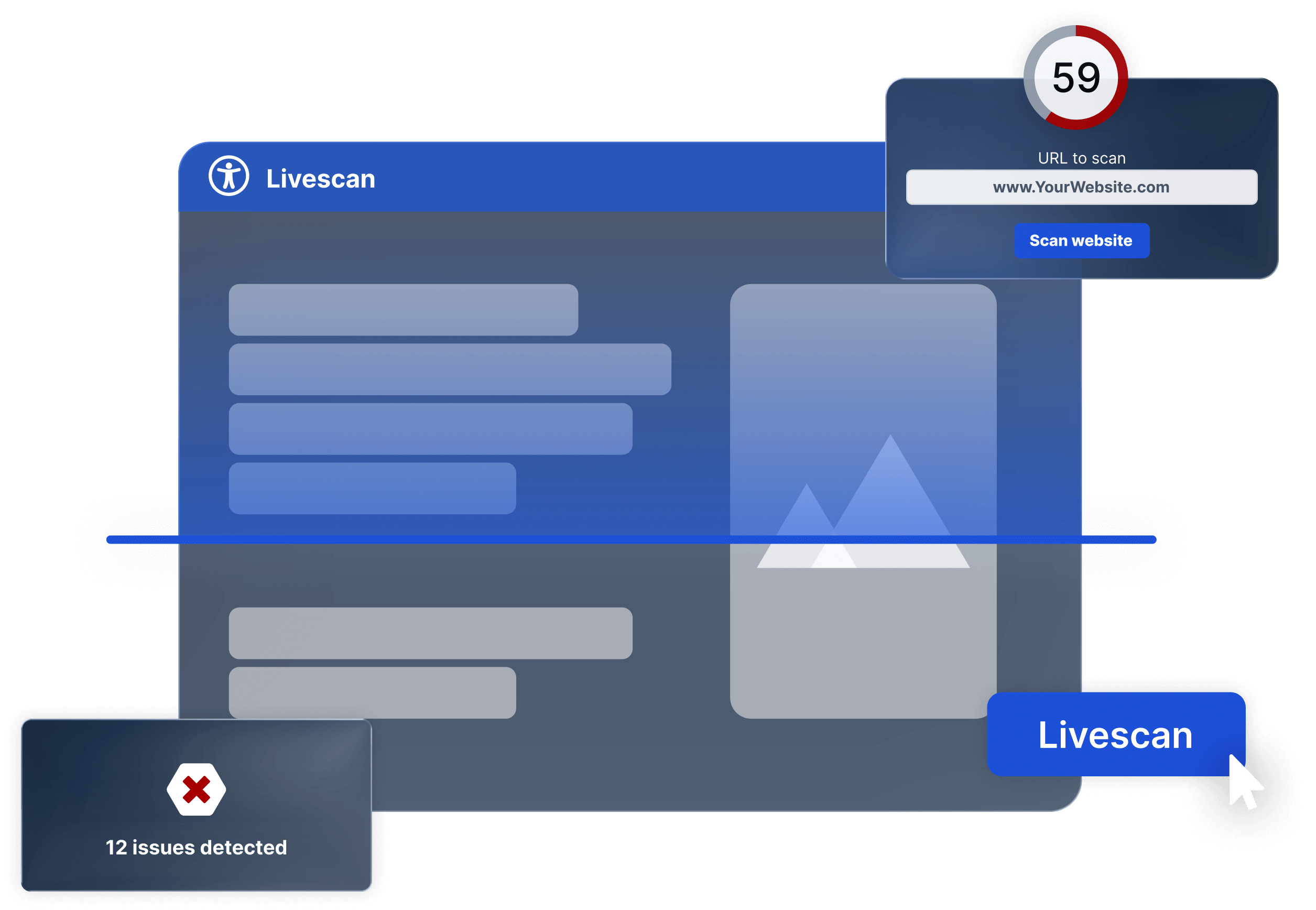
Free Live Check for your JTL Shop
Enter the URL of your JTL Shop and get an immediate assessment of accessibility, automated and without registration. In under 60 seconds, you will see where action is needed.
Accessibility requirement: What JTL Shop operators need to know now
The European Accessibility Act (EAA) applies since 28 June 2025. For JTL Shop operators who sell products or services to consumers, accessibility is now a legal requirement. Violations can result in fines of up to 100,000 euros, warnings from competitors or consumer organizations and reputational damage.
The good news: with SiteCockpit you make your JTL Shop accessible without interrupting ongoing operations. Install the plugin, enter the API key, done. You will see the first results from monitoring within minutes.
-
Affected: JTL Shops that sell to consumers
-
Threshold: At least 10 employees or over 2 million euros annual revenue
-
Consequences: Fines up to 100,000 euros, warnings, reputation damage
These JTL Shops are already accessible with SiteCockpit
More and more JTL merchants rely on SiteCockpit to make their online shop accessible. Integration via the official plugin is done in minutes and all modules are available immediately.
-
Megazoo: Germany's largest pet retailer on JTL Shop 5
-
deinSportsfreund: sports items shop with complete accessibility
-
Both shops: integration via official plugin in minutes
Megazoo is one of Germany's largest pet retailers and operates its online shop on JTL Shop 5. With SiteCockpit, Megazoo uses easyMonitoring for automated testing according to WCAG 2.2 and easyVision for accessible display options. Additionally, easyAlt automatically generates the missing alt texts for the extensive product range.
deinSportsfreund is a JTL Shop specializing in sports items that uses SiteCockpit for complete accessibility implementation: from automated testing to the accessibility statement with easyStatement to live translation with easyTranslate.
JTL Shop: Flexible e commerce from Germany since 2008
JTL Shop was founded in 2008 by brothers Janusch and Thomas Lisson and is now one of the leading shop systems for the German speaking market. More than 35,000 online shops rely on JTL: from small retailers to high revenue brand shops with thousands of products.
What makes JTL Shop special is its seamless integration into JTL Warenwirtschaft (JTL Wawi). Product data, inventory, orders and customer data are centrally managed and automatically synchronized with the shop. JTL Shop 5 is based on modern technology and offers a responsive standard with the NOVA template that flexibly adapts.
For accessibility, the NOVA template already provides basic structures: semantic HTML and responsive layouts. For complete implementation of WCAG 2.2 requirements and compliance with the European Accessibility Act (EAA), JTL Shops need additional tools. SiteCockpit closes this gap: as an official plugin directly from the JTL Extension Store.
Implement WCAG 2.2 in your JTL Shop
WCAG 2.2 defines how your JTL Shop must be accessible: content must be perceivable, operable, understandable and technically robust. This affects every area, from the product list through the product detail page and shopping cart to checkout.
SiteCockpit supports you in implementing all four principles:
-
Perceivable: Automatic alt texts for product images, adjustable contrasts and font sizes
-
Operable: Keyboard navigation, focus control and skip navigation via easyVision
-
Understandable: Clear form labeling, error messages and consistent navigation
-
Robust: Regular testing with easyMonitoring and documented progress with easyStatement
For agencies and service providers
Do you manage JTL Shops for your clients?
As an agency or JTL service provider, you can offer accessibility to your clients as a fixed part of your portfolio. With the agency package you manage multiple JTL Shops centrally via a dashboard, set your own prices and build recurring revenue. Alternatively, the service partner model also works with attractive terms.

Frequently asked questions: Make your JTL Shop accessible
Install the official SiteCockpit plugin from the JTL Extension Store, enter your API key and your JTL Shop is immediately equipped with the easyVision widget. For comprehensive accessibility, additionally use easyMonitoring to identify barriers and systematically fix them.
Make your JTL Shop accessible now
Install the official plugin from the JTL Extension Store and test SiteCockpit 7 days for free.
No credit card required.