easyVision: The Accessibility Widget for Your Website
With easyVision, your visitors adapt the display of your website to their needs: contrast, font, spacing, animations and more. Four profiles combine suitable settings with one click. You design the button to match your website.
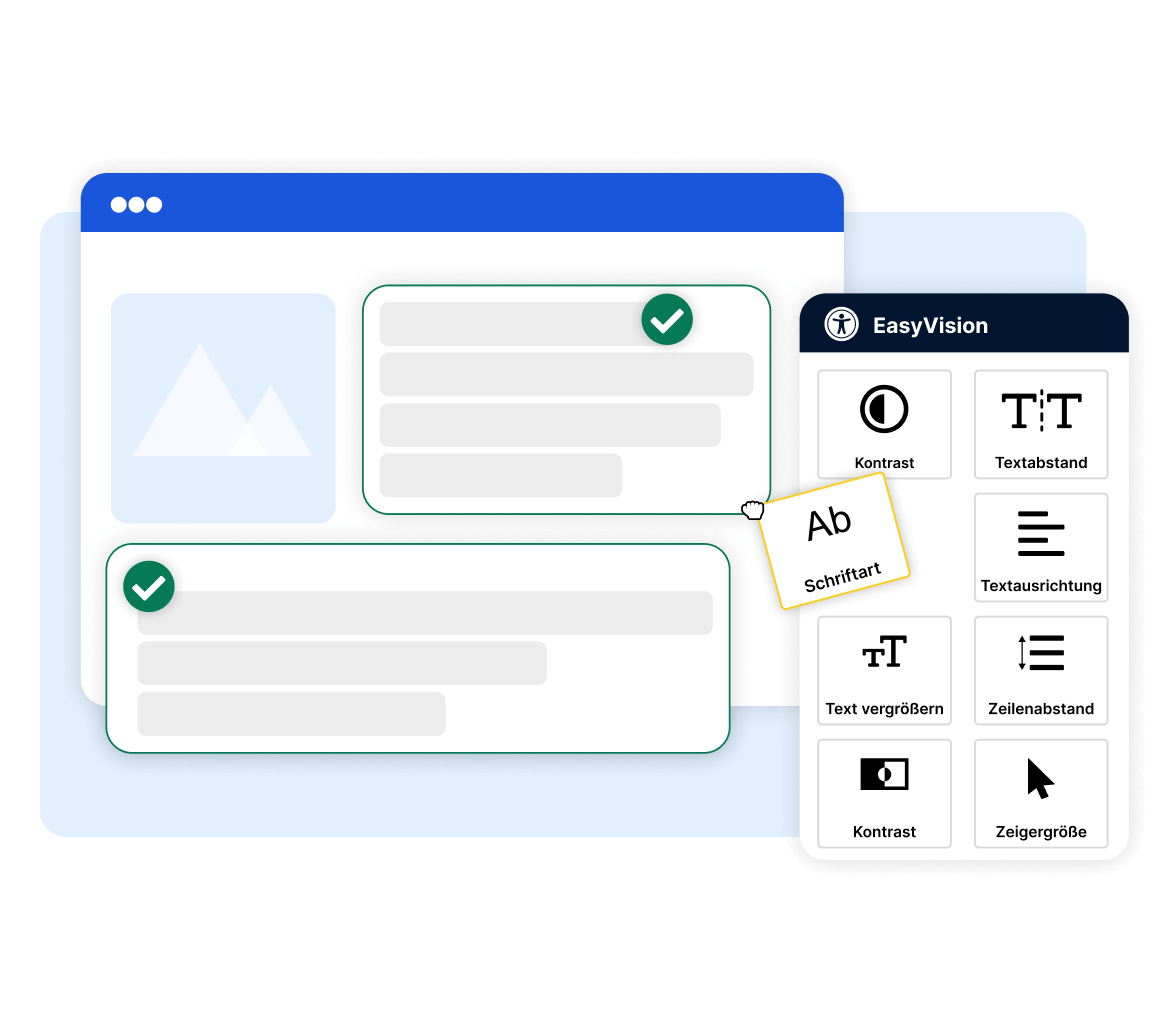
 Four profiles with one click
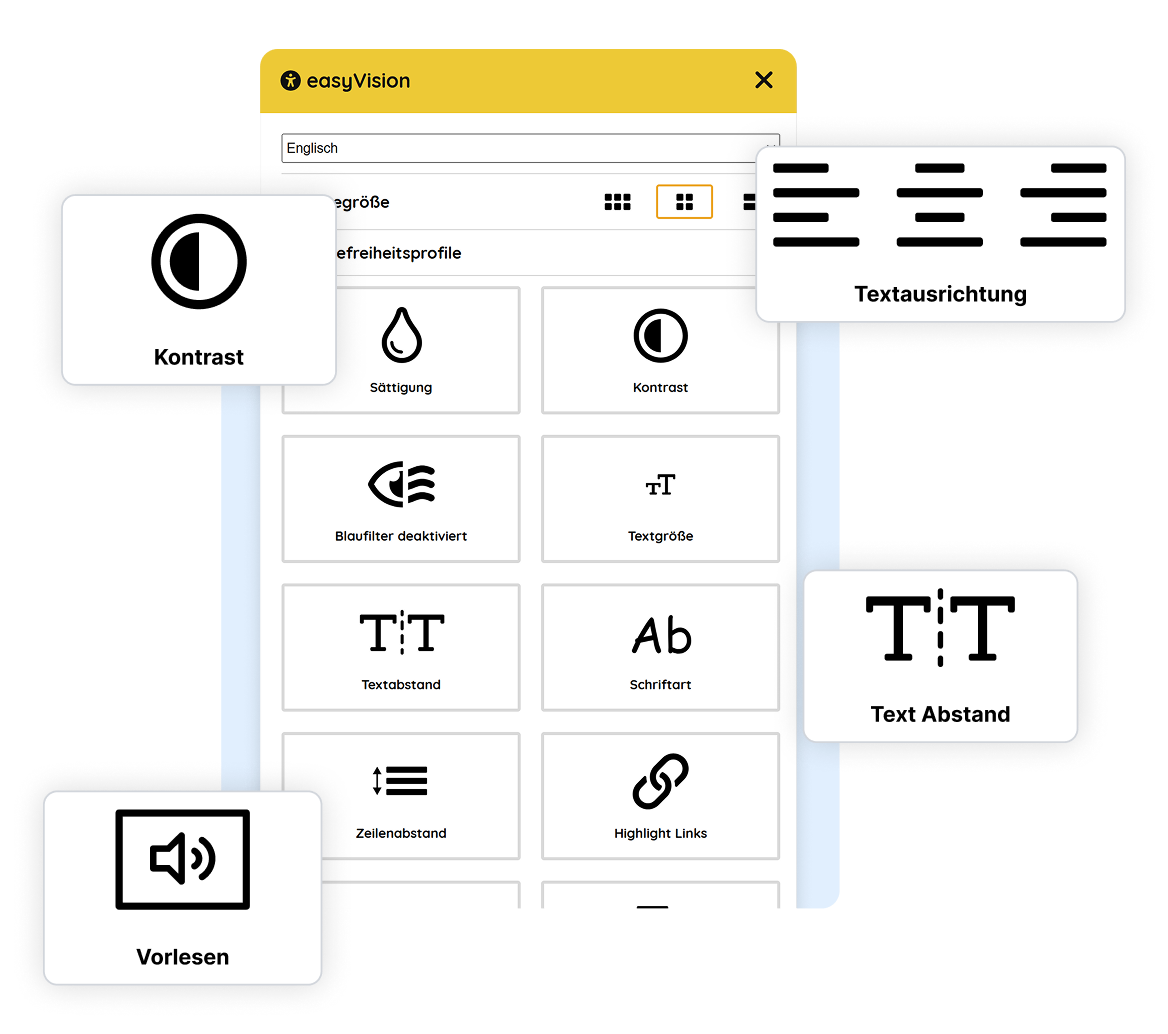
 Adjust the display individually
 Button matches your design
Four Profiles for Different Needs
Not everyone needs the same support. easyVision offers four profiles that activate suitable settings together. Individual values can then be adjusted further.
-
 Dyslexia: font and spacing for easier reading
-
Low vision: larger text, more spacing and stronger colours
-
Colour vision deficiency: desaturate colours
-
ADHD: fewer distractions with a reading mask and stopped animations
What Your Visitors Can Adjust
More than a dozen settings in four areas. Each setting takes effect immediately and can be reset with one click.
Seeing
Contrast, saturation, blue light filter and day and night mode for more comfortable viewing.
Check contrast →
Reading
Text size, text spacing, line spacing, font and text alignment.
All features →
Orientation
Highlight links, a larger cursor and a reading mask that guides the eye to the current line.
About auto-correction →
Calm and images
Stop animations, hide images or show image descriptions.
Discover easyAlt →Designed to Match Your Website
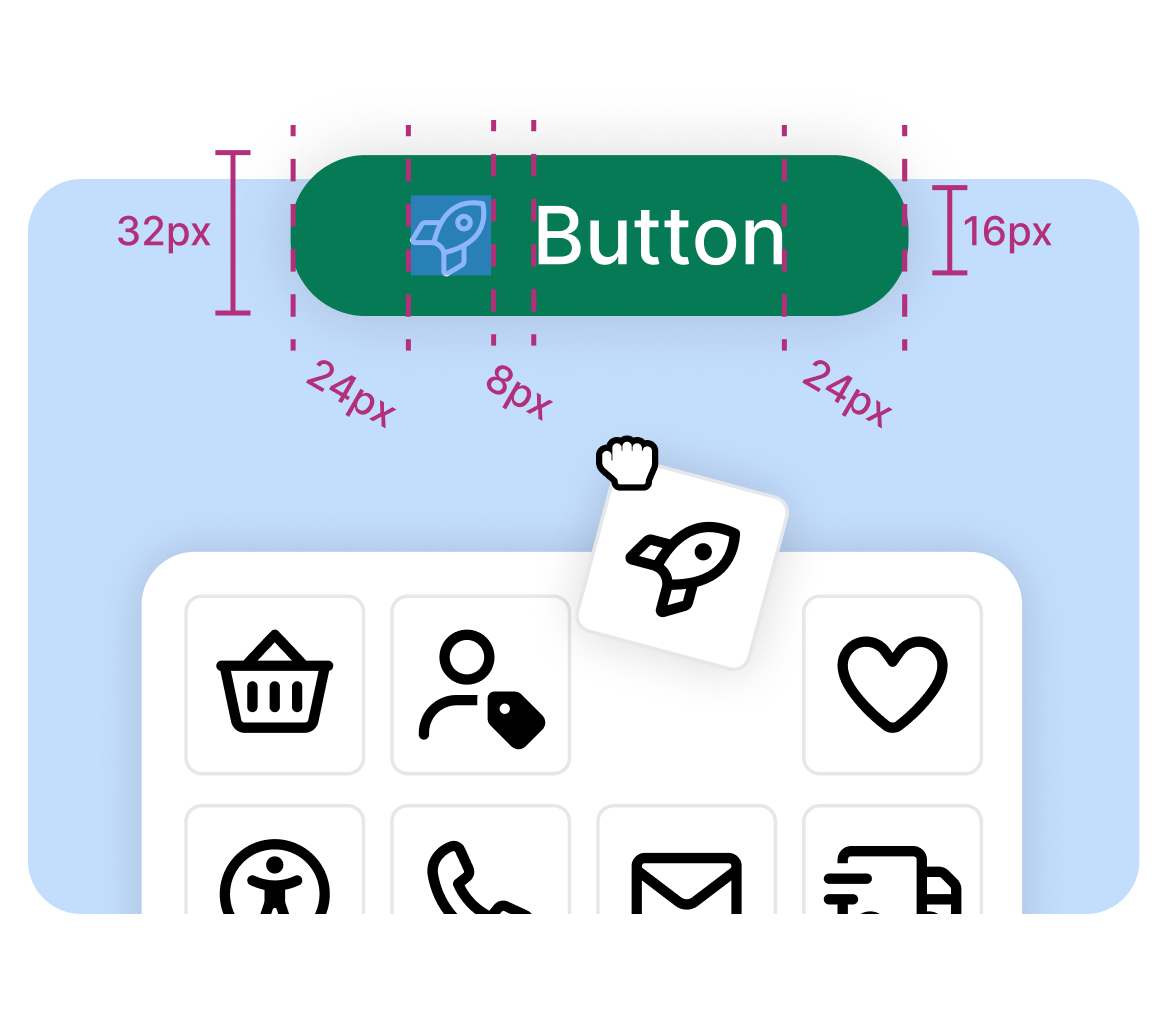
The easyVision button blends into your website. You set the colours, position and size yourself. easyVision is integrated via embed code or a plugin for common systems.
-
Colours matching your corporate design
-
Freely selectable button position and size
-
Integration via embed code or plugin
-
Page translation directly in the widget with easyTranslate
Widget, Auto-Correction, Code: What Works Where?
A widget alone does not make a website accessible. The WCAG requirements must be met in the code. easyVision is one building block in a complete package.

easyVision widget
Helps people adapt the display to their needs.
- Affects
- Display in the browser
- Controlled by
- Your visitors
- Replaces code changes
- No
 Included in the widget
Auto-correction
Automatically fixes common technical barriers in the frontend.
- Affects
- e.g. alt attributes, labels, skip links
- Controlled by
- You, via the widget settings
- Replaces code changes
- Only partly

Accessible code
The lasting solution: fix barriers at the source.
- Affects
- Source code and content
- Controlled by
- Your team or agency
- Basis
- Findings from easyMonitoring
Quick to Integrate, Safe to Run
easyVision works with common content management and shop systems.
Plugins for common systems
For systems such as WordPress or Shopify, you integrate easyVision via a plugin, for all others via embed code.
All integrationsNo profile tracking
easyVision does not create user profiles. Development and hosting take place in Europe.
Privacy policyConnected to your website
In the dashboard you manage the widget, auto-correction and monitoring for your domains in one place.
Try 30 days for freeThe Four Profiles in Detail
Each profile activates several settings at once. Each person can then adjust individual values to their needs.
Dyslexia
More spacing between letters and words, an easy-to-read font and a reading mask that guides the eye to the current line. Animations are stopped so that nothing distracts from the text.
Low vision
Text at double size, more spacing, stronger colours and an easy-to-read font. Links are highlighted, animations stopped and image descriptions shown.
Colour vision deficiency
Colours are desaturated so that information is not conveyed by hue alone. Image descriptions are also shown.

ADHD
Text at one and a half times the size, a reading mask to focus on the current line, stopped animations and image descriptions.
Who easyVision Is Made For
Many people benefit from an adjustable display, often without seeing themselves as people with disabilities.
Older people
With age, visual acuity and contrast sensitivity decrease. Larger text and more spacing make content comfortable to read again.
All features →
People with colour vision deficiency
According to MedlinePlus (NIH), red-green colour vision deficiency affects about 1 in 12 men and 1 in 200 women of Northern European ancestry.
Check contrast →
People with reading difficulties
An easy-to-read font, spacing and a reading mask help with dyslexia and low literacy. For simpler content there is easyLanguage.
Discover easyLanguage →Everyone in difficult situations
Bright sunlight on a smartphone, tiredness in the evening or a temporary injury: an adjustable display helps everyone.
Try 30 days for free →Why a Widget Alone Is Not Enough for the EAA
The European Accessibility Act refers to the requirements of EN 301 549 and therefore to WCAG. These concern how your website is built: headings, form labels, keyboard operation, focus order or alternative texts. A widget can change the display, but it cannot fully replace missing structures in the code. Screen reader users also bring their own assistive technology and above all need clean code.
-
easyMonitoring finds the causes in the code
-
Auto-correction fixes common errors in the frontend
-
Your team fixes the rest permanently in the system
-
easyVision adds personal settings to the result
Accessibility you can adjust
Let your visitors decide how they see your website
Frequently Asked Questions About easyVision
Not on its own. easyVision helps visitors adapt the display. However, the WCAG requirements, and therefore those of the European Accessibility Act, must be met in the code and content. Auto-correction fixes some common barriers automatically, and easyMonitoring shows what else needs to be done.
Give your visitors control
Try easyVision for 30 days free of charge or get personal advice.