Free browser extension for end users with tools to customize digital accessibility – on any website or shop
With SiteCockpit browser extensions, users activate essential accessibility functions directly in their browser – no technical knowledge or additional software required. The extensions help make content easier to read, understand, and navigate.
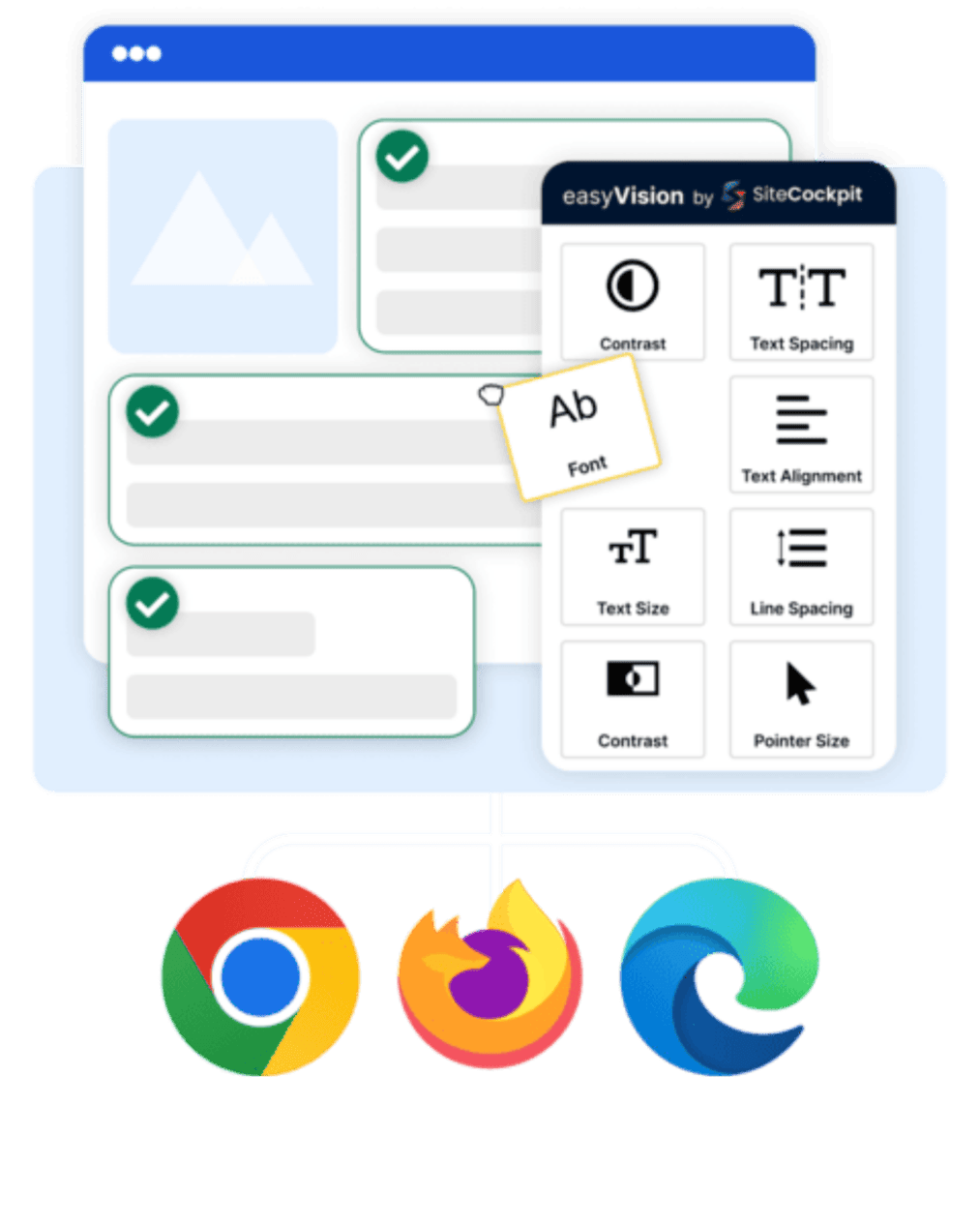
Free browser extension for end users with tools to customize digital accessibility – on any website or shop
Our free browser extensions help users activate digital accessibility directly in the browser. They enable better readability, clear contrasts, and easier navigation – on any website and in any shop.
Accessibility in the browser – fast, simple, free
SiteCockpit extensions support users in customizing websites to their individual needs. They are among the leading accessibility browser tools and simplify everyday web use.
All features run locally in the browser, remain GDPR-compliant, and follow the principles of modern accessibility features and recommendations from the WCAG 2.2.
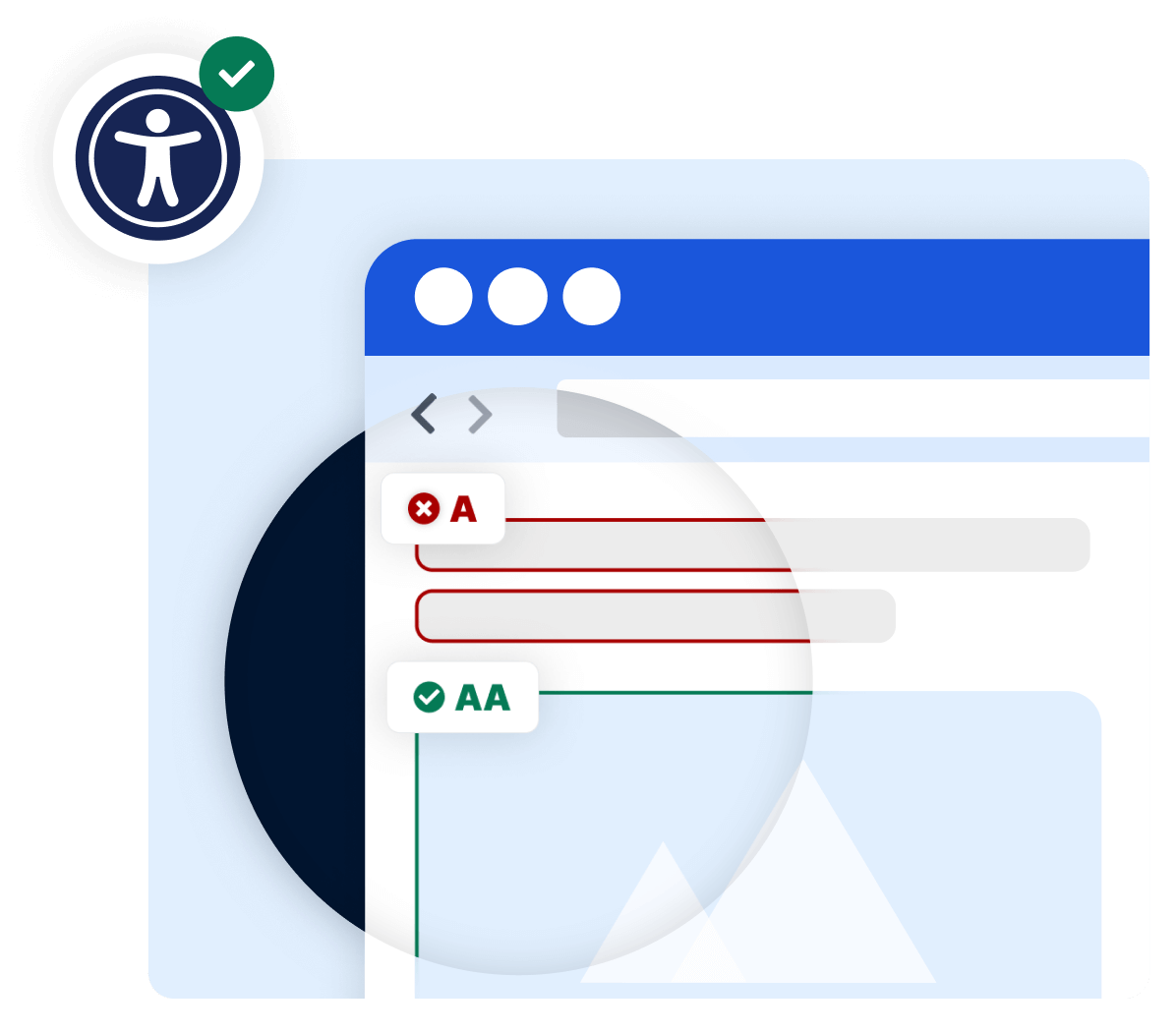
Try it now: How accessible is your website?
Use our live check for an instant first assessment – no registration required. Just enter your URL and see how well your site meets key accessibility criteria.
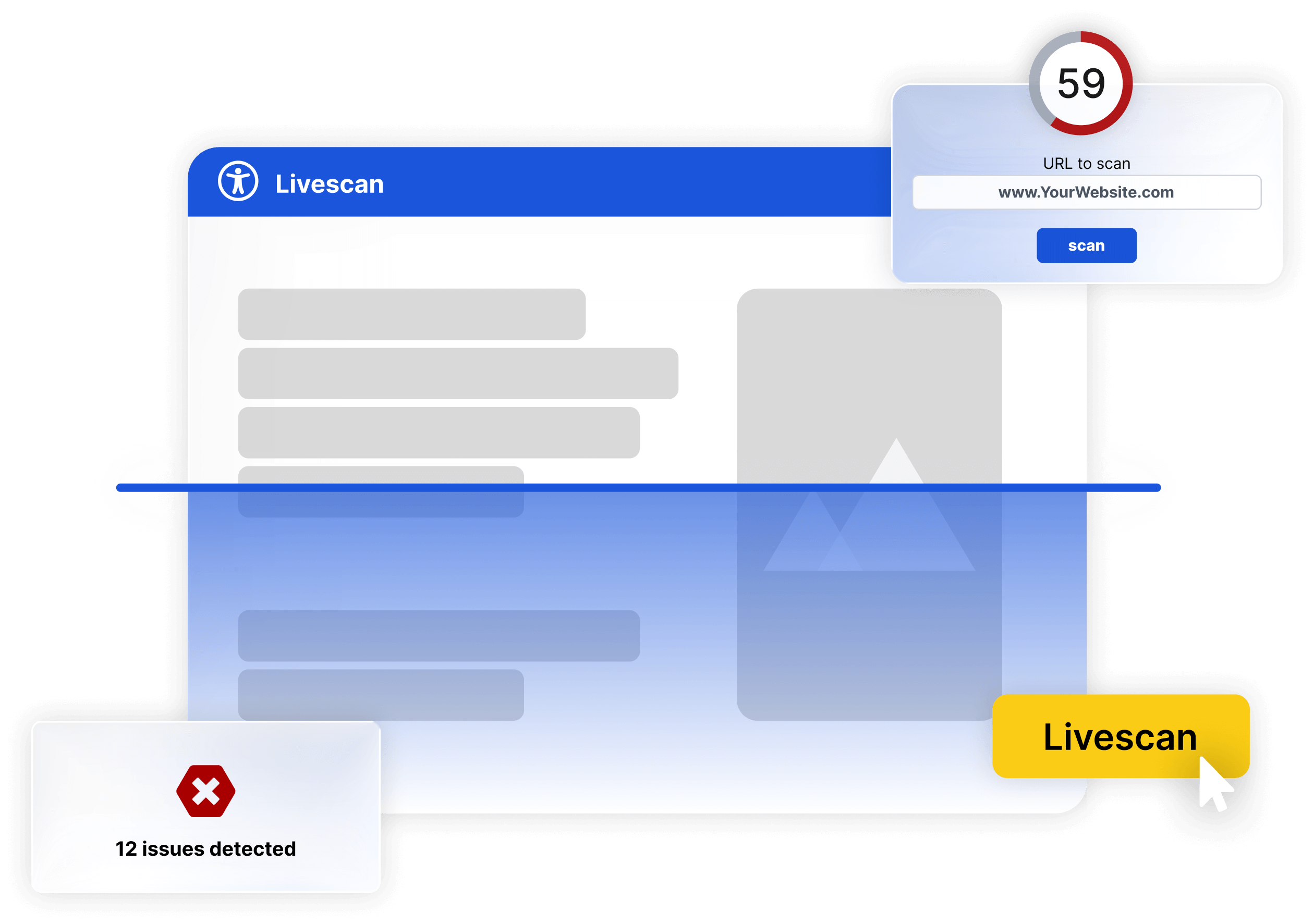
Accessibility is for everyone
Make every website easier to read and better to use
Key functions of the browser extensions
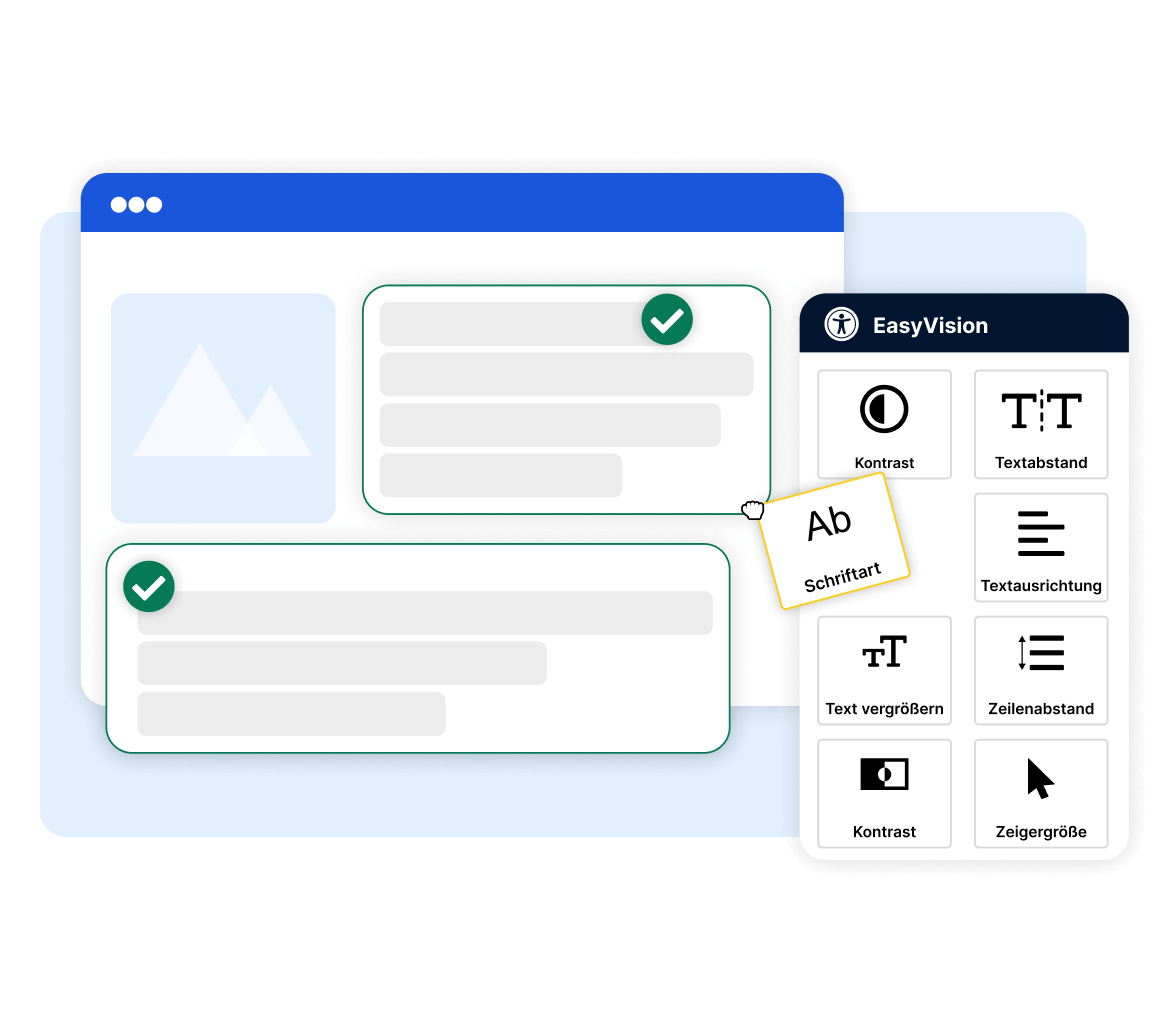
Text enlargement
Adjust font sizes for better readability.
Increase line spacing
Improve readability with more space between lines.
Optimize contrast
Activate contrast modes for better visibility.
Highlight links & buttons
Make interactive elements easier to identify.
Support keyboard navigation
Display focus and simplify navigation.
Hide animations
Reduce distractions caused by motion.
Who the Extension Is Made For
The four profiles combine suitable settings for different needs. Each setting can also be adjusted individually.

Dyslexia
More spacing between letters and words, an easy-to-read font and a reading mask for the current line.
About the profiles →
Low vision
Larger text, more spacing, stronger colours and highlighted links.
About the profiles →
Colour vision deficiency
Desaturated colours so that information is not conveyed by hue alone.
Check contrast →
ADHD
Larger text, a reading mask and stopped animations for fewer distractions.
About the profiles →Extension or Widget: What Is the Difference?
The browser extension is designed for people who need support while browsing. They install it once and use it on any website. The easyVision widget, by contrast, is integrated by website operators so that all visitors can use the features without installing anything. Neither replaces accessible coding of the website itself.
-
 Extension: free, for users
-
Extension: works on any website
-
Widget: integrated by operators, no installation for visitors
-
Widget: can be adapted to the website design
FAQ – Browser Extensions & Accessibility
Yes — especially for users who want to improve contrast, font size, or readability.
They are among the most essential accessibility browser extensions available.
Get started for free
Try the browser extensions and experience how digital accessibility works in everyday use.