Accessible App: Accessibility for All Users
An accessible app reaches more people and makes your content accessible to all users, regardless of impairments or operating systems. Whether mobile website, web app, or web-based content within your app: With SiteCockpit, you audit accessibility according to recognized standards and implement accessible adjustments easily for smartphones and all devices.
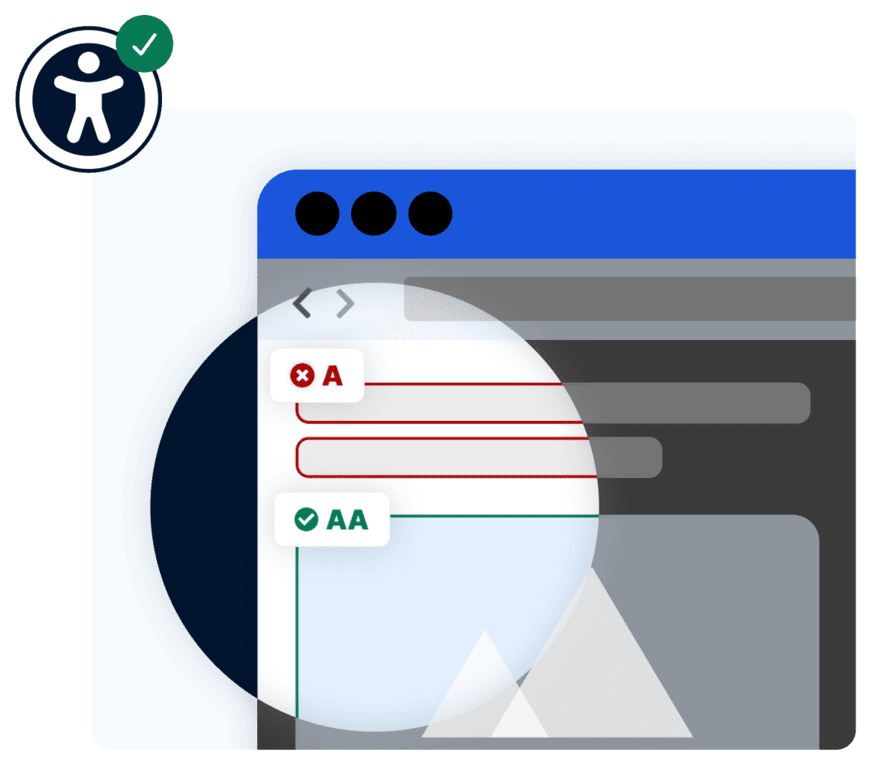
Key Takeaways at a Glance
Accessible App Summarized
These four points summarize what defines an accessible app and how you can achieve accessibility for your users.
-
 An accessible app is usable for everyone, including people with impairments
-
The foundation relies on recognized standards like WCAG and the EN 301 549 norm
-
Key factors include contrast, legible copy, clear language, and smartphone operability
-
Accessibility applies to iOS, Android, and every other operating system
 Accessible apps reach more people and users
Accessibility for iOS, Android, and every operating system
Aligned with WCAG 2.2 and EN 301 549 standards
Accessible apps reach more people and users
Accessibility for iOS, Android, and every operating system
Aligned with WCAG 2.2 and EN 301 549 standards
What Is an Accessible App?
An accessible app is designed so that all people can use it, regardless of physical or technical impairments. This includes screen reader users, individuals with low vision, people with motor limitations, and many other users. The goal is for every user to reach the app's content and features on their smartphone. This enables people to read texts, listen to read-aloud features, and navigate the app securely in whatever way suits them best.
Accessible apps follow the same principles as the accessible web. The Web Content Accessibility Guidelines (WCAG) and the EN 301 549 standard are the authoritative benchmarks. They describe, for instance, how copy stays readable, how contrast ratios must be designed, and how an app remains operable without precise sight or touch input.
The topic is also legally relevant: The Accessibility Strengthening Act (BFSG) requires many businesses to design their digital services accessibly since June 28, 2025. This includes mobile applications and apps used to provide consumer services.
The Four Principles of an Accessible App
WCAG standards are grouped into four core principles. They demonstrate how to design an accessible app for all users.
1. Perceivable
Copy, visual media, and interactive elements must be perceivable—through proper contrast, readable text, and alt texts.
2. Operable
The app must be reliably operable on smartphones, featuring large touch targets, clear navigation, and gesture plus keyboard support.
3. Understandable
Clear language and intuitive user flows help all users read content and understand the app without hurdles.
4. Robust
The app must perform reliably across every operating system and interface smoothly with assistive technology like screen readers.
Accessible App Development for iOS and Android
Accessibility should be built into development from the ground up. Both iOS and Android offer native accessibility features, such as voiceover output, screen magnification, and customizable contrast settings. An accessible app leverages these OS features consistently while extending them with tailored accessibility enhancements.
Many mobile apps consist wholly or partially of web-based content, such as web apps or embedded web views. SiteCockpit automatically audits these exact web assets and your mobile website against recognized standards, giving you concrete guidance on where action is needed.
-
Anchor accessibility early in app development workflows
-
Utilize native iOS and Android accessibility features effectively
-
Audit web apps and web-based app content against WCAG and EN 301 549
-
Maintain uniform accessibility standards across all operating systems and smartphones
Why Accessible Apps Matter for People and Businesses
Millions of people live with disabilities, joined by many others with temporary or age-related limitations. For them, digital accessibility determines whether they can use an app at all. An accessible app opens your offerings to all these users and customers.
-
Accessible apps reach millions of people with impairments
-
Improved user experience for everyone on every smartphone
-
Accessibility as a measurable quality indicator for your mobile app
Accessible apps are simultaneously better for everyone: highly legible typography, plain language, and strong contrast ratios improve usability on every smartphone—even in bright sunlight or on the go. The goal is an app that functions seamlessly for users with and without impairments alike.
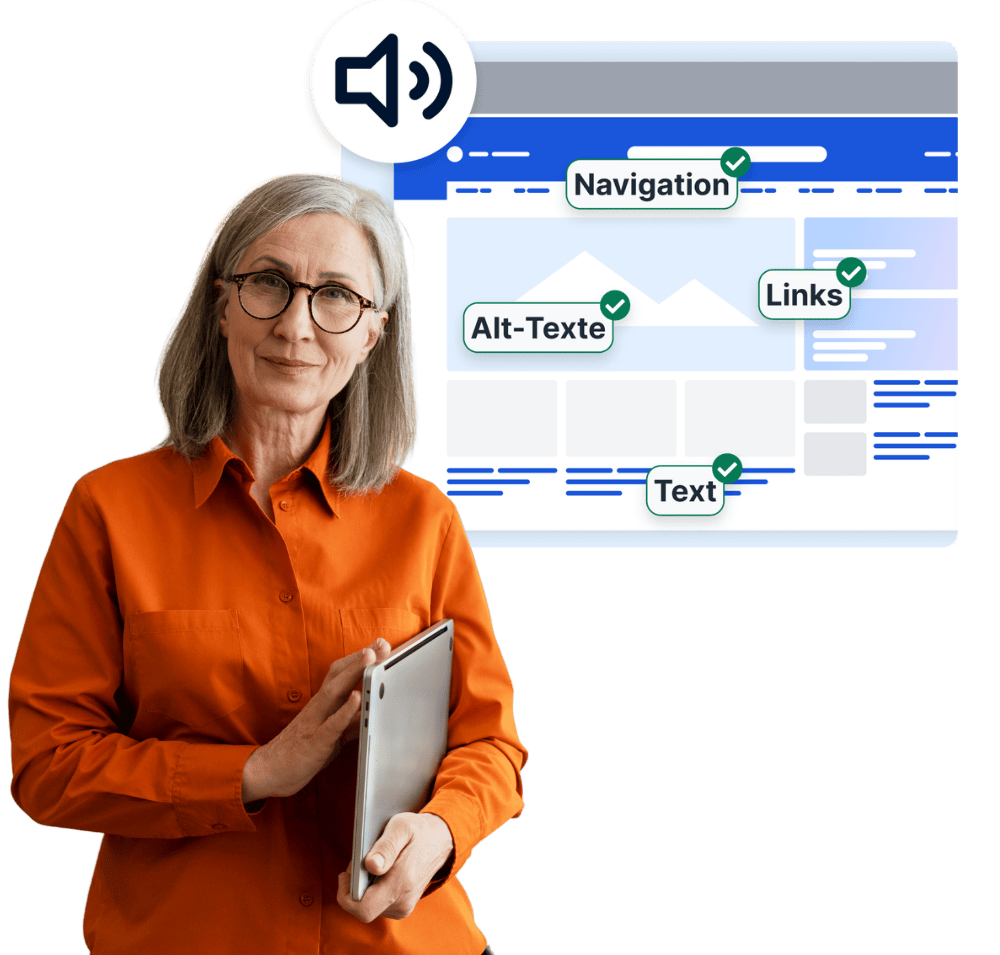
SiteCockpit pinpoints where web-based content within your app or mobile site contains digital barriers—such as missing alt texts, low contrast ratios, or hard-to-read text. This allows you to systematically enhance accessibility and keep clear, audit-ready records.
Your Complete Solution
Five Steps to Accessibility
1. Initial Audit: Test your app's web content and mobile site using our free Livecheck tool.
2. Set Up Monitoring: Enable easyMonitoring for automated WCAG 2.2 AA testing.
3. Deploy Instant Fixes: Integrate easyVision for your mobile site and generate missing alt text via easyAlt.
4. Broaden Access: Provide content in additional language variants using easyTranslate.
5. Generate Documentation: Create your official accessibility statement with easyStatement.
Our Products for Your Accessible App
With SiteCockpit products, audit and enhance the web-based components of your app and mobile website simply and independently of your technology stack.
easyVision
Personalized accessibility options such as visual contrast toggles, reading modes, and keyboard controls directly on your mobile site.
easyMonitoring
Automated website auditing for digital barriers alongside clear, actionable recommendations.
easyStatement
Legally compliant accessibility statements, automatically generated and fully customizable.
easyAI
AI-powered assistance for web accessibility and automated content optimization.
easyAlt
Automated alternative text generation for images—fast, consistent, and WCAG-aligned.
easyTranslate
Accessible translations and simplified language options for your digital content.
Workshops
Practical training to master accessibility implementation within your existing workflow.
Webinars
Live sessions providing practical guidance, industry best practices, and live Q&A covering digital accessibility.
Standards for Accessible Apps: WCAG and EN 301 549
The technical foundation for accessible apps rests on the Web Content Accessibility Guidelines (WCAG) at Level AA compliance, alongside the EN 301 549 standard, which outlines specific mobile app requirements. These benchmarks dictate that copy must be legible, contrast ratios must be sufficient, content must be voiced via screen readers, and the app must remain operable without visual precision.
-
WCAG 2.2 AA and EN 301 549 as standards for mobile apps
-
Color contrast, legible copy, plain language, and screen reader output
-
Automated auditing for web-based content and mobile web views
Compliance can be audited automatically for web-based applications, web apps, and mobile websites. SiteCockpit analyzes your web content, prioritizes required fixes, and documents your progress so that your app remains continuously compliant.
Flexible Packages and Pricing at a Glance
Unlock the full potential of digital accessibility with scalable packages tailored to your company.
Starter
- Website Widget
- 1 Domain
- Accessibility Statement
- 2500 Credits per month
- 1 User
- easyMonitoring
- easyALT (aut. Alt attributes)
Pro
- Everything from Starter +
- 2 Domains
- 10,000 Credits per month
- easyMonitoring
- 3 Users
- easyTranslate (Live-Translation)
- Integration service
Premium
- Everything from PRO +
- 5 Domains
- 30,000 Credits per month
- easyLanguage
- 10 Users
- Key-Account & Personal Onboarding
- Assistance with inspections by the authorities
Enterprise
- Individual requirements
- Key account support
- Manual audits and training courses
- Support with audits by authorities and with content-related issues through warnings (no legal advice)
- 99.9% SLA
** Note: Vouchers are non-transferable, not combinable with other discounts and can only be redeemed online. A cash payment is excluded.
Have questions? We are here to help.
Whether you need an initial consultation on accessible app design or concrete technical planning, our team is ready. Make your app accessible alongside a partner who understands your needs.
Frequently Asked Questions About Accessible Apps
An accessible app is usable by everyone, including people with impairments. Crucial factors include strong color contrast, readable text, clear language, touch-friendly tap targets, and smooth integration with screen readers. Foundations rely on WCAG guidelines and the EN 301 549 norm.