Solution for your website
Accessible Websites: Mandatory Under the BFSG
Since 28 June 2025, a website must be accessible if services for consumers are offered through it. SiteCockpit shows you where barriers are, helps you fix them and documents the status, regardless of your CMS.
 No credit card
- For all common CMS
-
Find barriers
easyMonitoring checks your pages regularly on desktop and mobile and rates them with a score. What cannot be measured automatically, you check with easyAudit.
Tools: easyMonitoring, easyAudit
-
Fix barriers
Prioritised recommendations show where to start. easyAlt writes alt texts, easyLanguage simplifies texts, easyVision adapts the display.
Tools: easyAlt, easyLanguage, easyVision
-
Document
easyStatement creates the accessibility information required by the BFSG in a guided generator and uses the results from easyMonitoring.
Tools: easyStatement
-
Monitor continuously
After every relaunch or update, score and history show whether new barriers have appeared and how your website is developing.
Tools: easyMonitoring
When Must a Website Be Accessible?
The Accessibility Strengthening Act (BFSG) and its accompanying ordinance (BFSGV) require businesses to design their websites accessibly as soon as they offer consumer services through them. These obligations went into effect on June 28, 2025. Affected entities include online stores, booking portals, banks, insurance companies, and many other digital services.
The objective of the law is to make digital content accessible to all citizens. In practice, the technical benchmark is the EN 301 549 standard. Its current version V3.2.1 adopts the Web Content Accessibility Guidelines (WCAG) 2.1 at Level AA for web content. The newer version 2.2 adds further criteria and is a sensible target.
The BFSG ordinance (BFSGV) specifies these obligations in detail. In doing so, companies facilitate digital inclusion for people with disabilities and maximize content reach. SiteCockpit audits your content automatically against this standard and highlights specifically which images, texts, or features to adjust—regardless of your CMS.
The Four Core Principles of an Accessible Website
The WCAG criteria fall under four main principles. They show you how to structure content so it remains accessible to everyone, including users with impairments.
1. Perceivable
Images, text, and videos must be identifiable by all users—through alternative text, captions, and proper visual contrast.
2. Operable
Your website must be fully operable via keyboard, offering clear navigation and visible focus indicators without requiring a mouse.
3. Understandable
Clear language and readable typography make content easy to digest for everyone, complemented by Plain Language where helpful.
4. Robust
Your web content must perform reliably across all devices and stay compatible with assistive technologies such as screen readers.
Who Must Implement These Requirements?
The obligations affect significantly more companies than many expect. In principle, any business offering products or services to consumers via its website must comply. Examples include e-commerce shops, banks, insurance providers, travel portals, and e-book distributors.
Microenterprises offering services are exempt: fewer than 10 employees and a maximum of €2 million in annual turnover or annual balance sheet total. All other businesses must provide accessible content and comply with legal requirements, making online services available to everyone.
-
 Applies to companies offering consumer-facing digital services
-
Examples: Online stores, banks, insurance agencies, booking & ticketing portals
-
Exemption for microenterprises offering services with fewer than 10 employees
-
Requirements apply universally, regardless of the underlying CMS
How to recognise an accessible website
Whether a website is accessible depends on specific WCAG requirements. These six points show typical examples. You will find the complete list to tick off in the web accessibility checklist.
Sufficient contrast
Normal text needs a contrast ratio of at least 4.5:1 against the background, large text at least 3:1 (WCAG 1.4.3).
Resizable text
Text can be enlarged to 200 percent without loss of content or functionality (WCAG 1.4.4). This helps people with visual impairments.
Keyboard operation
All functions can be reached without a mouse, and the keyboard focus is always visible (WCAG 2.1.1 and 2.4.7).
Alternative text
Informative images have an alternative text that screen readers read aloud (WCAG 1.1.1).
Captions
Prerecorded videos with sound have captions so that deaf people can follow them (WCAG 1.2.2).
Labelled forms
Every input field has a label, and errors are described in text (WCAG 3.3.1 and 3.3.2).
Before and after
A Teaser Like the Ones on Almost Every Website
Image, heading, link: visually everything is there, yet a screen reader is missing three pieces of information. Switch views and read what is announced in each case.
Image without alt text
Before: The screen reader only says “image”.
After: The alt text describes the motif.
WCAG 1.1.1 · easyMonitoring, easyAlt
Heading only visual
Before: Set in bold, but technically a div.
After: Marked up as h3 and reachable via heading navigation.
WCAG 1.3.1 · easyAudit
Link text “More”
Before: The screen reader’s link list only shows “More”.
After: The link text names the destination.
WCAG 2.4.4 · easyAudit
alt text missingHiking trip to the Alps
<div class="title">2The screen reader announces
„Image. Hiking trip to the Alps. Link, More.“
alt text ✓Hiking trip to the Alps
<h3>2The screen reader announces
„Image, mountain range in sunshine. Heading level 3, Hiking trip to the Alps. Link, More about the Alps hiking trip.“
Example. The exact announcement depends on the screen reader.
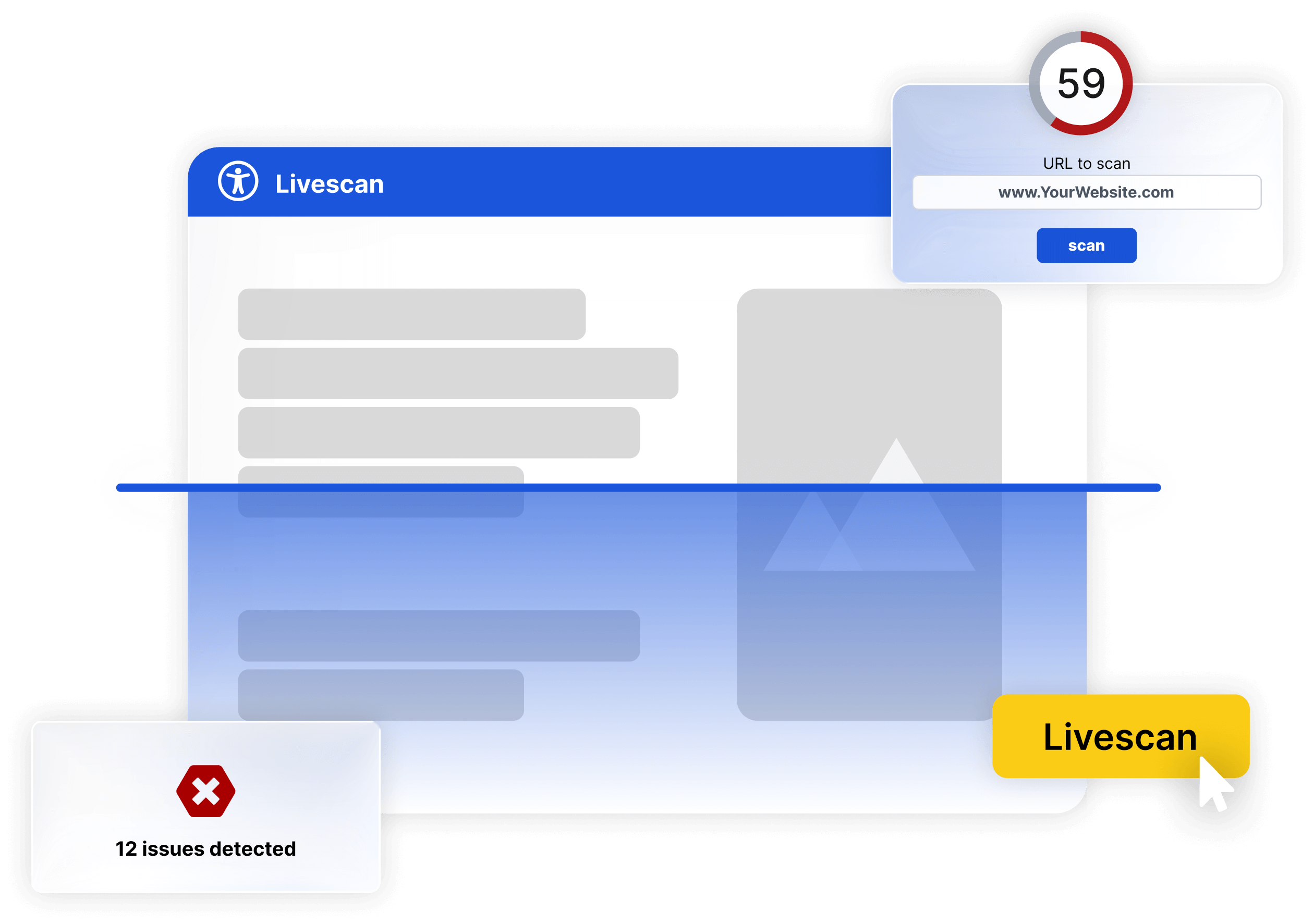
Find digital barriers with our Live Check!
Click, test, optimize - that is how simple it is to create an accessible website. Use our free live check and gain valuable know-how from our whitepaper.
Accessibility as a Competitive Advantage for Your Business
An accessible website does not just meet legal demands—it reaches more people. Millions of citizens live with disabilities, alongside many others with temporary or age-related limitations. Accessible web content opens your online offerings to all these users.
-
Mandatory under the Accessibility Strengthening Act since June 28, 2025
-
Broader reach: accessible offerings connect with more users
-
Reduce risks: protect against formal warning letters and fines
Well-structured, accessible content elevates user experience across the board, builds brand trust, and positively influences search engine rankings (SEO). Resolving digital barriers early also prevents legal risks, protecting your organization from warning notices and administrative fines.
SiteCockpit pinpoints digital barriers on your site—such as images lacking alt text, poor contrast ratios, or broken keyboard navigation. This enables you to systematically improve accessibility while keeping transparent, audit-ready records.
Works Seamlessly with Any CMS
We offer tailored integrations for all popular content management systems, ensuring maximum flexibility and long-term compatibility.






Technical Requirements: WCAG and EN 301 549
The technical foundation rests on the Web Content Accessibility Guidelines (WCAG) at Level AA. These rules and the EN 301 549 standard define how accessible web content must be built. Specifically, this mandates meaningful alternative text for visual media, adequate contrast ratios between text and background, readable typography, full keyboard operability, and complete screen reader compatibility.
-
EN 301 549 as the benchmark, with WCAG 2.1 AA for web content
-
Color contrast, readable copy, keyboard controls, and screen reader support
-
Accessible content using plain language, independent of your CMS
Clear language and intuitive visual hierarchy are equally crucial to ensure content remains understandable and accessible. These standards apply to every site, regardless of the technology stack or CMS used. SiteCockpit audits your website automatically against web accessibility criteria and provides concrete remediation steps.
Frequently Asked Questions About Accessible Websites
Under the Accessibility Strengthening Act (BFSG), operators must ensure digital content, text, media, and features are usable by everyone, including people with disabilities. Mandatory requirements took effect on June 28, 2025; non-compliance may result in administrative penalties.
Have questions? We are here to help.
Whether you need an initial consultation on accessibility regulations or tailored technical planning, our team is here for you. Make your website accessible alongside a partner who understands your needs.