Checking for Barriers Correctly: Automated vs. Manual Testing
Is your website actually accessible, or just on paper? Automated checks give you a first impression in minutes, but they only catch part of the real barriers. We show you how to combine automated and manual testing the right way, so you can verify your digital offerings against the BFSG and WCAG with confidence.
The Key Facts at a Glance
Checking for Barriers Correctly at a Glance
These four points summarize how to test for barriers the right way.
-
 Automated tests catch only around 20–40% of all WCAG criteria
-
The remaining criteria – such as readability and screen reader behavior – can only be checked manually
-
Since 28 June 2025, the BFSG has required many companies to test their accessibility
-
Only the combination of automated checks and manual testing adds up to a complete review
 Automated checks test your website around the clock
Manual tests catch issues no tool can detect
Combined testing is required for true BFSG compliance
Automated checks test your website around the clock
Manual tests catch issues no tool can detect
Combined testing is required for true BFSG compliance
Why You Need to Test for Barriers the Right Way
Since 28 June 2025, Germany's Accessibility Strengthening Act (BFSG) has been in force. Companies that offer digital products and services to consumers must make their websites, apps, and other online offerings accessible according to the WCAG guidelines. Anyone wanting to check whether their offering meets the law faces an important question: is an automated check enough, or do you need a manual test?
The answer is clear: for a truly solid case in front of the market surveillance authority, you need both. Automated tests give you a fast first impression; manual tests check the criteria no tool can reliably catch.
This page shows you how to combine automated and manual testing sensibly, so you can systematically test your content and applications for barriers and fully meet the requirements of the Accessibility Strengthening Act.
Automated Tests Compared to Manual Tests
Both testing approaches have their strengths. This overview shows where automated checks hit their limits, and where manual tests need to take over.
What Automated Checks Reliably Detect
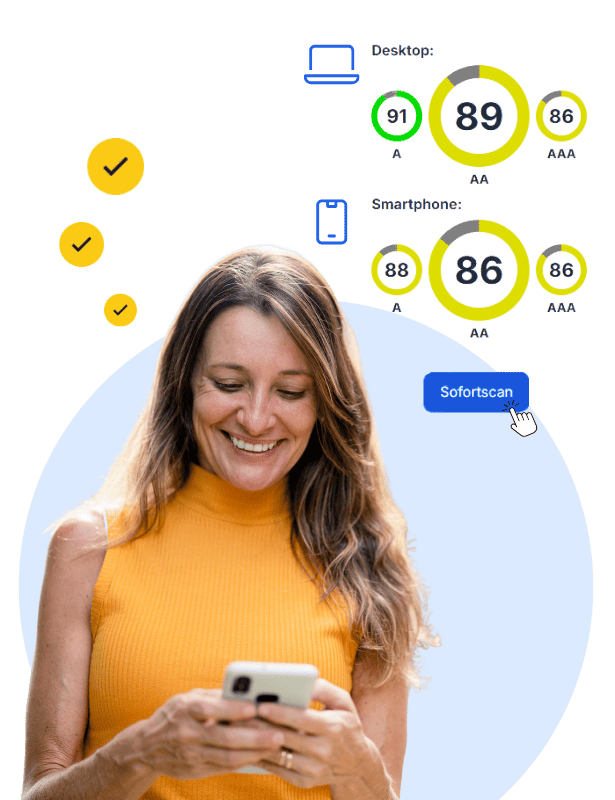
Automated tools like easyMonitoring scan your entire website or app in a short time and check every page against fixed WCAG criteria.
-
Missing or empty alt text on images
-
Insufficient color contrast between text and background
-
Missing form labels and unconnected input fields
-
Missing language declaration in the HTML
-
Structural problems in the heading hierarchy
What Only a Manual Test Reliably Finds
Manual tests check aspects that require human judgment – ones no automated tool can evaluate.
-
Whether alt text actually describes the image content in a meaningful way
-
Whether the reading order makes sense for screen reader users
-
Whether text and error messages are genuinely understandable
-
Whether every interactive function can be operated by keyboard alone
-
Whether dynamic content is correctly announced by screen readers
Check Your Website for Barriers Now
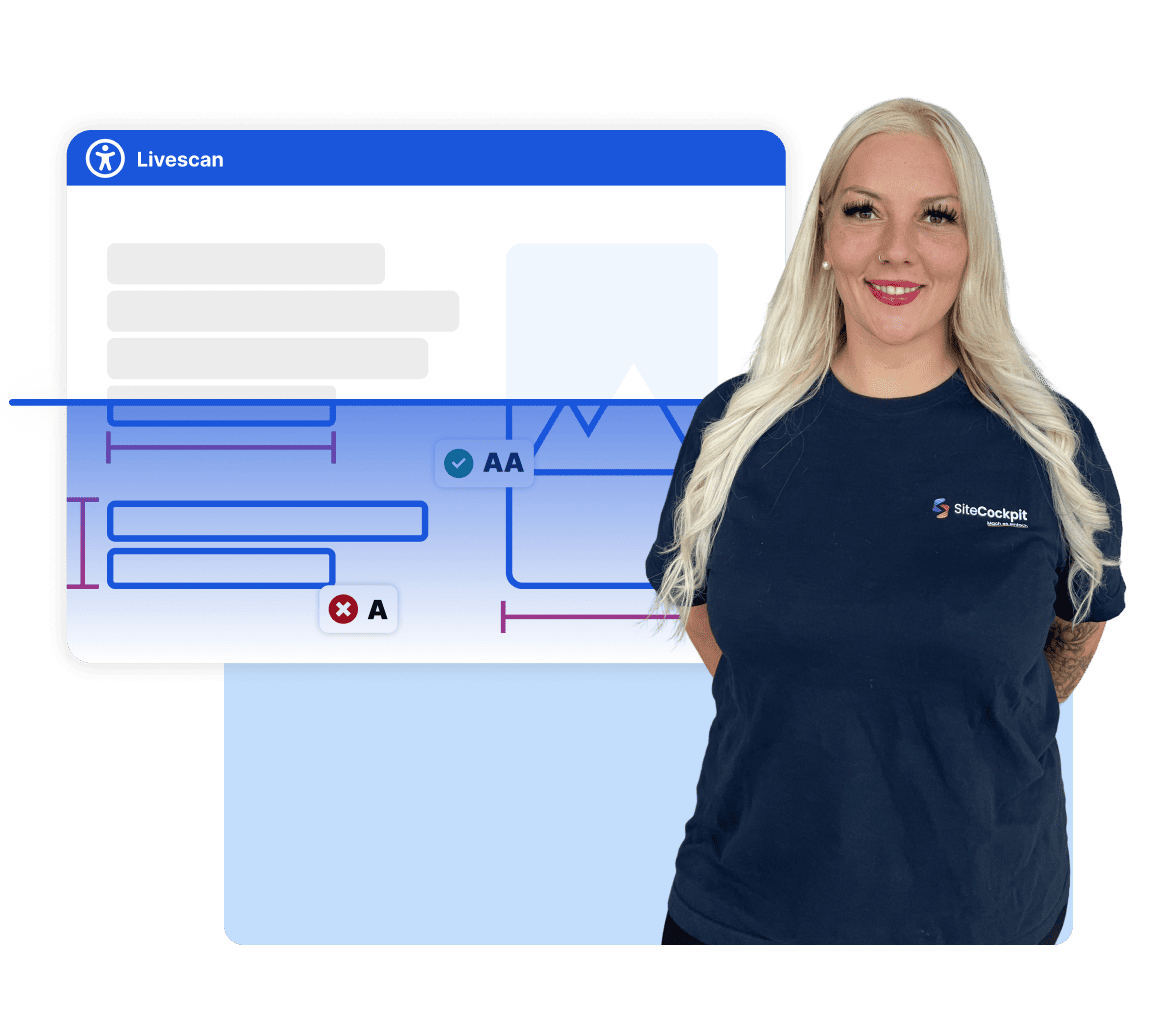
Check for free, in under 60 seconds, how accessible your website is today
Testing Frequency
How Often Should You Test Your Website?
Accessibility isn't a one-time project – it's an ongoing process. Every new page, every new image, and every code change can introduce new barriers.
-
Continuously, automated: easyMonitoring checks your website automatically at regular intervals and flags new issues immediately
-
After every relaunch or redesign: a full manual test makes sure new templates don't introduce new barriers
-
At least once a year: a comprehensive manual audit uncovers issues that have built up over time
Frequently Asked Questions About Checking for Barriers
No, an automated test alone isn't enough for BFSG compliance. The Accessibility Strengthening Act requires meeting all WCAG requirements, and many of them can only be checked manually. Companies that test exclusively with automated tools only meet the law partially.