The Accessibility Statement: Your Legal Requirement – Made Simple
Under the European Accessibility Act (EAA) and the EU Directive 2016/2102, providers of digital products and services are required to publish an accessibility statement – a document that makes the accessibility status of your website, app or digital service transparent for people with disabilities. With easyStatement, you fulfil this legal requirement in just a few minutes.
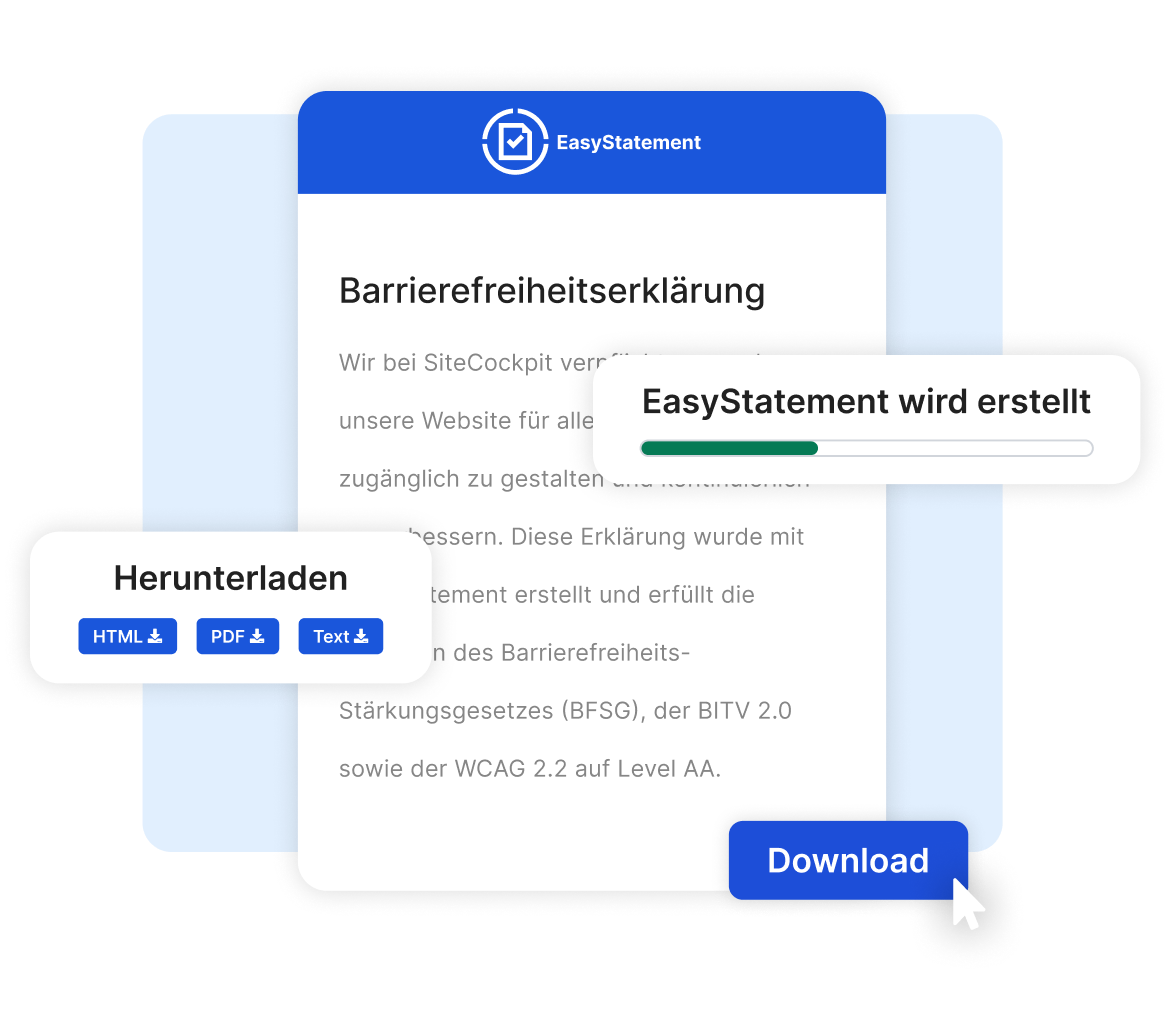
 Fulfil your legal requirements under EAA and EU Directive
Create your statement in minutes – no legal expertise required
Update at any time – after a relaunch or content changes
Fulfil your legal requirements under EAA and EU Directive
Create your statement in minutes – no legal expertise required
Update at any time – after a relaunch or content changes
What Is an Accessibility Statement?
An accessibility statement is a publicly available document that describes the accessibility status of a digital offering – such as a website, app or platform. It informs users about which content is accessible, which barriers still exist and what alternative options are available.
The statement is not a voluntary measure but a legal requirement. The European Accessibility Act (EAA) and the EU Directive 2016/2102 oblige providers of digital services to publish one. It describes the extent to which the accessibility requirements of WCAG 2.2 are met.
Important: The accessibility statement must be kept up to date – for example after a website relaunch, the introduction of new features or changes to the current level of accessibility.
What Must an Accessibility Statement Include?
A legally compliant accessibility statement must contain specific mandatory information. easyStatement guides you through all required details and ensures that users receive complete information about the accessibility of your digital offerings.
-
Description of the conformance status according to WCAG 2.2 (fully, partially or non-compliant)
-
Information on non-accessible content, known barriers and the reasons for them
-
Description of available alternatives for inaccessible content
-
A feedback mechanism: contact option for users who wish to report barriers
-
Reference to the enforcement procedure and the responsible authority
-
Date of creation and date of the last review of the document
Legal Basis: EAA, EU Directive and WCAG
The obligation to publish an accessibility statement stems from several legal frameworks. Whether EAA, EU Directive 2016/2102 or WCAG 2.2 – all of them directly apply to providers of digital offerings in Europe.
-
EAA (European Accessibility Act): In force since 28 June 2025 – applies to businesses offering digital products and services in the B2C sector
-
EU Directive 2016/2102: Requires public sector bodies to publish an accessibility statement – mandatory since 2018
-
WCAG 2.2 Level AA: The technical standard that defines the content of the statement
-
Non-compliant parts of a website or app must be documented with explanations and available alternatives
-
The statement must be reviewed and updated regularly to reflect the current accessibility status
Your Accessibility Statement in 5 Steps
easyStatement guides you through the creation of your accessibility statement step by step – no legal expertise required.
Enter Your Organisation Details
Provide the basic information about your company or organisation. A clear description of your services is important here.
Capture Your Current Accessibility Status
Indicate how accessible your digital offerings currently are. Your information should honestly reflect the actual status – a sample text helps you with the wording.
Document Technologies and Barriers
Describe known barriers and available alternatives. If parts of your website or app are not accessible, the reasons must be stated.
State Incompatibilities and WCAG Level
Document known incompatibilities with assistive technologies such as screen readers and select the applicable WCAG level (A, AA or AAA).
Generate and Publish Your Statement
After confirming the final notice, your statement will be generated as a ready-to-use document. Publish it on a dedicated subpage of your website – ideally in the footer, alongside your imprint or privacy policy.
Note: The generated accessibility statement is intended as a legally non-binding template. For the final version, we recommend having it reviewed by a qualified legal advisor. SiteCockpit does not replace legal counsel.
Who Is Required to Publish an Accessibility Statement?
The EAA and the EU Directive 2016/2102 apply to a wide range of providers of digital offerings. Check whether your organisation is affected.
Businesses and Online Shops
Providers of digital products and services in the B2C sector – required since 28 June 2025 under the EAA
Solution for BusinessesPublic Authorities and Institutions
Public sector bodies under EU Directive 2016/2102 – required since 2018
Solution for Public SectorBanks and Insurance Companies
Financial service providers with digital customer portals and online offerings
Learn MoreEducation and Healthcare
Educational institutions, hospitals and care facilities with web-based offerings
Learn More