Fixing Barriers: Targeted, Prioritized, Step-by-Step
You have found 100 barriers, but where do you start? Do not get overwhelmed. easyMonitoring automatically prioritizes errors by relevance so you can immediately minimize critical compliance risks under the EAA / BFSG. But beware: automated scans never find everything. We show you how to efficiently combine automated preparation with targeted manual adjustments to make your website, online services, and digital offerings accessible step-by-step: for blind users, people with impairments, and all other users.
Risk-Based Prioritization: What Comes First?
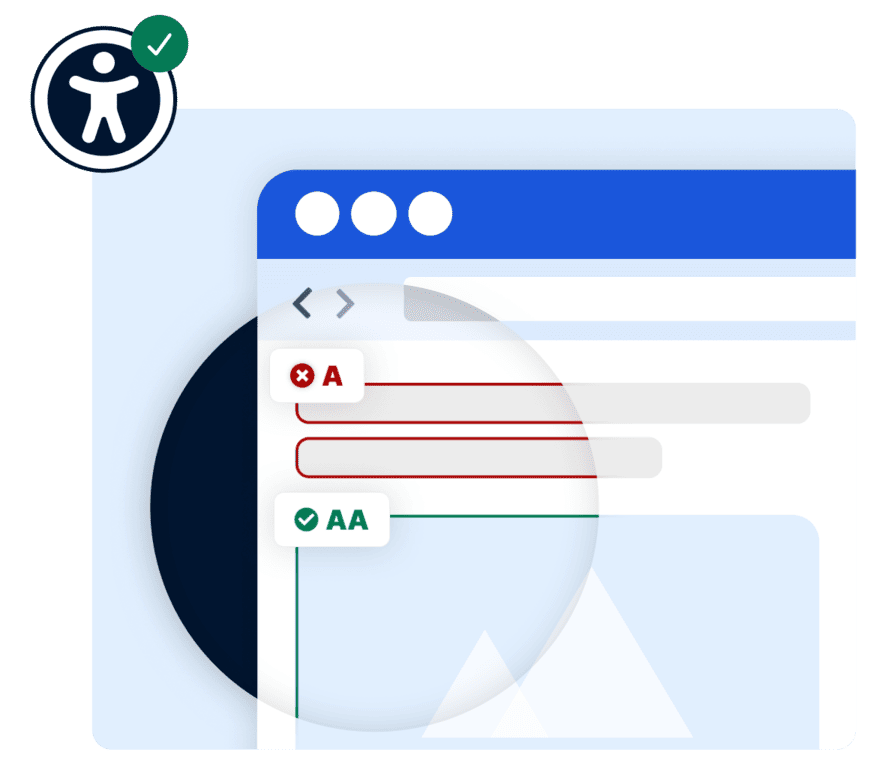
Not every barrier is equally critical. The WCAG guidelines – the technical standards for accessible web content – distinguish three levels of conformance. easyMonitoring automatically classifies all failed checks according to these standards. This allows you to focus your efforts on what matters most to blind users, people with limitations, and all other users – and what the law strictly requires.
-
 Critical (WCAG Level A): Barriers that completely exclude certain user groups – such as blind individuals who rely on alternative texts. Fix immediately.
-
High (WCAG Level AA): The legal minimum standard under the EAA / BFSG – covers aspects like contrast, navigation, and operability. Implement promptly.
-
Medium / Low (WCAG Level AAA): Best practices and recommendations for maximum accessibility – tackle step-by-step where possible.
Estimating Effort Realistically: Quick Wins vs. Structural Measures
Not all barriers require the same amount of effort to fix. This overview shows which measures can make content accessible within hours – and which require deeper technical adjustments. A realistic assessment helps you allocate resources effectively and achieve visible progress quickly.
Note: This assessment serves as a general guide. Actual effort depends on your technical infrastructure, CMS, and current compliance status.
Typical Implementation Errors and How to Avoid Them
Many companies approach accessibility with genuine commitment but stumble into the exact same pitfalls. Knowing these saves time, preserves resources, and mitigates legal risks under the EAA / BFSG.
Error 1: Treating a widget as a complete solution
An assistive widget like easyVision grants users more control over layout, font sizes, and contrast, but it does not replace structural accessibility. Screen readers require valid HTML, and keyboard users need a correct focus order. A widget is a valuable addition, not a substitute for core technical implementation.
Error 2: Relying solely on automated testing and assuming total safety
Automated tests cover roughly 30–40% of WCAG criteria. Relying exclusively on tool results leaves blind spots for barriers that can only be identified manually, such as vague error messages or logical reading order issues. easyMonitoring provides the automated foundation but does not replace supplementary manual audits.
Error 3: Ignoring language and readability
Accessibility goes beyond technical entry points. The WCAG principle of understandability requires that language, navigation, and content be clear for all users, including those with cognitive limitations. Plain language and clear error responses are just as important as proper image alternative texts.
Error 4: Forgetting the accessibility statement
Fixing layout barriers alone does not fulfill all legal mandates. The EAA / BFSG requires the publication of an accessibility statement detailing current status, outstanding barriers, and available alternatives. In cases of partial compliance, it serves as the primary proof of active optimization efforts to regulators.
Accessibility as a Continuous Process, Not a One-Time Project
Digital accessibility is not a static milestone to reach and check off. New content, design tweaks, and technical refactoring can introduce fresh barriers into websites, digital offerings, and online services at any time. The EAA / BFSG and EU accessibility standards expect companies to maintain a continuous improvement cycle – regular audits are the only way to demonstrate this process and keep content accessible for the long run.
-
Continuous Testing: easyMonitoring automatically scans your website – catching new barriers before they violate regulatory requirements
-
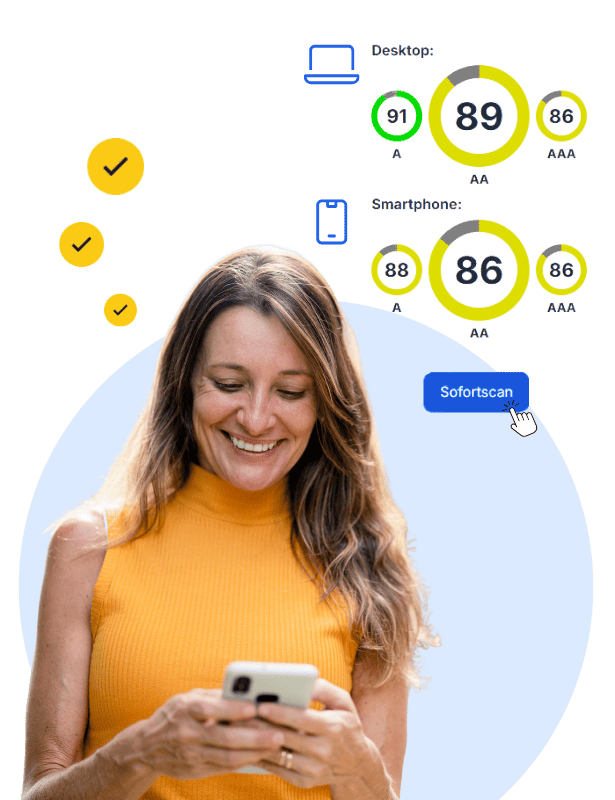
Documenting Progress: The accessibility score tracks your development over time – measurable, traceable, and ready to show regulatory bodies
-
Legal Proof: Documented test histories and an updated accessibility statement prove active compliance efforts for both public institutions and private enterprises
-
Step-by-Step Approach: No company is expected to meet 100% of the principles overnight – active progression and documented metrics are what the law requires
-
Staying Current: WCAG and regional regulations adapt over time – easyMonitoring keeps you aligned with the latest standards and compliance updates
An Overview of SiteCockpit Tools for Your Implementation
SiteCockpit does not handle direct code implementation – but it offers automated solutions and actionable guidance for the most common barriers. These tools support your team in designing accessible digital content and keeping a verified record of your progress.
easyMonitoring – Audit & Prioritize
Comprehensive auditing according to WCAG criteria and European guidelines, featuring automatic sorting of failed checks by severity. Helps businesses systematically pinpoint barriers and remain fully compliant.
Discover easyMonitoringeasyAlt – Alternative Texts for Images
AI-driven alternative text generation for all images across your website – automated and WCAG-compliant. Makes visual assets clear for blind individuals and screen reader software without manual content drafting.
Discover easyAltContrast Checker – Verify Readability
Evaluate layout color combinations directly against WCAG compliance rules – covering standard text, large display features, and UI elements. Get instant feedback without shifting to separate tools wherever possible.
Use Contrast Checker