Accessibility & SEO: Why Accessible Websites Rank Better on Google
Accessibility and SEO pursue the same goal: making digital content accessible and discoverable for all users – whether for people with disabilities or for search engines like Google. Optimizing your website for accessibility simultaneously improves structure, text, and navigation – measurably boosting your visibility in search results.
The Key Facts at a Glance
Accessibility & SEO at a Glance
These four points summarize why accessibility and SEO go hand in hand.
-
 Google crawls websites much like a screen reader does – both read structure, text, and hierarchy
-
Page experience has been a confirmed Google ranking factor since 2021
-
Accessibility isn't a cost factor – it's an investment in visibility and reach
-
Companies that optimize for accessibility automatically improve key SEO criteria
 Accessible images with alt text directly improve Google Image Search
Clear structure and navigation boost crawlability and user experience
WCAG-compliant optimization meets SEO and accessibility requirements at once
Accessible images with alt text directly improve Google Image Search
Clear structure and navigation boost crawlability and user experience
WCAG-compliant optimization meets SEO and accessibility requirements at once
What Do Accessibility and SEO Have in Common?
Google and other search engines crawl websites much like a screen reader: they read out content, analyze structure and text, and assess the quality of a digital offering. What's accessible to people with disabilities is typically also optimally readable for search engines.
Accessibility measures such as meaningful alt text for images, a clear page structure, logical navigation, and understandable text are at the same time core SEO requirements. Companies that invest in accessibility are automatically practicing sustainable search engine optimization.
On top of that: Google has rated user-friendliness as an explicit ranking factor for years. Pages that serve all users well – including people with disabilities – perform better in search. Accessibility, then, isn't a cost factor – it's an investment in visibility and reach.
How Your SEO Ranking Benefits from Accessibility
Accessibility optimization directly affects the factors Google and other search engines use to evaluate rankings. These measures simultaneously improve accessibility for people with disabilities and visibility in search results.
Images with Alt Text
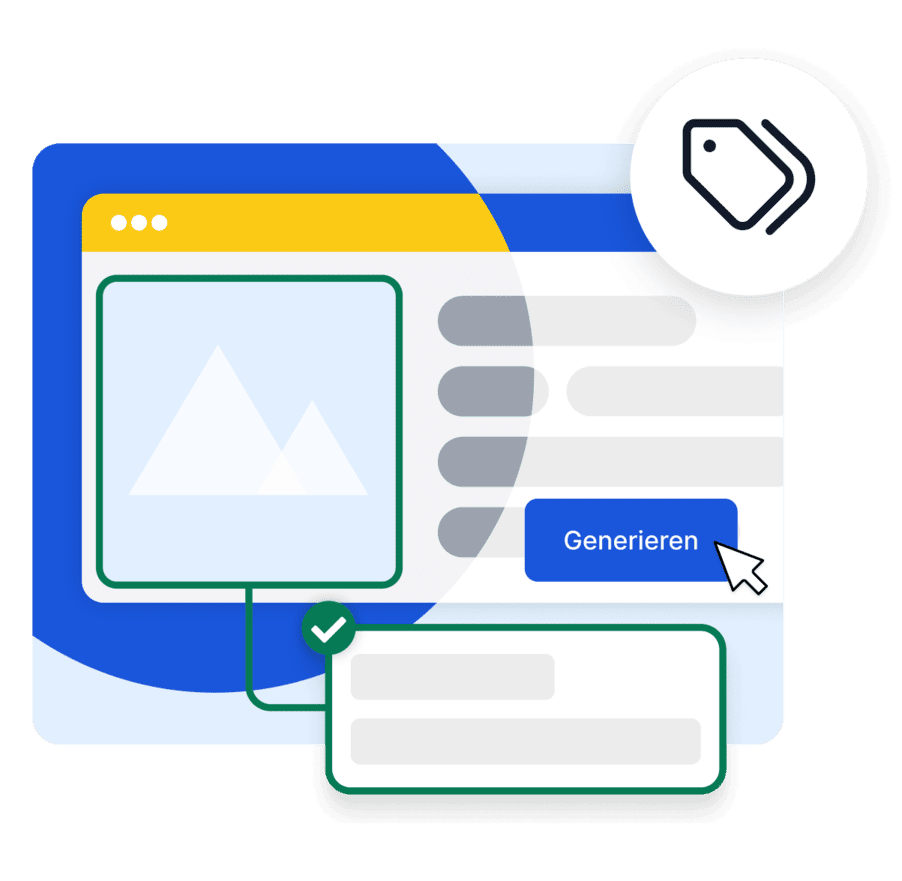
Google can't see images – just like screen reader users. Meaningful alt text makes content accessible to both and significantly improves image search optimization.
Generate Alt Text with AIClear Heading Structure
A logical H1-H6 structure helps search engines understand the hierarchy and context of content. At the same time, it lets screen reader users navigate the page quickly.
Check Your StructureMeaningful Link Text
Text like "click here" is equally useless for screen reader users and for Google. Descriptive link text improves internal linking and signals the context of linked content to search engines.
Check AccessibilitySemantic HTML Structure
Correct HTML elements like nav, main, header, and footer help search engines understand the page architecture. They also let people with disabilities navigate efficiently via screen reader.
Learn MoreCore Web Vitals & Load Times
Accessible pages are also often technically leaner – fewer unnecessary animations, optimized images, cleaner code. That directly improves Core Web Vitals, a key Google ranking criterion.
Learn MoreMobile Accessibility
Google rates mobile usability as a ranking factor. Accessibility requirements such as sufficient font sizes, clickable elements with adequate spacing, and high-contrast design directly improve the mobile user experience.
Explore easyVisionImages & Alt Text: The Strongest Shared Lever
Images are some of the most important content on the web – and also the most common accessibility gap. Missing or poor alt text is a problem both for people with visual impairments and for Google. A description that accurately captures the image content meets both requirements at once.
-
Google indexes images via alt text – without a description, images are invisible to search engines
-
Screen readers read alt text aloud – it's the only way for blind users to grasp image content
-
Images with meaningful descriptions rank in Google Image Search and bring additional organic traffic
-
Decorative images should have an empty alt attribute – this correctly tells search engines and screen readers to skip them
-
With easyAlt, SiteCockpit generates AI-powered alt text for every image on your website – automated and WCAG-compliant
Structure, Text, and Navigation: How Google Evaluates Accessibility
When crawling a website, search engines analyze the same elements that accessible web design targets. Companies that design their website according to WCAG standards thereby meet many of the criteria Google evaluates for good rankings.
-
Page structure: clear heading hierarchies, semantic HTML, and a logical page layout help Google understand content
-
Text & readability: clear, well-structured text is rated higher by Google – and is more accessible for all users
-
Navigation: consistent, keyboard-operable navigation improves crawlability and user experience at the same time
-
Contrast & design: sufficient color contrast improves readability for everyone – including on mobile devices and in poor lighting
-
Descriptions & metadata: meaningful meta descriptions and page titles are critical for both screen readers and Google snippets