Digital Accessibility for Your Shop, Simply Integrated
Future-proof your online store. With SiteCockpit, you make your shop system accessible in just a few steps—for all users, legally compliant, and without complex code changes.

Key Takeaways at a Glance
Online Shop Accessibility Summarized
These four points summarize why an accessible online shop is mandatory and how SiteCockpit supports you during implementation.
-
 The BFSG has applied since June 28, 2025, for online stores with B2C consumer offerings
-
Applies to operators with 10 or more employees or at least 2 million euros in annual turnover
-
The technical foundation relies on WCAG 2.2 at Level AA and the EN 301 549 standard
-
SiteCockpit audits, documents, and supports implementation across every shop system
SiteCockpit is compatible with all common shop systems
Digital accessibility integrates smoothly and easily into all common shop systems using SiteCockpit: whether via a plugin or code snippet, SiteCockpit is up and running in just a few minutes. This is how we support you in implementing accessibility across your products and services.














 Shop systems with consumer focus
Mandatory from 2 million euros annual turnover
Mandatory from 10 employees
Mandatory under the BFSG since June 2025
Shop systems with consumer focus
Mandatory from 2 million euros annual turnover
Mandatory from 10 employees
Mandatory under the BFSG since June 2025
Accessibility for Shop Systems: SiteCockpit for Online Stores
SiteCockpit is software that makes accessibility in your shop visible and manageable. You integrate SiteCockpit into your shop system, launch automated audits, and receive clear results regarding content, copy, images, navigation, forms, banner elements, and cookie dialogs. This allows you to identify digital barriers, plan remediation steps, implement adjustments, and keep your compliance with accessibility requirements verifiable.
Run your initial check now and see within a few minutes which requirements your online store already fulfills and where action is needed. Schedule an appointment if you operate multiple online stores or webshops and want to set up implementation as an ongoing process.
Find digital barriers with our Live Check!
Click, test, optimize - that is how simple it is to create an accessible website. Use our free live check and gain valuable know-how from our whitepaper.
What You Get Immediately with SiteCockpit
These three points make SiteCockpit practically usable for operators, merchants, and companies across the commerce sector.
Clarity Instead of Gut Feeling
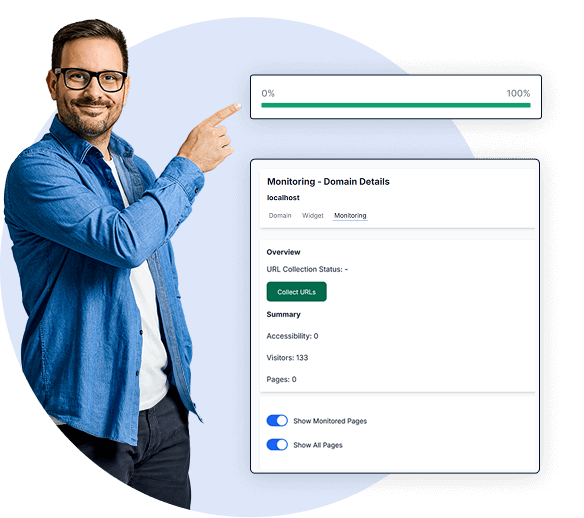
You view your shop's digital accessibility as concrete results rather than abstract guidelines. easyMonitoring audits your store automatically according to WCAG 2.2.
Action Instead of Theory
You receive prioritized recommendations showing which adjustments are possible and which measures yield the highest impact. Missing ALT texts are added automatically by AI via easyAlt.
Proof Instead of Hope
You document compliance, declarations, and progress for authorities, business partners, and internal teams. easyStatement creates your legally compliant accessibility statement.
Online Shop Accessibility Explained Clearly
Accessibility means that people can use your online shop regardless of disabilities or individual needs. This includes people working with screen readers, keyboard-only users, individuals with motor impairments, people with low vision, users with cognitive limitations, and many others. Even users without disabilities benefit when content is clear and mobile usage functions seamlessly on smartphones, at the office, or on the go.
For a shop to remain accessible, content and functions must be designed so that they are perceivable, operable, and understandable. This applies to product presentations just as much as copy, filters, search, cart, and checkout. If a user cannot see, product descriptors must be accurate. If a user cannot click, keyboard navigation must work. If a user wants to navigate quickly, the menu structure must be logical. Digital shop accessibility enables usability and creates inclusion across all commercial interactions.
Mandates, Legislation, and Law: BFSG and the Accessibility Strengthening Act
The legal background is clear. Since June 28, 2025, new rules stemming from the EU Directive on the European Accessibility Act have applied across the EU. In Germany, this is transposed via the Accessibility Strengthening Act, known as BFSG. For many companies offering or providing products and services online, digital accessibility has become mandatory. This applies especially to electronic commerce, covering online stores, digital services, and specialized web applications.
Compliance is monitored by responsible public bodies and market surveillance authorities. Violations can result in legal consequences, including administrative fines, warning letters, and further enforcement steps. For store operators, this is highly relevant because a lack of accessibility in your shop is not merely a UX topic, but a matter of law and regulatory compliance.

Your platform, our solution.
Haven't found your shop system? Contact us for custom integration options.
Which Areas in an Online Store Are Particularly Critical
In online stores, digital barriers frequently appear in the exact same areas. This is no coincidence, but rather the result of typical design and content decisions. SiteCockpit helps audit and remediate these exact shop areas:
1. Navigation and Search: Menus, filters, sorting options, and focus indicators must be operable without a mouse. easyVision assists here with keyboard controls and focus management.
2. Checkout Forms: Form inputs, error messages, and required fields must be understandable and voiced correctly by screen readers.
3. Images and Product Presentation: Visuals require ALT texts; otherwise, users cannot grasp products. easyAlt generates missing descriptions automatically using AI.
4. Copy and Content Elements: Headings, structural hierarchy, and readability dictate whether content can actually be consumed.
5. Banners and Cookie Dialogs: Banners and cookie overlays must be accessible, operable, and clearly described.
These five areas cover a major portion of real-world user interactions and form a core pillar of e-commerce accessibility requirements.
Exemptions, Microenterprises, and Annual Turnover
The law includes specific exemptions. Microenterprises offering services may be exempt if they employ fewer than ten people and simultaneously generate an annual turnover of no more than two million euros. These exemptions must be evaluated carefully, as they depend on the nature of the service, and products versus services may be treated differently under the law. For companies exceeding these thresholds, digital shop accessibility is mandatory.
Standards and Guidelines: WCAG, Frameworks, and Accessibility
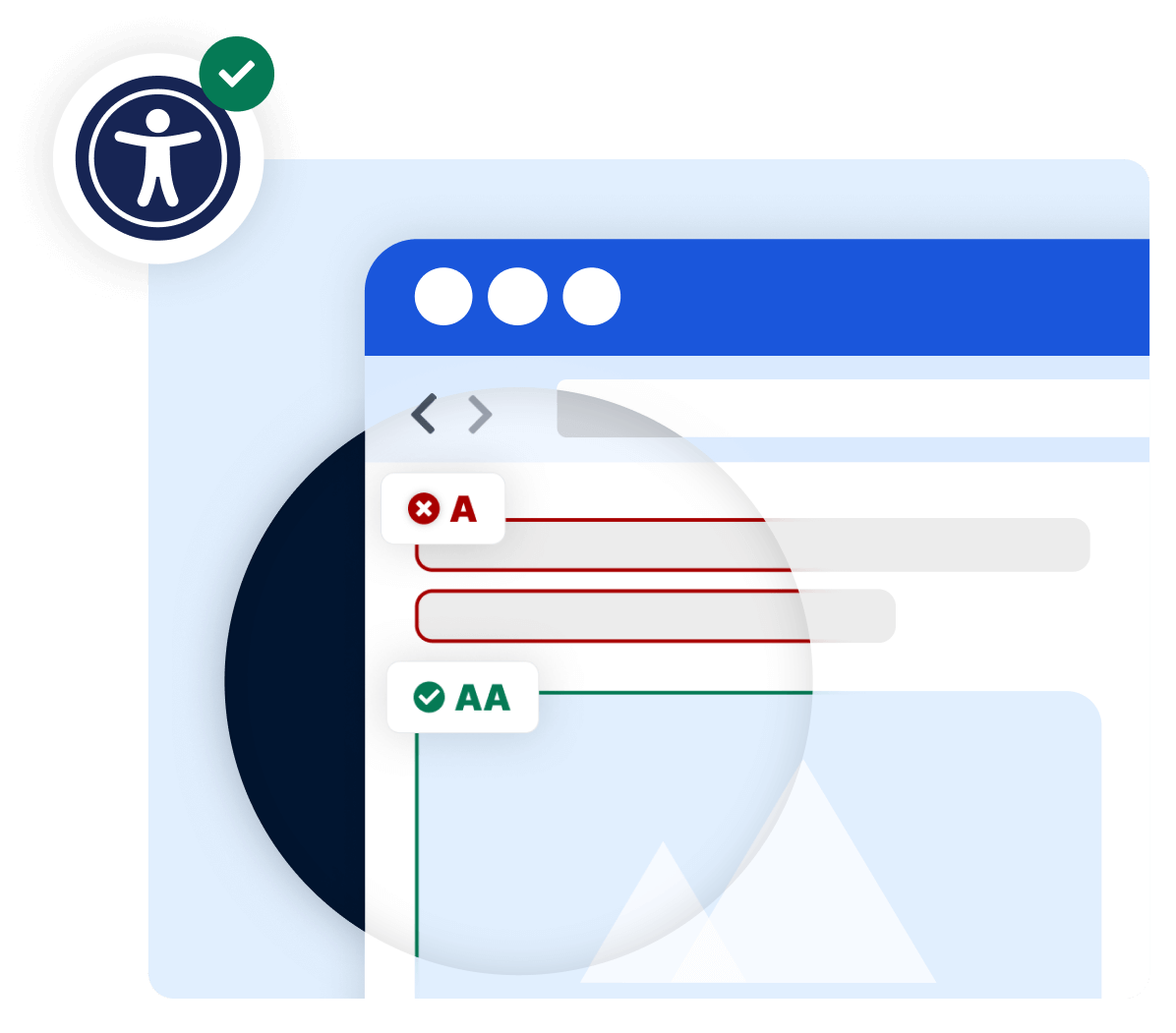
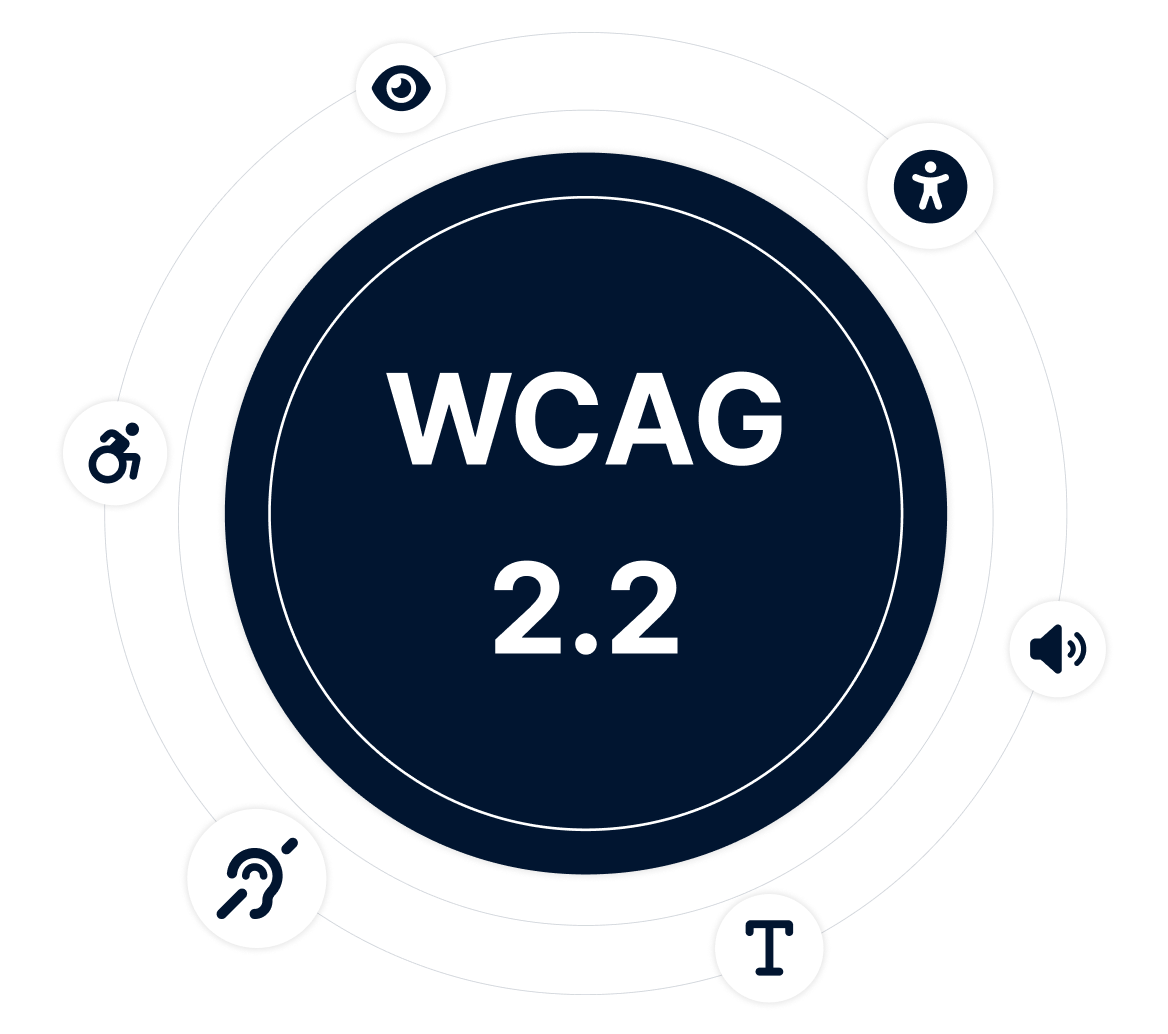
Online shop accessibility adheres to clear standards and guidelines. Central to this are the WCAG guidelines, which outline four main principles: Perceivable, operable, understandable, and robust. These guidelines and standards form the benchmark used to audit web content, copy, images, forms, navigation, and features. WCAG standards and legal mandates mesh closely together. Fulfilling these frameworks ensures content is made available to individuals with impairments while taking diverse limitations into account from the start. Accessibility becomes measurable against these standards when implemented systematically and tested regularly using easyMonitoring tools.
How Implementation Works with SiteCockpit
SiteCockpit turns digital shop accessibility into an ongoing process embedded into your daily operations. The goal is not a one-time fix, but continuous compliance. This creates a scalable implementation workflow, even if you manage multiple online stores or deploy diverse web applications.
Step 1: Integration
You integrate SiteCockpit into your shop system and initiate automated audits. Integration takes only a few minutes.
Step 2: Analysis
You review audit findings categorized by area, page, and barrier type—complete with problem descriptions and urgency priority via easyMonitoring.
Step 3: Remediation
You derive action steps and implement adjustments across design, content, and code. easyAI provides automated assistance.
Step 4: Continuous Audit
You rerun audits, track changes, and maintain transparent compliance records using easyStatement.
Four Practical Examples: Implementing Digital Accessibility in Your Shop
Example 1: Enhancing contrast. When visual contrast is too low, legibility suffers. This is especially critical for banner text and product details. The Contrast Checker assists during testing.
Example 2: Fixing keyboard navigation. If filters, cart drawers, or buttons cannot be navigated via keyboard, the online shop is not operable.
Example 3: Improving screen reader output. If images lack image descriptions or forms carry poor labels, navigation fails for visually impaired users.
Example 4: Designing accessible cookie dialogs. If a cookie banner is not operable, it blocks access to the entire site and prevents use.
These examples highlight that digital accessibility in a webshop often consists of concrete, actionable fixes that yield immediate results when consistently applied.

Accessibility Statement: Declaration, Status, and Communication
The Accessibility Statement is a mandatory component of implementation for many online shops. It is a public declaration outlining how accessible content is, which barriers currently persist, and what remediation measures are planned. A solid statement provides a clear explanation, refers to the ongoing process, lists contact channels, and explains how users can request assistance.
-
Accessibility as a legally mandated standard for millions of businesses under BFSG, WCAG, and EU Directive
-
Optimized for keyboard operation, contrast ratios, screen readers, and additional accessible features
-
Supports all leading shop systems and CMS platforms, including custom software developments
easyStatement supports the creation, maintenance, and ongoing updates of your declaration so it never becomes outdated. This mitigates compliance enforcement risks and streamlines communication with monitoring bodies and consumer inquiries.
For many businesses, online store accessibility initially feels like a purely technical requirement. In practice, however, digital accessibility spans your entire web presence: content, copy, media, navigation, forms, and purchase funnels. If you sell products or provide services online, accessibility obligations in commercial trade affect you directly.
The BFSG explicitly references products and services, transposing EU Directive requirements into national law. The Accessibility Strengthening Act details which accessibility criteria apply and which public bodies oversee enforcement. This statutory obligation has been active in Germany since June 28, 2025.
People, Disabilities, and Inclusion in E-Commerce
At its core, accessibility is about inclusion. People with disabilities should be able to purchase products and utilize online services without bumping into digital barriers. This applies to users with visual impairments, motor disabilities, cognitive limitations, and temporary impairments. Millions of consumers are affected. When an online shop is designed accessibly, access is open, usage is seamless, and navigation is intuitive. This simultaneously elevates user experience for non-disabled shoppers as well.
SiteCockpit helps merchants facilitate this exact inclusion. Our tools support teams across management, IT, and content creation. They assist in diagnosing issues, prioritizing fixes, and maintaining strict compliance standards. If you have questions, our team is ready to assist and guide you through every step so that screen reader users can interact with your products effortlessly. Discover more in our Success Stories.
Who Is Affected: Operators, Merchants, Businesses, and Authorities
If you offer products or provide services online to end consumers, you hold compliance obligations as an operator. This applies to many online stores, webshops, and other commercial web applications—including e-book distributors. Whether operating B2C webshops or specialized storefronts, merchants and businesses must manage not only design, but also structure copy and media so products are available to every consumer and digital shop accessibility truly functions.
The regulatory driver is the BFSG (Accessibility Strengthening Act). The BFSG specifies compliance criteria and details how statutory enforcement operates in Germany. Monitoring authorities and market surveillance bodies may request proof of compliance at any time. Therefore, it is prudent not to delay accessibility, but to implement, audit, and document it now. This mitigates enforcement risks and safeguards against fines and legal warnings.
Concrete Steps You Should Take for Your Online Store Now
If you run online stores, you should establish accessibility as a recurring operational task within your shop workflows. The BFSG does not demand instant perfection, but requires that you actively uncover barriers, address accessibility criteria, and maintain systematic compliance. For companies, this means: reviewing online content and copy, enhancing readability, offering resizable text options, auditing color contrast ratios, and structuring navigation so both keyboard and mouse operation remain seamless.
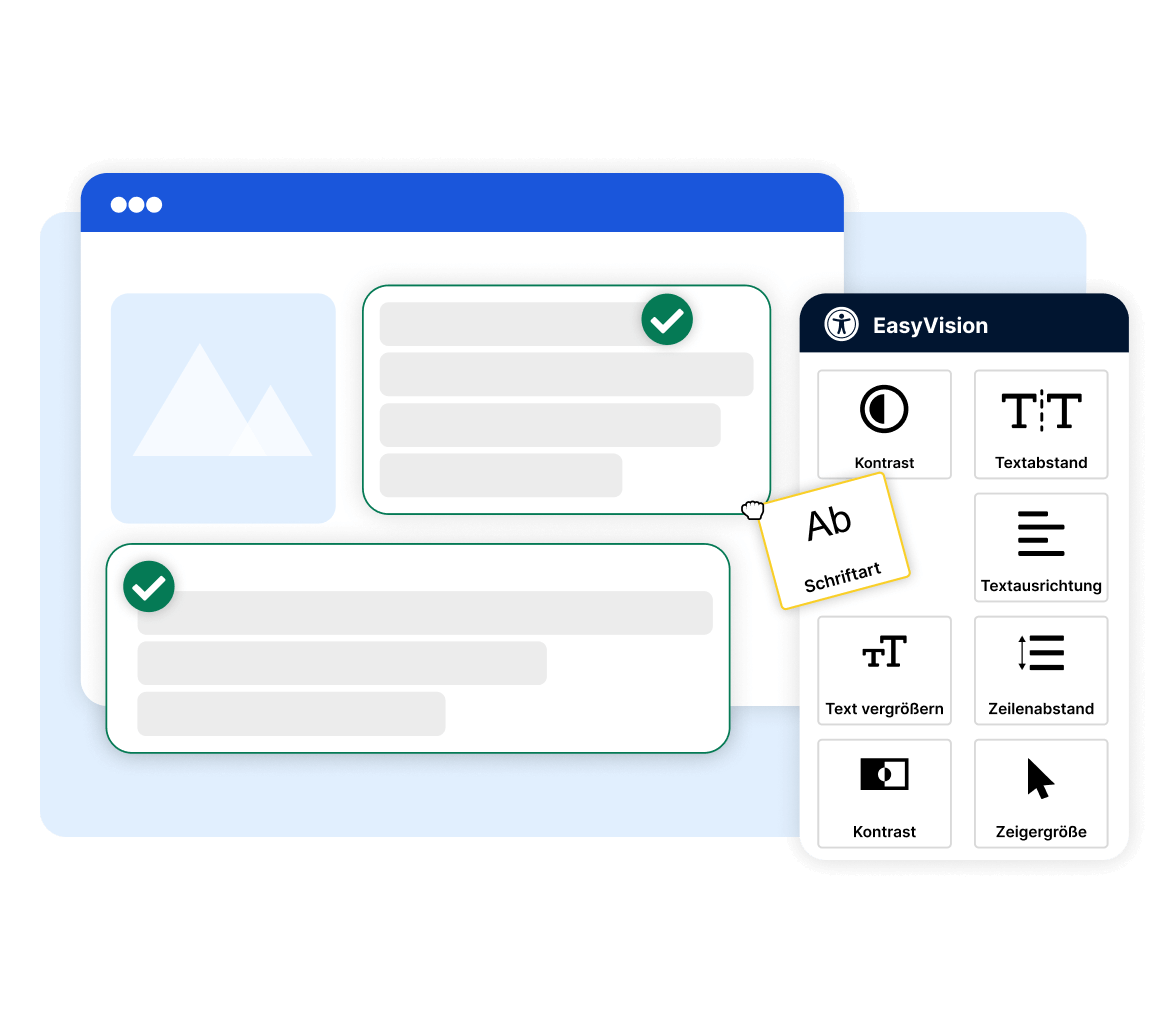
SiteCockpit assists you across multiple touchpoints: easyMonitoring supports audits and action planning, while easyStatement manages documentation for authorities. With easyVision, you immediately offer visitors personalized accessibility settings like high contrast, dyslexia-friendly fonts, and keyboard shortcuts.
Even if you sell primarily B2B, you should carefully delineate B2B from B2C transactions and verify the exact nature of services provided. This helps classify potential exemptions correctly. SiteCockpit equips you with the necessary tools to make shop accessibility requirements visible and uncover hidden barriers.
Beyond compliance, accessibility brings tangible business advantages: expanded customer reach, higher satisfaction, and improved Google SEO visibility—since accessible, well-structured content is significantly easier for Google and other search engine crawlers to parse. These SEO gains pay off in the long run. Accessibility has been recognized as a digital quality indicator for years, and accessible webshops reap multiple rewards. If you have questions, SiteCockpit provides expert help and software tools to ensure you meet regulations confidently. Tackling the topic now minimizes non-compliance risks and legal exposure. The action plan: review the BFSG, run an audit, implement fixes, repeat tests, and keep your statement current.
Next Step: Launch Digital Accessibility in Your Shop
Get started today by running an audit with SiteCockpit. You will receive actionable results, prioritized remediation steps, and an operational workflow that makes accessibility permanently available in your online store.
Frequently Asked Questions About Online Shop Accessibility and the BFSG
Digital accessibility in an online shop means accessible content, operable controls, clear copy, proper contrast ratios, and navigation that functions via keyboard and screen reader. It also includes meaningful ALT texts for product images and accessible checkout forms.