Make WooCommerce Accessible: Meeting the BFSG in Your Shop
WooCommerce is one of the most widely used shop plugins for WordPress. Themes and extensions, however, are not automatically accessible. SiteCockpit finds the barriers in your shop, shows what needs to be done and helps you meet the requirements of the BFSG.









Adding SiteCockpit to WooCommerce: Plugin or Embed Code
SiteCockpit can be added to any WooCommerce shop, regardless of theme or hosting. Either use our WordPress plugin SiteCockpit Integration or add an individual embed code to your theme or tag manager. You can then check your shop against the requirements of the BFSG, the EAA and WCAG 2.2 and fix barriers in a targeted way. For WordPress in general, see our page Make WordPress accessible.

Better Accessibility in WooCommerce in 3 Steps
1. Sign up for SiteCockpit
Create an account on sitecockpit.com, add your shop domain and set up the easyVision widget in your colours.
2. Install the plugin or add the code
Install the “SiteCockpit Integration” plugin from the WordPress directory. Alternatively, add the embed code to your theme, for example in the footer.php of your child theme directly before the closing </body> tag.
3. Check and fix barriers
easyVision is visible immediately, and easyMonitoring checks product pages, cart and checkout. You then fix the issues found step by step in your theme and content.
SiteCockpit in a Nutshell
What exactly is SiteCockpit, and how does it support your WooCommerce shop with digital accessibility? This short video gives you an overview:
Accessibility That Makes an Impact
Small Shops, Big Impact: Make WooCommerce Accessible.
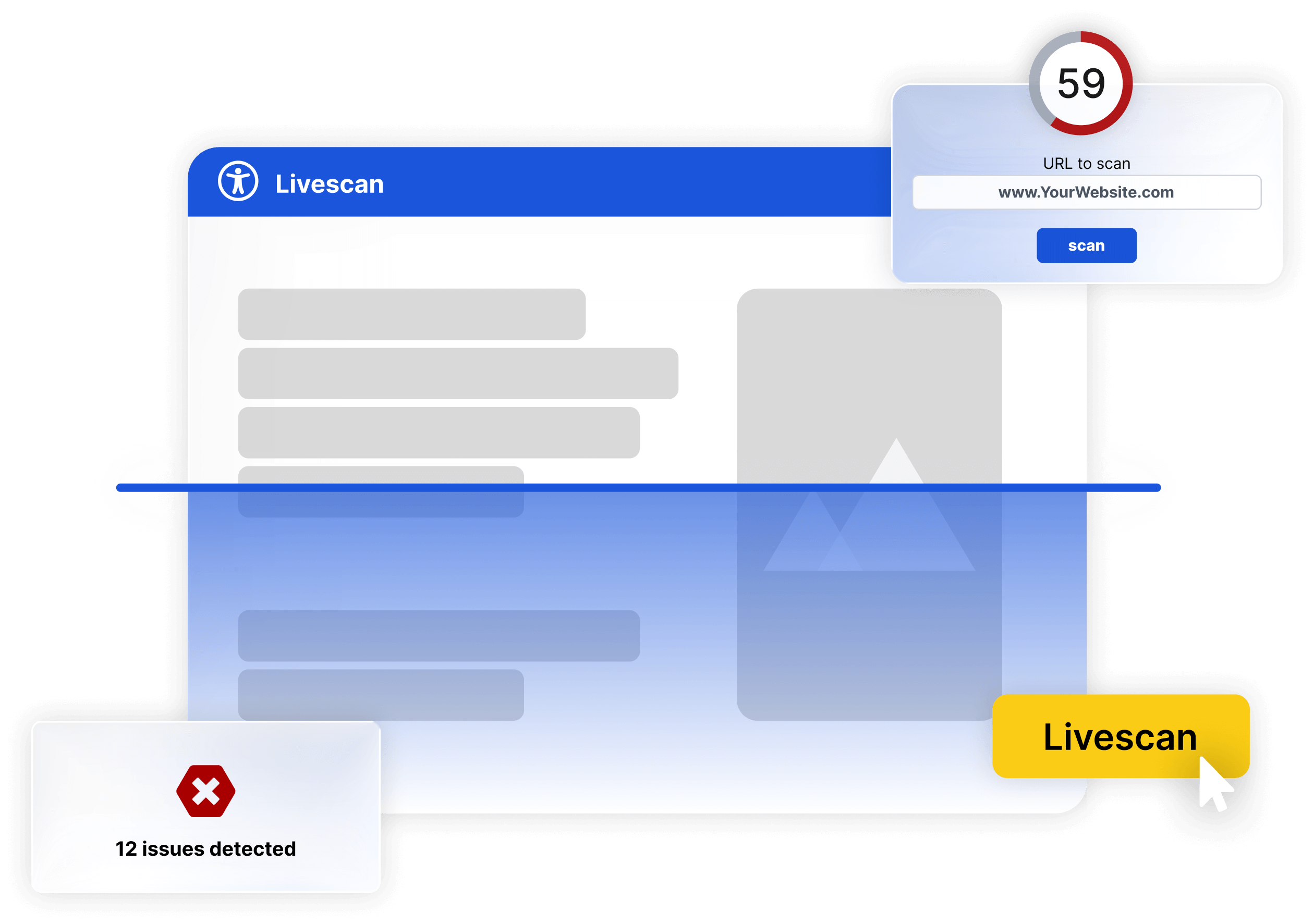
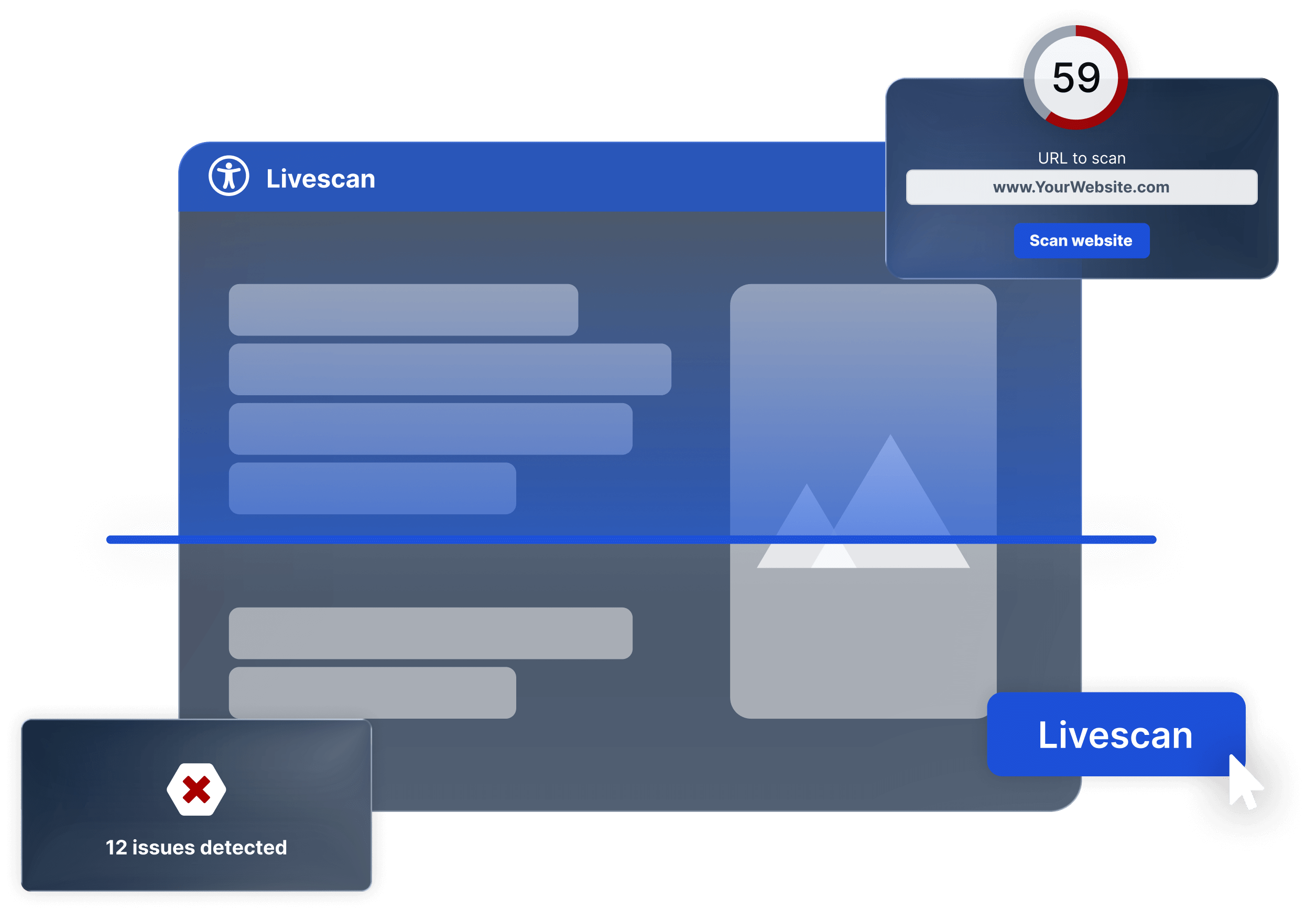
Try it now: How accessible is your WooCommerce shop?
With our Live Check, you get an instant first assessment, no sign-up required. Enter your shop URL and automatically check how well your site meets key accessibility requirements.
Does the BFSG Apply to Your WooCommerce Shop?
Since June 28, 2025, the German Accessibility Strengthening Act (BFSG) applies to online shops that sell to consumers. The only exemption is for micro-enterprises that provide services. Both conditions must be met:
-
 fewer than 10 employees
-
and annual turnover or balance sheet total of no more than €2 million
-
Pure B2B shops without consumer customers are not covered by the BFSG.
 Ignoring accessibility can cost you fines of up to €100,000, warning letters and customer trust.
How SiteCockpit Supports Your WooCommerce Shop
With SiteCockpit, you approach accessibility in a structured way: easyMonitoring automatically checks product pages, cart and checkout, easyVision offers your visitors adjustments such as contrast and font size, and easyStatement creates your accessibility statement.
Setup takes just a few minutes and requires no changes to the WooCommerce core. Typical barriers in shops are missing form labels, insufficient contrast, missing alternative texts and a checkout that cannot be fully operated by keyboard. You then fix these issues in your theme and content. easyAlt can add missing alt texts for product images with AI.
WooCommerce: A Flexible Shop System for WordPress
WooCommerce was released as a WordPress plugin on September 27, 2011 and, according to WordPress.org, is one of the most widely used shop systems on the web with more than 7 million active installations.
-
Released on September 27, 2011 as a WordPress plugin
-
More than 7 million active installations (WordPress.org)
-
Accessibility mandatory since June 28, 2025 (BFSG, EAA)
Its great strength is the easy integration into the WordPress ecosystem. At the same time, themes and additional plugins in particular often create barriers that need to be fixed in a targeted way.
Since June 28, 2025, the BFSG also applies to WooCommerce shops that sell to consumers. The goal is that everyone, with or without a disability, can use digital services.
SiteCockpit gives you a practical way to make your shop more accessible step by step.
Practical Accessibility According to WCAG
WCAG 2.2 describes what makes a website accessible: content must be perceivable, operable, understandable and robust. For the BFSG, the standard EN 301 549 in version V3.2.1, which is based on WCAG 2.1 AA, is currently the reference. If you implement WCAG 2.2, you largely cover these criteria and are prepared for the next version. In a shop, this mainly affects:
-
accessible navigation and clear structure
-
alternative texts for product images
-
sufficient colour contrast
-
accessible forms in the checkout
-
compatibility with assistive technologies and screen readers

FAQ - Quick Overview
Yes, if you sell to consumers through your shop and are not a micro-enterprise. Micro-enterprises have fewer than 10 employees and an annual turnover or balance sheet total of no more than €2 million. Both conditions must be met. You will find details on our BFSG page.
How accessible is your website?
Test your website for free with our Live Check, no registration required.