easyAudit: Accessibility Audit Tool for Your Website
With easyAudit you carry out an audit of your accessibility yourself, guided and traceable. 98 criteria, clear instructions for every step and a report you can share.easyAudit is modeled on the testing methodology of the BITV test and on the requirements of BITV 2.0 and EN 301 549.** Not an official BITV test of the BIK testing network. Learn more
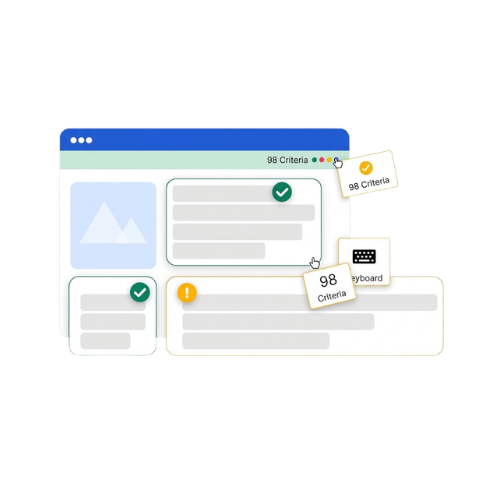
Accessibility Audit: check, rate, document
easyAudit gives your audit a clear structure: with instructions for every criterion, a progress display and a report.
98 criteria
A structured catalog based on EN 301 549, from alternative texts to components such as modal windows and search functions.
Instructions for every criterion
What is checked, why it matters, how to check, which tools help and an example, right in the tool.
Progress at a glance
Progress display, status colors and filters by principle, difficulty, area and status.
A report for every purpose
Your report as HTML, PDF or by email, with colors, company details and contact details. From the Pro plan and for agencies also with your own logo and without SiteCockpit branding.
 98 criteria based on EN 301 549
 Instructions for every criterion
 Report as HTML, PDF or by email
Why a manual audit matters
Automated scans find many technical errors. Whether an alternative text fits the image or users can operate the checkout fully by keyboard is something only a person can judge. easyAudit gives this check a clear structure.
You assess every criterion yourself. easyAudit provides structure, instructions and tool hints and records your results. This way you also cover points that an automated scan cannot assess.
Accessibility is not a one time state. New products, features or a theme update can create new barriers for users. Plan regular repeat checks.
How easyAudit works: understand, check, record
For every criterion, five tabs explain what is checked, why it matters, how to check, which tools help and what an example looks like. You set the result yourself and note your finding right next to it.
-
Five tabs per criterion: What, Why, How, Tools, Example
-
Set the result: Passed, Partially passed or Failed
-
Record findings and notes for each criterion
-
Progress display and filters by principle, difficulty, area and status
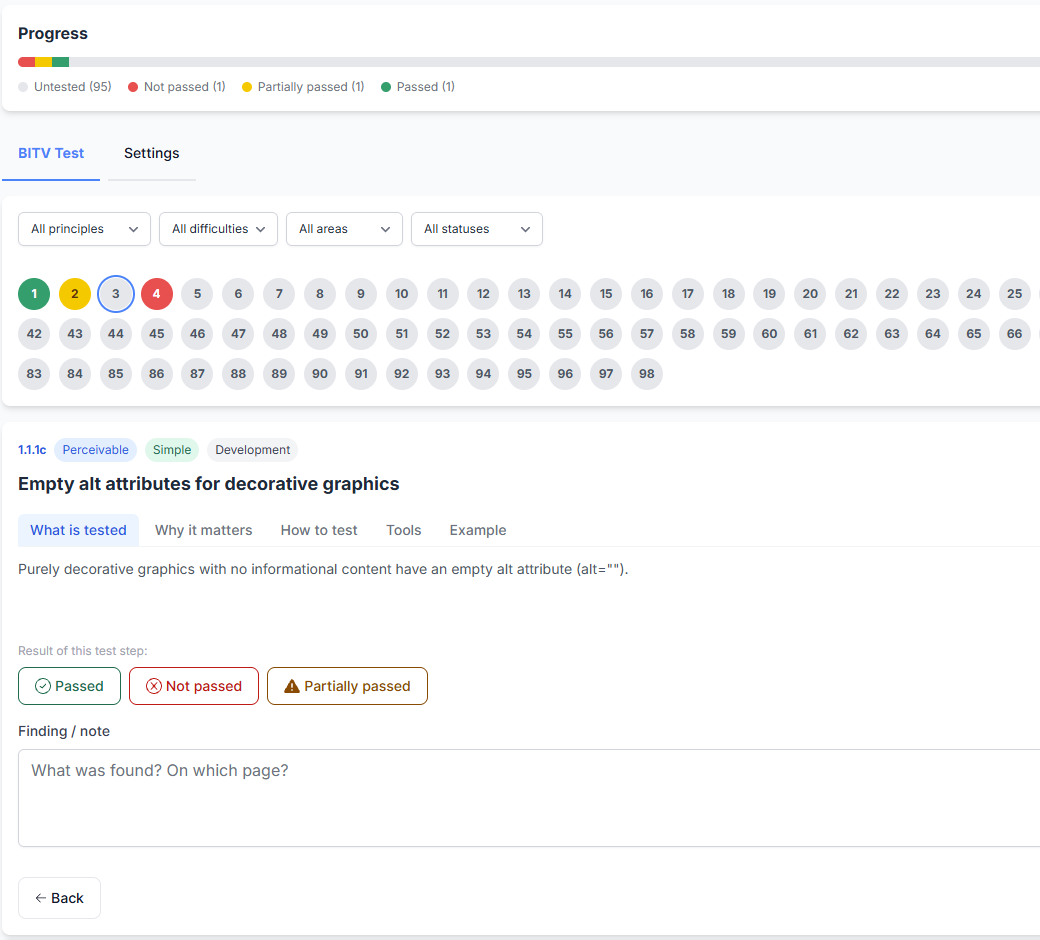
What is checked: 98 criteria in three groups
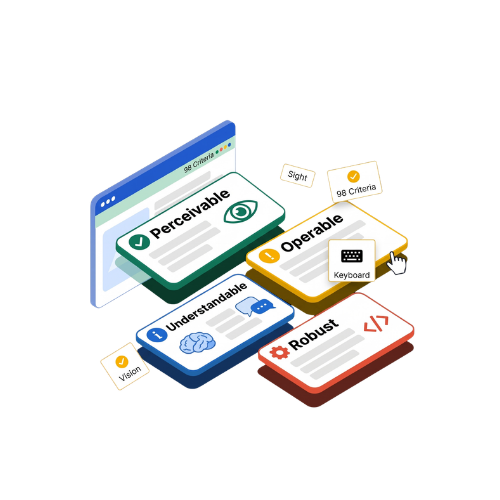
easyAudit covers 98 criteria. The four principles of accessibility, perceivable, operable, understandable and robust, are available as filters in easyAudit.
-
70 WCAG criteria, for example alternative texts, contrast, keyboard operation and forms
-
20 criteria for page components such as modal windows, carousels, tabs, search and filters
-
8 criteria for operation and display on devices, such as touch, zoom, dark mode and print view
-
Work step by step or in a full list of all criteria
Check, document, repeat
With easyAudit you record the results of your accessibility in a traceable way and plan repeat checks.
Record findings
Note for each criterion what you found and where, so other users of the test can find the issue without asking.
Export your report
Export your report as HTML, PDF or by email. You set colors, company details and contact details in the settings, and from the Pro plan also your own logo.
Plan repeat checks
Set a reminder interval or a fixed date.
First look: how you work with easyAudit
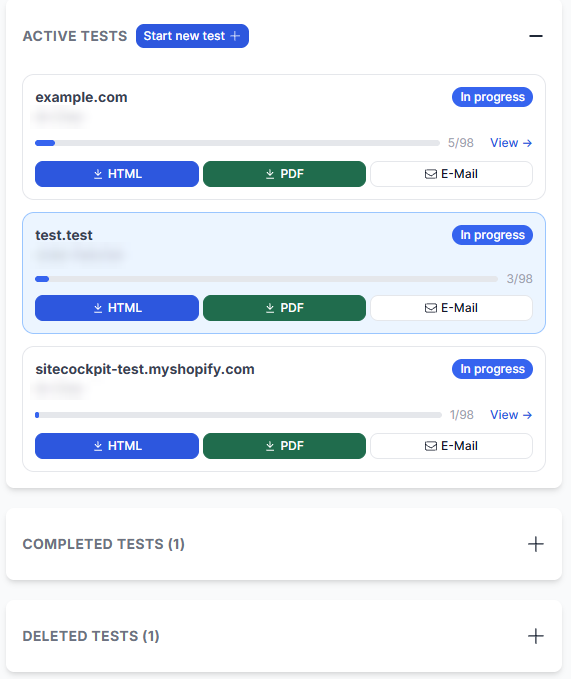
In the test list in the SiteCockpit dashboard you see all your tests with domain, tester, test date, status and progress. From there you continue a test or export the report.
Do I need a BITV test?
Usually not. Since 28 June 2025, the German Accessibility Act (BFSG) applies to online shops that sell to consumers. It demands accessibility from such shops but does not prescribe a specific method. Microenterprises with fewer than 10 employees and an annual turnover or balance sheet total of up to 2 million euros are exempt. BITV 2.0 applies to German federal public bodies.
easyAudit is a method developed by SiteCockpit, modeled on the test steps of the BITV test. SiteCockpit is not a testing body in the BIK BITV test network. easyAudit therefore does not replace an official BITV test and does not entitle you to use a BIK test seal such as “BIK BITV-konform”. It is a structured way to check the accessibility of your shop yourself and document it in a traceable way. If in doubt, have your situation reviewed legally. The results of easyAudit are not legal advice and not proof of conformity.
How accessible is your website?
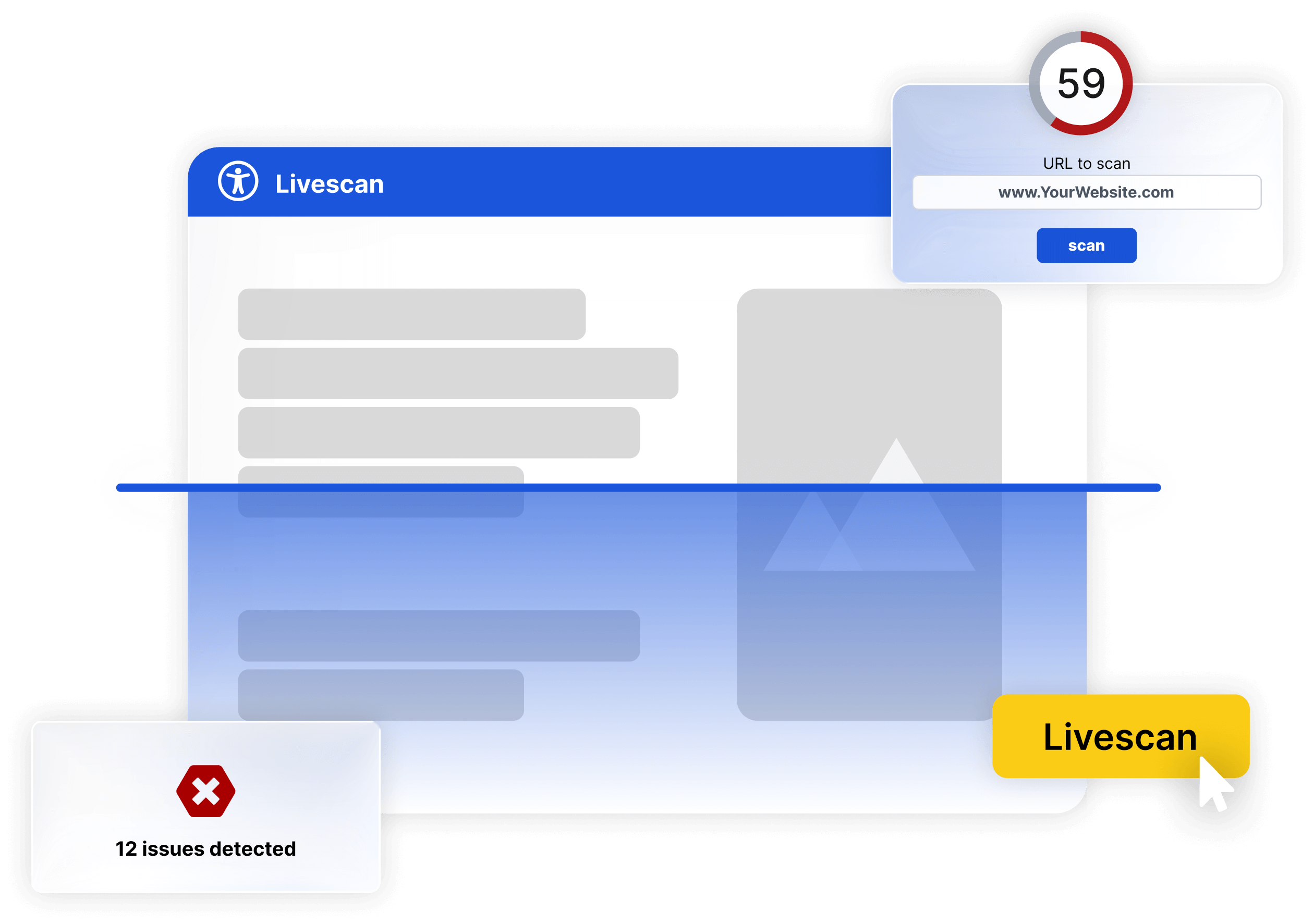
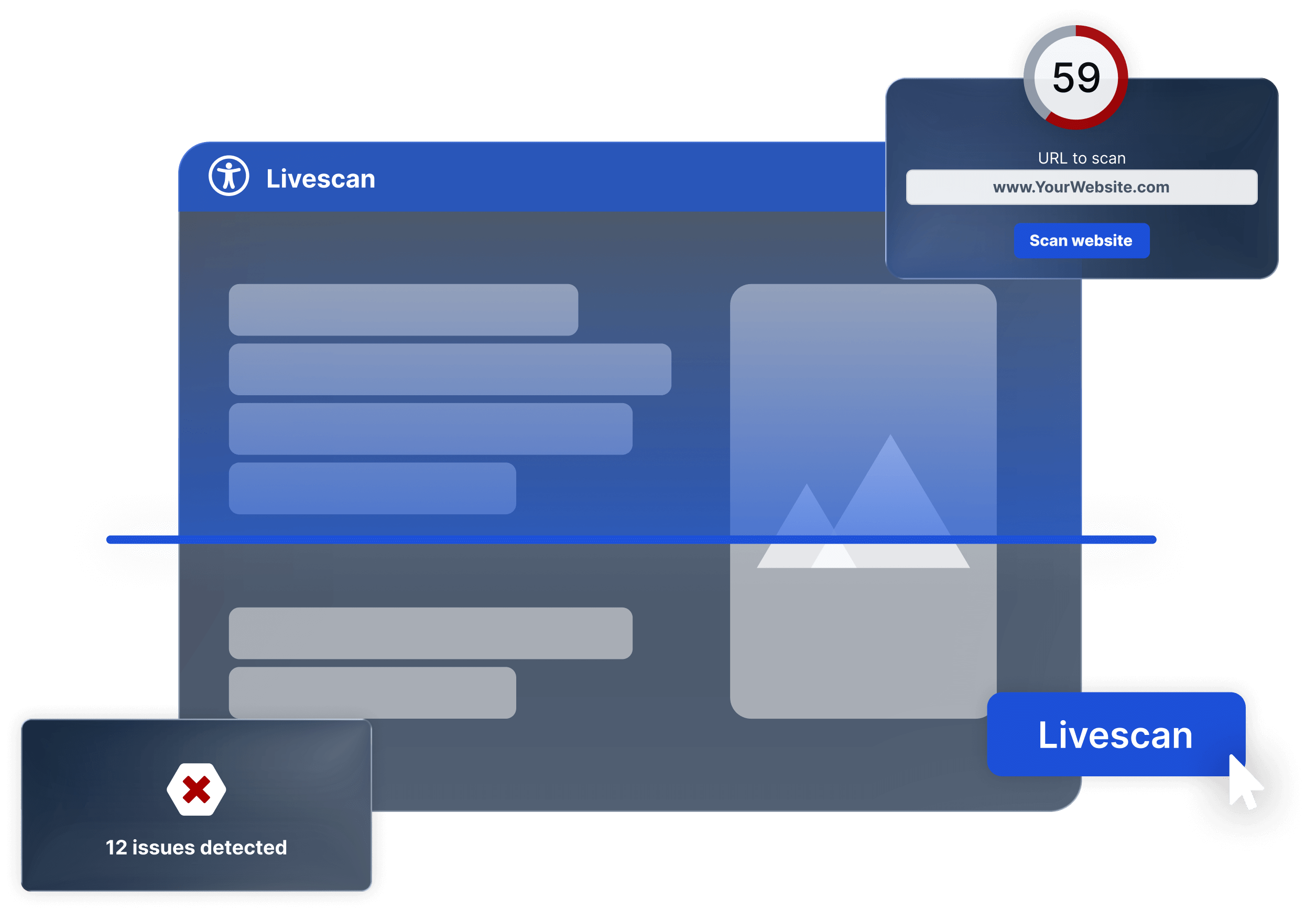
Test for free how well your website meets the legal requirements, automated and without registration. Simply enter your URL.
How our products work together
easyAudit as part of the SiteCockpit platform
easyAudit complements the SiteCockpit modules: easyMonitoring scans your website automatically for WCAG violations. easyStatement supports you with your accessibility statement, and your results help with that. And easyVision offers your users assistive functions in the frontend. If you prefer to hand over the check, use the audit by SiteCockpit experts.

Frequently asked questions about the accessibility audit with easyAudit
easyAudit is a guided check with 98 criteria based on EN 301 549. You check your shop step by step yourself, easyAudit provides the instructions and records your results.
For every criterion, five tabs explain what is checked, why it matters, how to check, which tools help and what an example looks like.
Get started: accessibility audit for your website
Check your shop with easyAudit: guided, traceable and with a report. Try it free for 30 days, easyAudit included.
No credit card required.