Accessibility directly in Firefox – with the free SiteCockpit extension
Digital inclusion starts in the browser. With the free Firefox add-on easyVision, you improve readability, contrast and usability – regardless of individual limitations.
The extension works on all websites, in all current Firefox versions – without registration or costs.
Developed for more accessibility, supported by Mozilla and fully GDPR-compliant.

Custom requirements? easyVision adapts to you
With the Firefox extension from SiteCockpit, you shape your browsing experience according to your needs – independent of website layout.
For example:
-
 Enlarge cursor and increase contrast
-
Visually emphasize text and links
-
Hide images and animated content
-
Customize colors – e.g. for sensory overload
-
Custom user profiles for frequent requirements
Accessibility in three simple steps
1. Open extension area
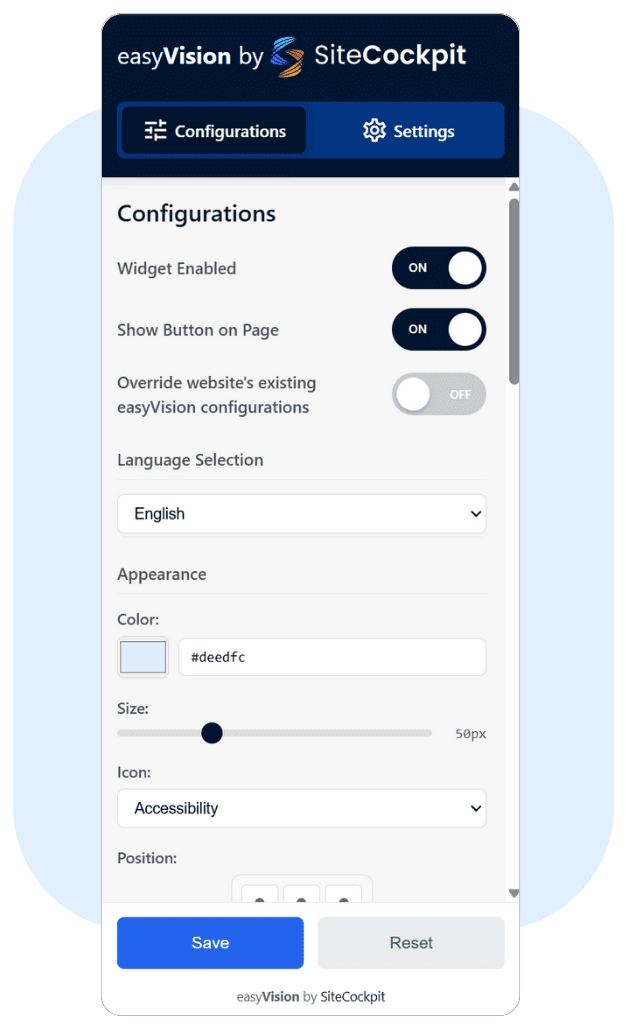
Click the puzzle icon in Firefox, select "Add-ons and Themes" and type "SiteCockpit" in the search field.
2. Add easyVision
Select "easyVision by SiteCockpit" from the search results and click "Add to Firefox". Confirm the installation.
3. Activate features
After installation, the icon appears in the browser bar. Use the sidebar to activate the desired features directly on any website.
Step-by-step video: How to use easyVision in Firefox
The video shows how to install and use the SiteCockpit Firefox extension – including activation, user profiles and analysis functions.
Perfect for anyone who wants to implement accessibility in projects quickly, efficiently and GDPR-compliant.
Test now – How accessible is your website?
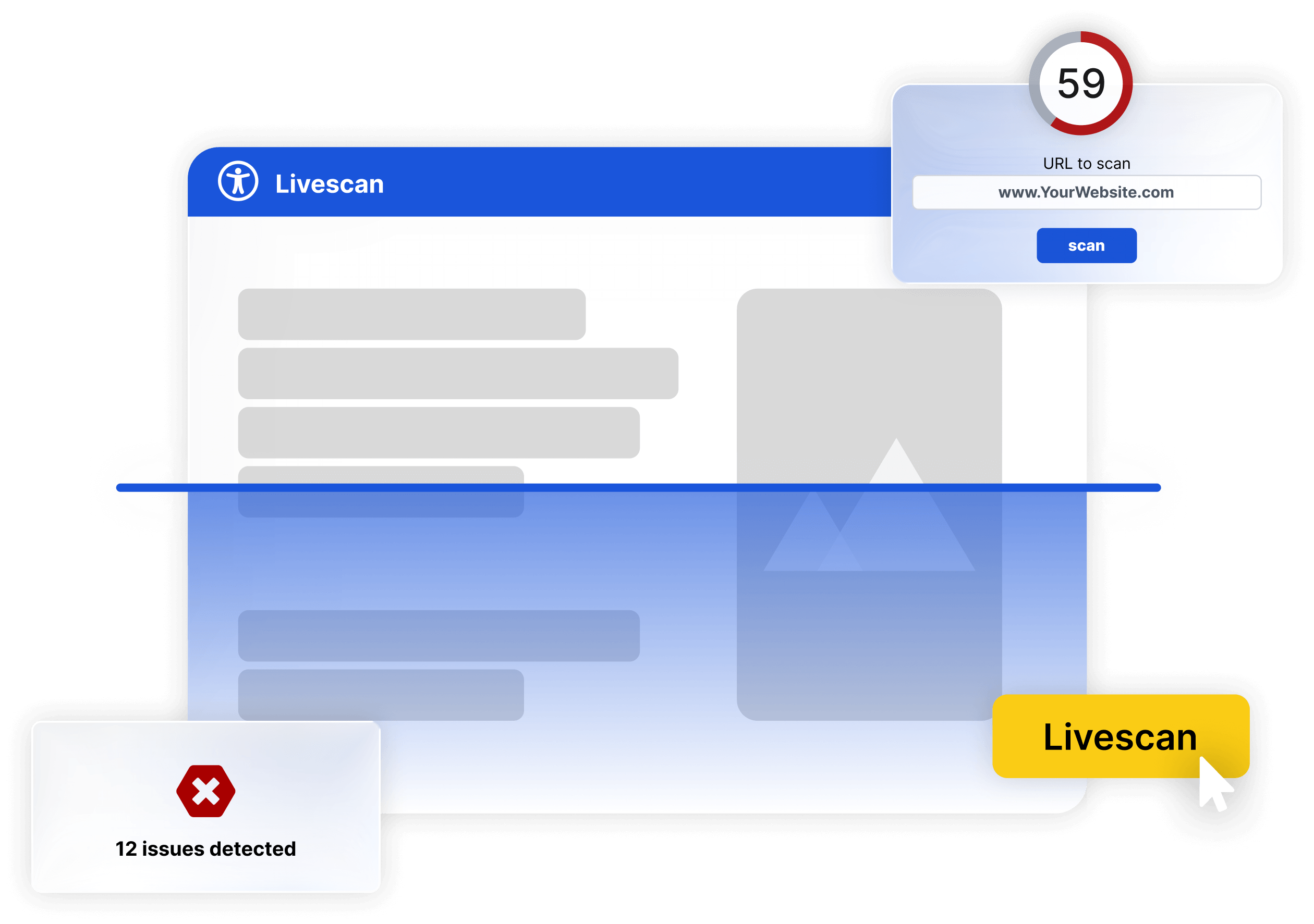
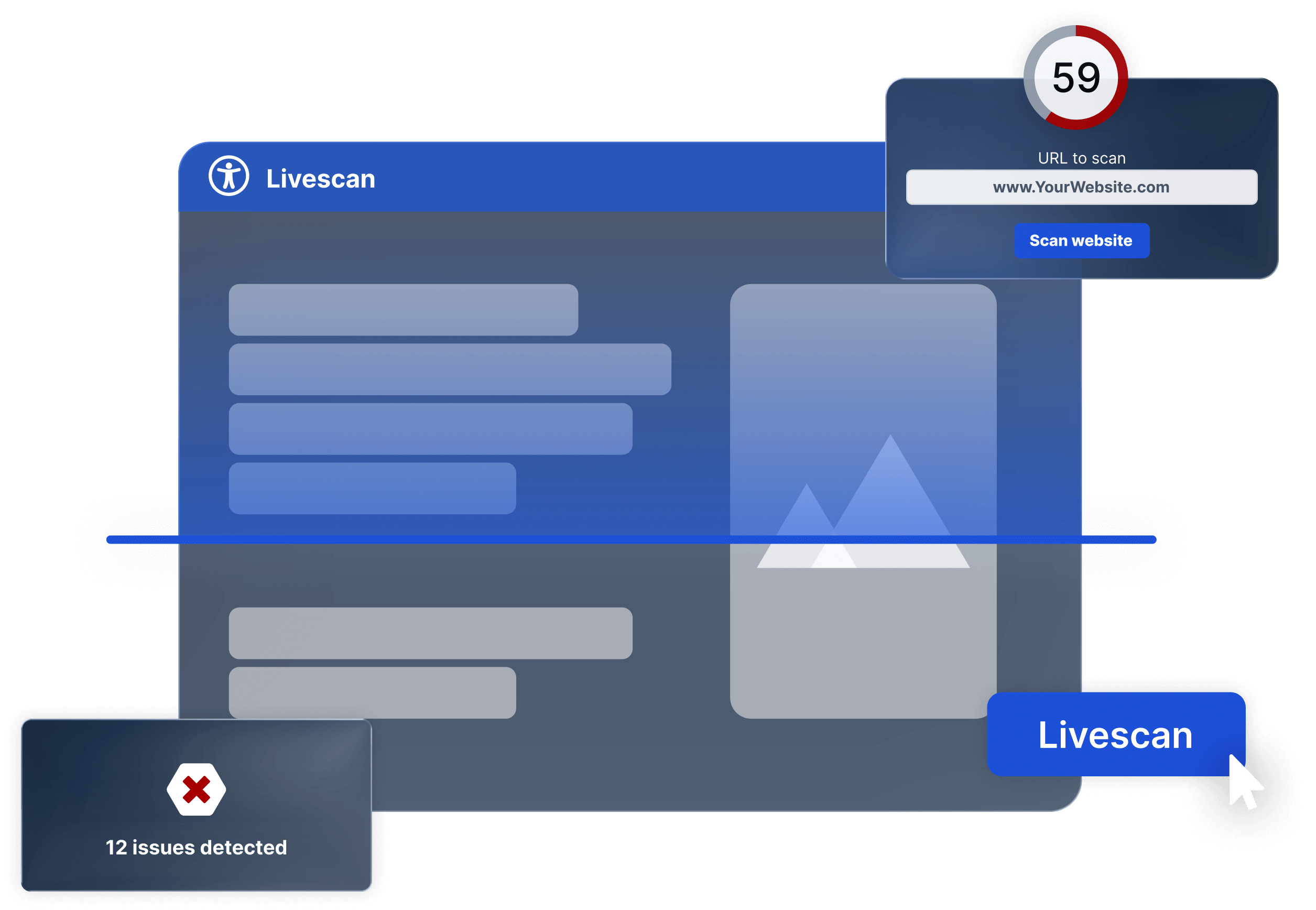
With SiteCockpit's Live Check, you analyze your website for typical barriers – fully automated, without registration. Just enter the URL and start the check.
Digital accessibility directly in Firefox – ready to use immediately
The WCAG 2.2 defines clear standards for accessible content – easyVision brings these standards directly to the Firefox browser.
With the SiteCockpit extension, users activate important features directly in the browser – without modifying your website:
-
Flexible adjustment of colors, contrast and font sizes
-
Reduction of animations and activatable reading modes
-
Pre-configured profiles for ADHD, dyslexia, visual impairment
-
Focus control for screen readers and keyboard navigation
-
Directly in Firefox browser – without technical integration