Assistive Technologies – Digital Aids for People with Impairments
Assistive technologies are tools, software, and system functions that enable or facilitate access to digital services for people with disabilities and impairments. For a website to truly be usable by everyone, it must function reliably with these technologies.
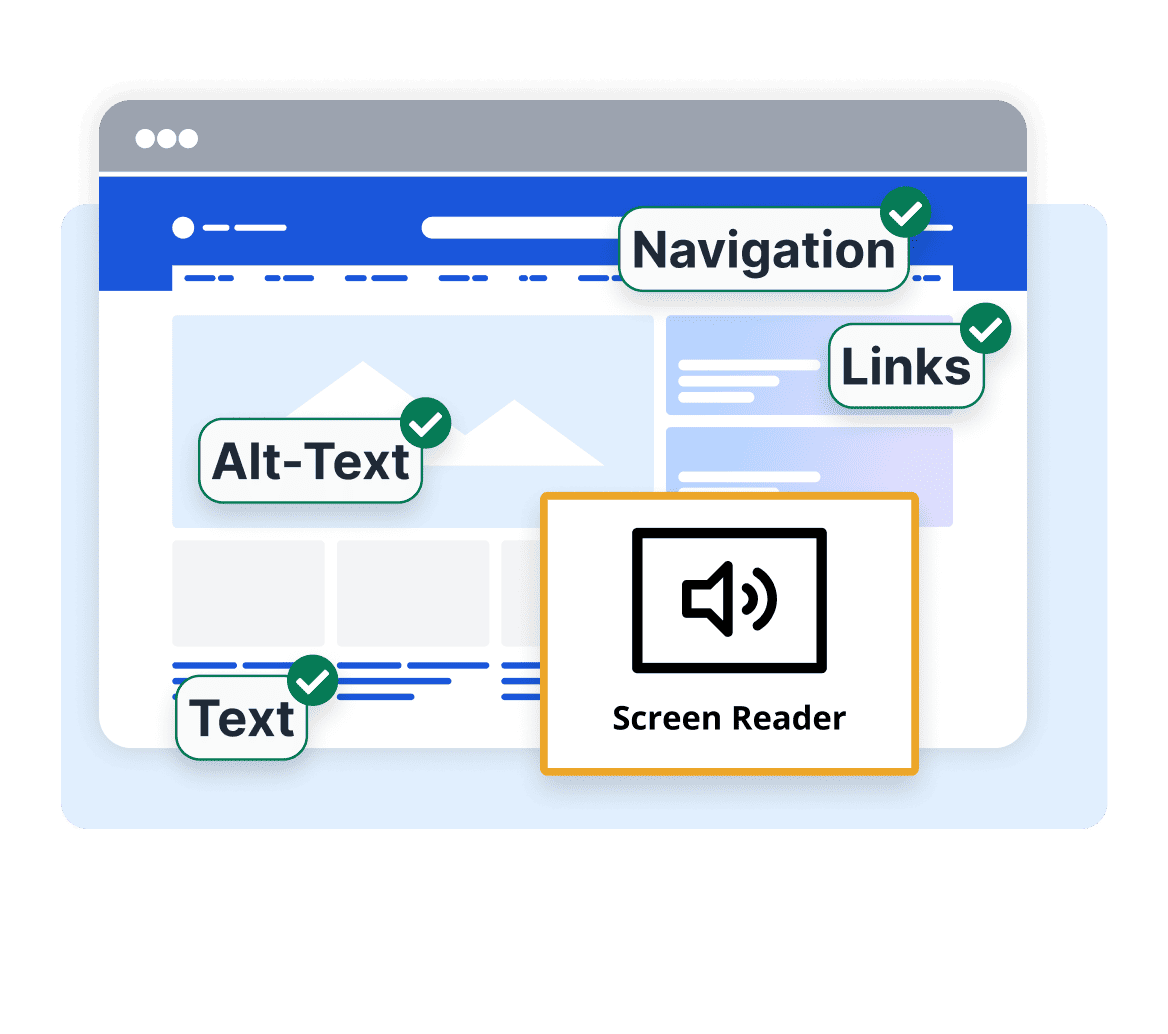
The Key Facts at a Glance
Assistive Technologies at a Glance
These four points summarize what assistive technologies are and why your website needs to work with them.
-
 Specialized hardware and software that gives people with disabilities access to digital content – from screen readers to eye-tracking
-
Only work reliably with a technically correct setup: semantic HTML, alt text, and keyboard operability are required
-
Since 28 June 2025, the BFSG legally requires AT compatibility for companies with 10+ employees or €2 million+ in annual revenue
-
Mainstream users benefit from AT too – think voice assistants or automatic captions
 1.3 billion people worldwide live with disabilities
AT compatibility is a mandatory WCAG requirement
Measure compatibility with easyMonitoring
1.3 billion people worldwide live with disabilities
AT compatibility is a mandatory WCAG requirement
Measure compatibility with easyMonitoring
What are assistive technologies?
Assistive technologies (AT) are specialized hardware and software solutions, as well as operating system features, that support people with physical, sensory, or cognitive impairments in using digital content and applications. They range from screen readers and braille displays to voice control and magnification software, all the way to eye tracking systems and custom input devices. The requirements and aids are just as diverse as the people who use them.
Within the context of digital accessibility, assistive technologies play a central role: they are not an exceptional workaround for a small minority, but vital everyday tools for millions of users worldwide. At the same time, many AT features have long reached the mainstream – voice assistants, automatic captions, or magnified displays are used daily by people with or without disabilities.
For assistive technologies to work, websites and applications must be technically built correctly. The WCAG specify exactly which requirements a digital service must meet to function reliably with common aids. Anyone who fails to comply with this standard effectively excludes individuals with disabilities – and, since June 28, 2025, violates the Accessibility Strengthening Act (BFSG).
An overview of four groups of assistive technologies
Assistive technologies cover a wide spectrum of impairments. These four groups are particularly relevant in the digital space.
Visual impairments
Screen readers like JAWS, NVDA, or VoiceOver read screen content aloud. Braille displays output text tactually. Screen magnification software like ZoomText scales content for people with low vision.
Motor impairments
Voice control like Dragon NaturallySpeaking, eye tracking systems, switch access devices, and adapted keyboards enable operation without a traditional mouse.
Hearing impairments
Captioning services, visual notifications, and sign language videos provide deaf and hard-of-hearing individuals with equal access to audiovisual content.
Cognitive impairments
Text-to-speech tools, word prediction, simplified view modes, and reading aids support individuals with dyslexia, ADHD, or cognitive impairments in reading and navigating.
What websites must provide – Requirements for AT compatibility
Assistive technologies are only as powerful as the website they interact with. A technically incorrect page blocks even the best aid. These are the most critical requirements for true AT compatibility:
-
Semantic HTML: correct headings, lists, and landmark roles provide structure for screen readers
-
Alt texts: all informative images must be textually described – screen readers cannot see images
-
Keyboard accessibility: every function must be reachable without a mouse – the foundation for voice control & switch access
-
Visible focus: users navigating with assistive tools must know where they are on the page at all times
-
ARIA attributes: supplementary roles and labels for elements that HTML alone cannot sufficiently describe
-
No keyboard traps: users of assistive devices must be able to freely enter and exit all areas
SiteCockpit easyVision
easyVision – assistive technology directly on Your website
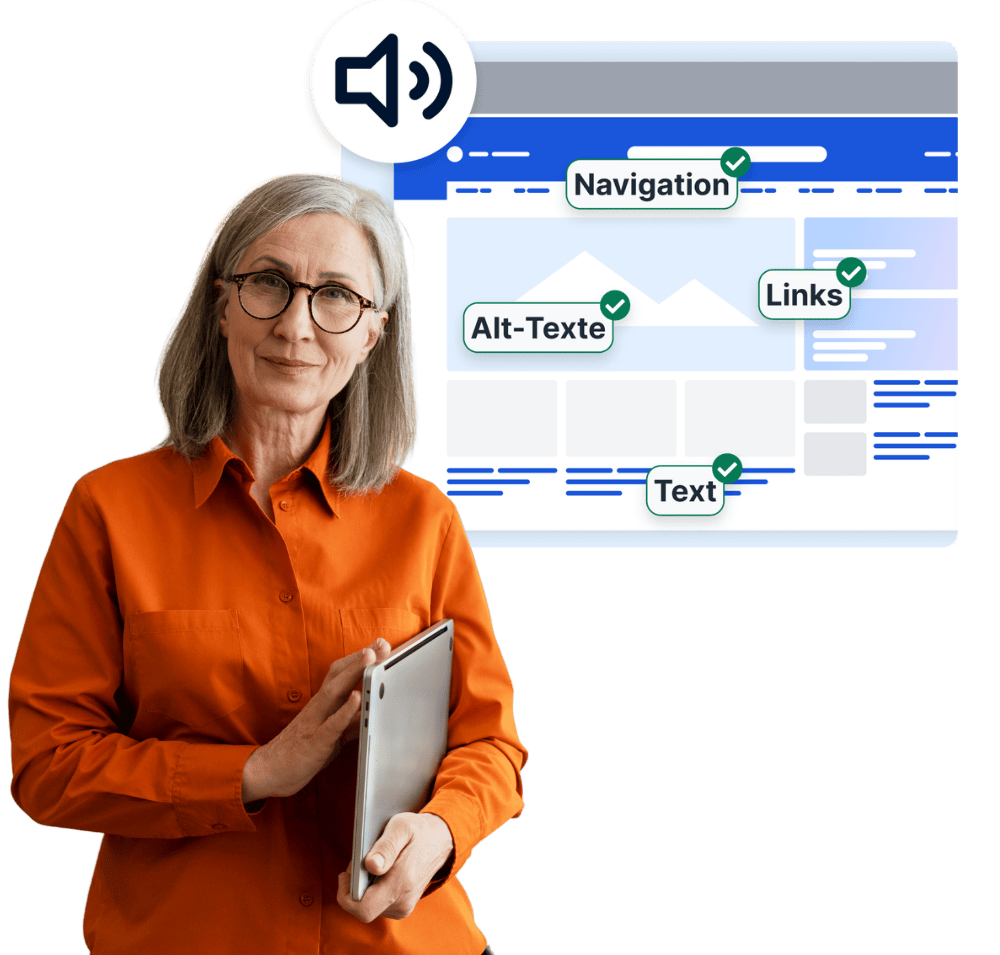
In addition to native aids like screen readers, websites can integrate an extra accessibility layer directly. easyVision by SiteCockpit is a configurable accessibility widget that enables users to make tailored adjustments on any page – without needing to install their own software.
-
Contrast modes for individuals with visual impairments or color blindness
-
Adjustable text size and line spacing for enhanced readability
-
Dyslexia-friendly font for individuals with reading and writing difficulties
-
Disable animations for users with vestibular disorders or ADHD
-
Cursor enlargement for motor-impaired users
-
Multilingual interface – configurable with a single click in the SiteCockpit dashboard
SiteCockpit easyMonitoring
Check if Your website is compatible with assistive technologies
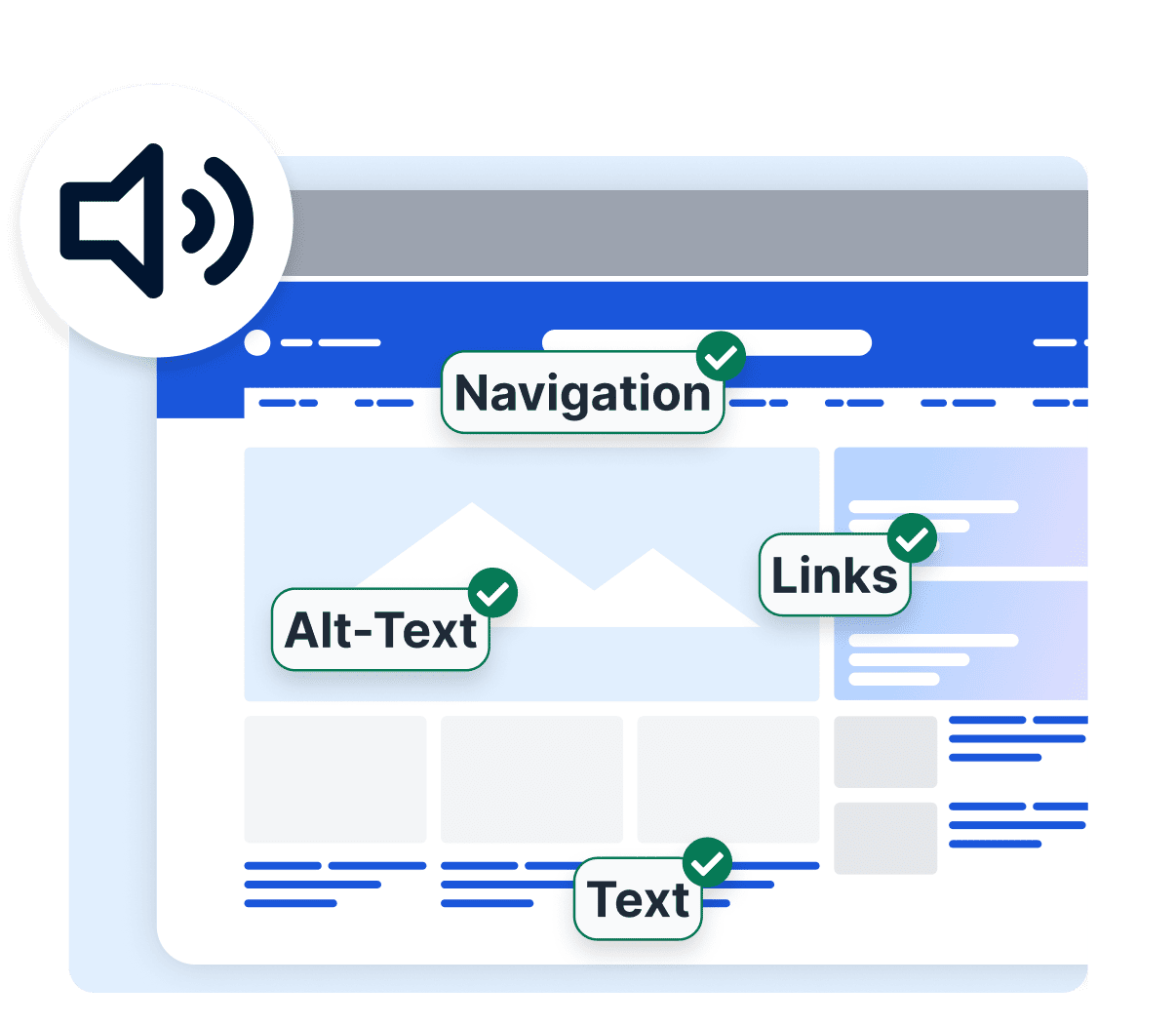
An overview of common assistive technologies
These aids are the most widely used by people with impairments worldwide. For a website to be truly accessible, it must function reliably with all of these technologies.
Assistive Technologies in Transition – AI and Voice as a New Layer
The boundary between assistive and mainstream technologies is increasingly blurring. Voice assistants, automated captions, and AI-powered image descriptions have long entered the mainstream – while remaining indispensable tools for many people with impairments. This development turns accessibility into a strategic topic for the future:
-
AI-powered alt text generation (like easyAlt) closes gaps where image descriptions are missing
-
Voice control is expanding: Siri, Alexa, and Google Assistant serve as primary navigation for millions
-
Automatic captions in video calls are standard – and support hearing-impaired users
-
Accessible content is AI-readable and thus easier to find – AT and SEO benefit together
Frequently Asked Questions about Assistive Technologies
Among the most prevalent assistive technologies on the web are screen readers such as JAWS, NVDA (Windows), and VoiceOver (Apple) for blind and visually impaired users. For people with motor restrictions, voice control software like Dragon NaturallySpeaking is widely used. Screen magnifiers like ZoomText and built-in system scaling support individuals with low vision. Captioning services and visual alert systems aid users with hearing impairments.
Traditional assistive technologies like screen readers are independent software programs that users install or operate on their own devices. An accessibility widget like easyVision is an additional layer embedded directly into the website that allows for individual adjustments right in the browser – without any installation. The two approaches are complementary: easyVision extends native tools with visual and cognitive adjustment options.
Compatibility can be assessed using automated WCAG audits and manual testing. easyMonitoring continuously scans websites for criteria that directly determine AT compatibility – from missing alt texts to structural HTML bugs. In addition, manual checks using actual screen readers like NVDA or VoiceOver are recommended, as automated tools capture about 30–40% of all potential barriers.
Yes – many assistive technologies have long become part of everyday life for all users. Automatic captions in video conferences, voice assistants on smartphones, or text scaling in the browser are used daily by people regardless of any disability. Optimizing your website for assistive technologies simultaneously enhances overall user experience, search engine discoverability, and the future viability of your digital service.