Make TYPO3 accessible – with SiteCockpit
TYPO3 offers a lot of design freedom. Whether your website is accessible, however, depends on your templates, extensions and content. SiteCockpit adds the easyVision accessibility widget, automated WCAG checks and an accessibility statement to your TYPO3 site – via extension or embed code, without a relaunch.






Extension or embed code: two ways to integrate
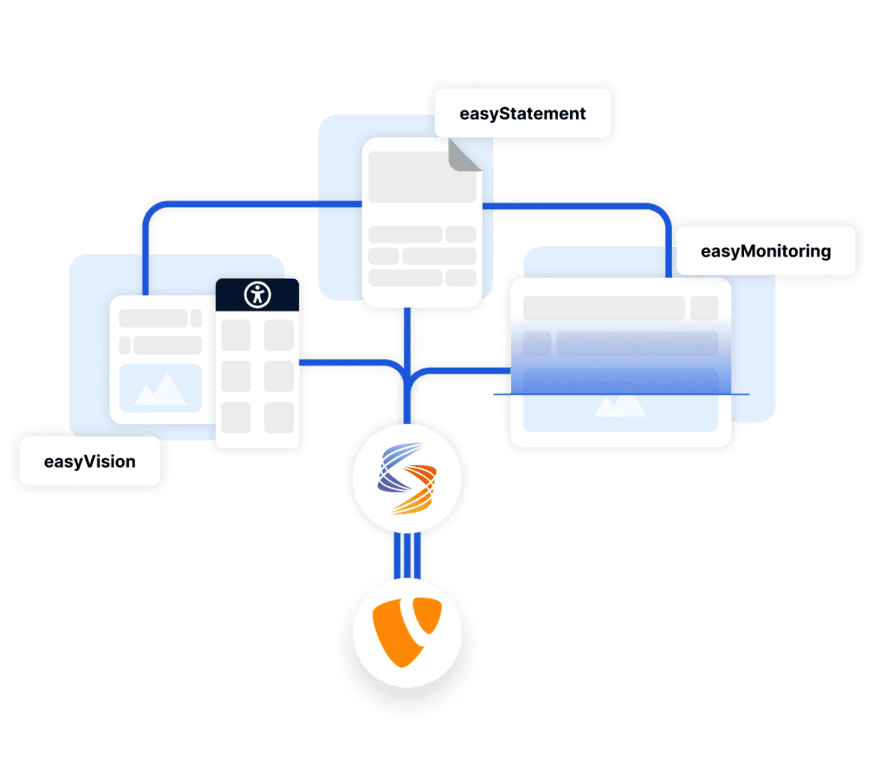
The easyVision by SiteCockpit extension from the TYPO3 Extension Repository adds the easyVision widget to your website. It supports TYPO3 13 LTS and can be installed via Composer.
Alternatively, you can insert the embed code from your SiteCockpit account yourself, for example via TypoScript or your Fluid template. This works regardless of your TYPO3 version. Our documentation explains how.
easyVision on your TYPO3 site in 3 steps
1. Copy the code
Copy the easyVision embed code from your SiteCockpit account.
2. Add it to TYPO3
Use the extension (TYPO3 13 LTS) or add the code to all pages via TypoScript or your Fluid template.
3. Customize and check
Adjust the button, icon, position and colors to your design in your SiteCockpit account. easyMonitoring checks your pages against WCAG automatically.
SiteCockpit explained
The video gives you an overview of SiteCockpit and its modules.
Accessibility is an opportunity for everyone.
What good is the best website if not everyone can use it?
Try it now: how accessible is your TYPO3 site?
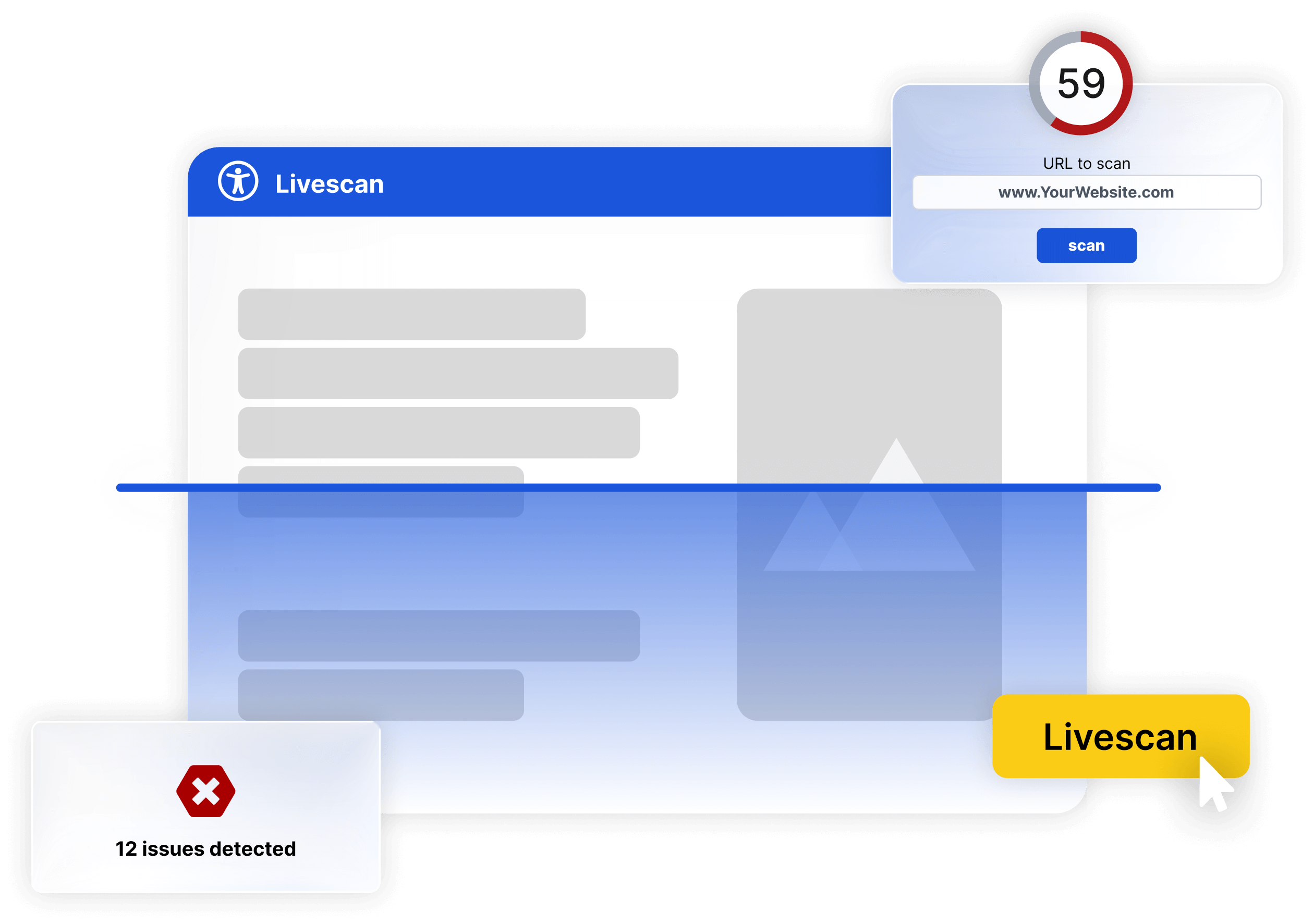
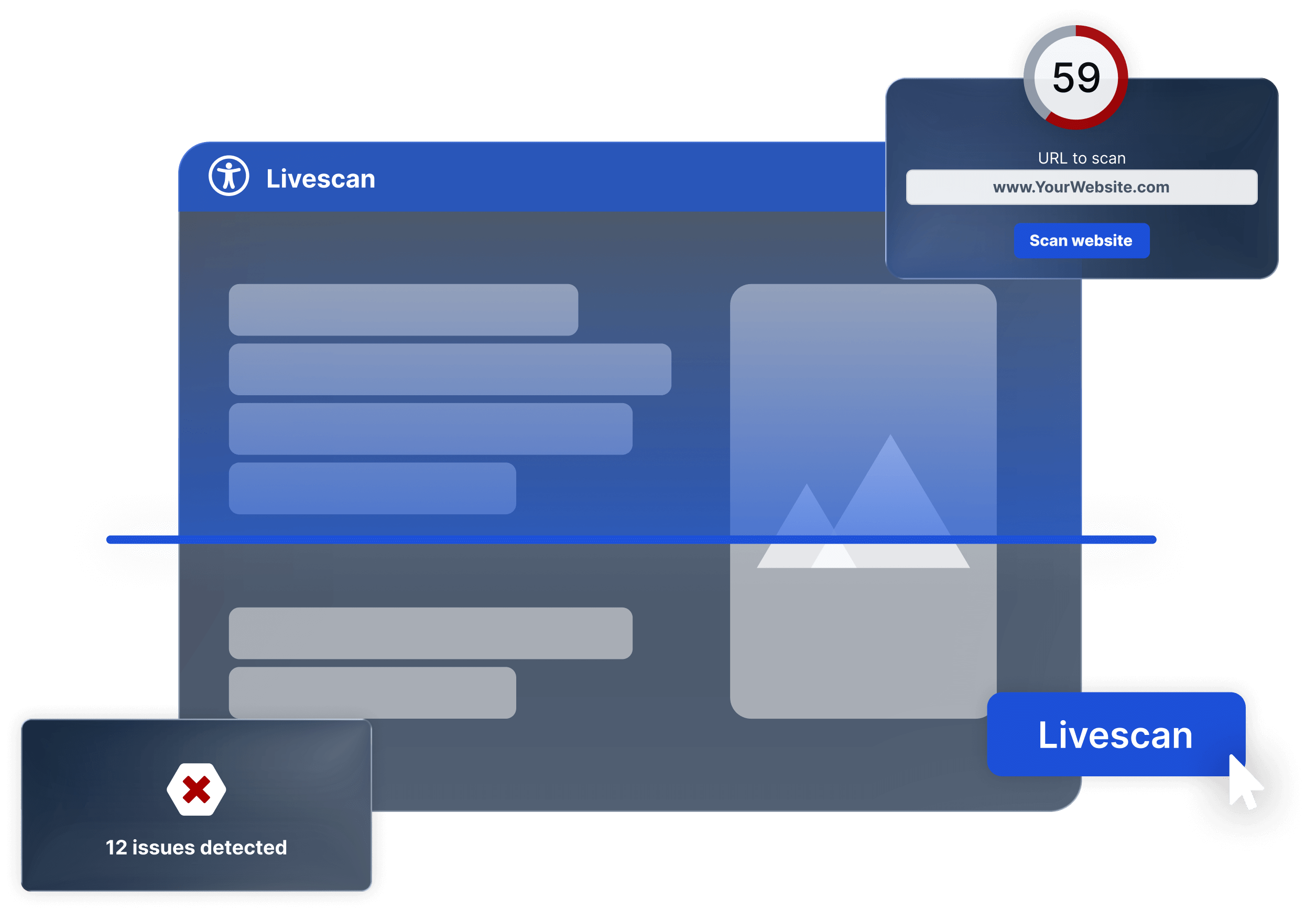
Our Live Check gives you an initial assessment straight away – no sign-up required. Enter the URL of your website and get an automated check of how well it meets key accessibility requirements.
Why TYPO3 is not automatically accessible
In TYPO3, what your visitors see is built from templates, extensions and your editorial content. Whether a page is accessible therefore depends less on the system than on the implementation: clean HTML in the template, accessible extensions and content maintained with headings, alt text and meaningful link texts.
-
 Images without alt text
-
Templates that style headings only visually instead of marking them up semantically
-
Sliders, menus and forms from extensions that cannot be operated by keyboard
-
Multilingual pages without correct language markup
-
PDF documents in the download area that are not accessible
-
Link texts such as “more” that do not name the target
The list shows typical barriers on TYPO3 sites. Our lexicon explains the basics: alt text, semantic HTML, keyboard accessibility, accessible links and PDF accessibility.
What SiteCockpit does for your TYPO3 site
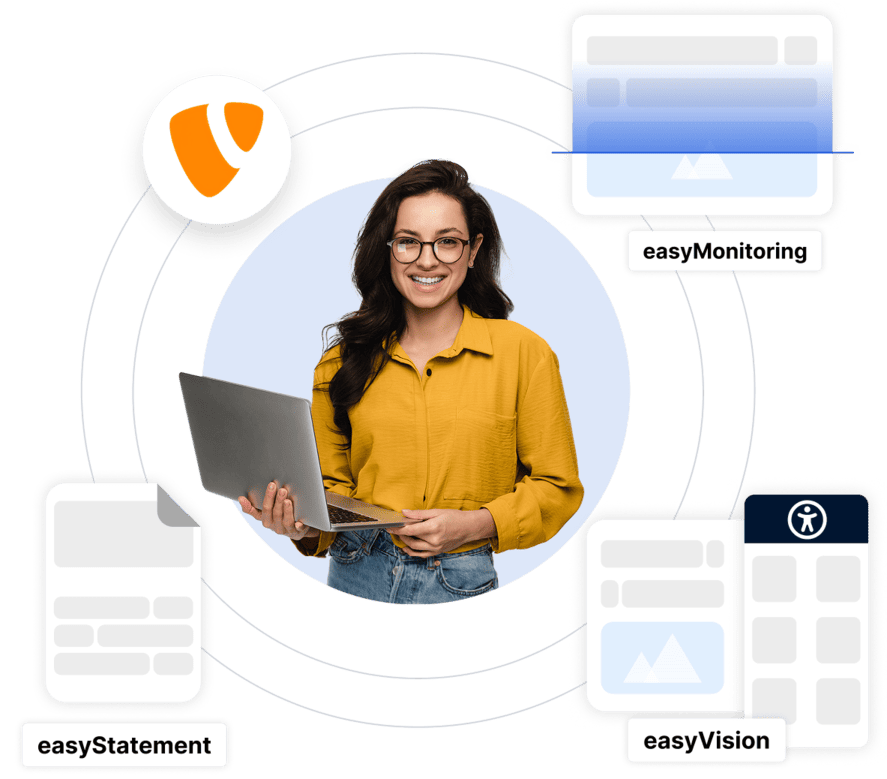
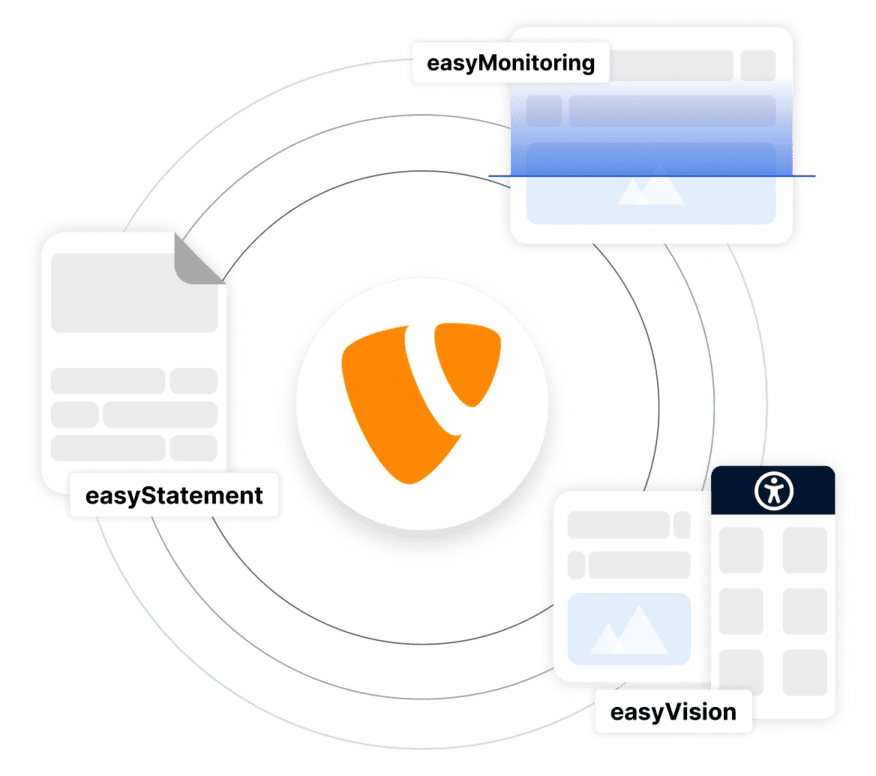
A widget alone does not make a website accessible. That is why SiteCockpit combines assistance for your visitors with tools that reveal barriers in your template and content.
easyVision
Your visitors adjust the display themselves: contrast, text size, line spacing, animations and more, plus profiles for dyslexia or low vision, for example.
More about easyVisioneasyMonitoring
Checks your TYPO3 pages against WCAG automatically and shows which barriers in your template or content should be fixed.
More about easyMonitoringeasyStatement
Creates the accessibility statement for your website, as required by the BFSG and BITV 2.0.
More about easyStatementBFSG and BITV 2.0: does my TYPO3 website have to be accessible?
Germany's Accessibility Strengthening Act (BFSG) has applied since 28 June 2025. Among other things, it covers e-commerce services for consumers. Public authorities and other public bodies are also subject to the German Disability Equality Act and the BITV 2.0 or the corresponding state laws.
Your website may be affected in particular if you:
-
sell to consumers through an online shop
-
offer bookings, subscriptions or other contracts online
-
are a public body, for example an authority or university
-
are not a micro-enterprise: service providers with fewer than 10 employees and an annual turnover or balance sheet total of no more than €2 million are exempt
WCAG 2.2 and TYPO3: what matters
WCAG 2.2 describes how digital content becomes perceivable, operable, understandable and robust. For your TYPO3 site, this mainly means:
-
templates with a semantic structure and a visible keyboard focus
-
alt text for all informative images
-
a contrast ratio of at least 4.5:1 for normal text
-
forms with labels and clear error messages
-
content that remains usable at 200% zoom and on smartphones
Questions about TYPO3 and SiteCockpit
Make your TYPO3 site more accessible
Install the extension or add the code, done: easyVision is live on your website within minutes.