Alt Text (Alternative Text) – What is it?
Alt text (alternative text) is a short image description that is programmatically assigned to an image or other non-text content. Technically, this is done on the web via the alt attribute of an HTML element.
This alternative text describes the content and purpose of an image in text form. It is an elementary component of good content and ensures that visual information remains accessible to everyone even without the image being displayed.
Screen readers read alt texts aloud when users cannot see images. Another good example of their usefulness: The alternative text becomes visible in the browser if a graphic cannot be technically loaded.
Alt texts are thus a central part of digital accessibility and are mandatorily anchored in the international guidelines of the WCAG.
Why alt text is important
Digital Inclusion: Special reading programs (screen readers) used by the visually impaired rely on the text to make images, photos, and graphics comprehensible. Alt texts provide an exact textual description of the image content.
The alternative text conveys the context and purpose of a visual element. This ensures all users receive the same information as sighted people.
Better User Experience: Another important reason for alt texts: If an image fails to load, the browser displays the text as a placeholder. This preserves the contextual connection of the page in any case.
SEO and Search Engine Optimization: Search engines like Google can read words, but cannot visually understand images. They evaluate the alt attribute to grasp what an image represents. When you write meaningful alt texts and sensibly integrate the relevant keyword, you help search engines classify images correctly.
Links: If an image acts as a link, the alt text serves both the search engine and the screen reader as anchor text to explain the destination of the link.
Legal Requirements: The Accessibility Strengthening Act (BFSG) obliges many companies to provide digital content for everyone – this imperatively includes correctly maintained text alternatives for images and graphics.
The Checklist for good alt texts
- Precise and understandable: Describe exactly what can be seen in the image. Enter this into the designated field in your CMS.
- Concise: Ideally around 125 characters so that screen readers can easily grasp the text.
- No redundancies: Do not use phrasing like "Image of..." or "Graphic showing...".
- Consider context and keyword: The text should supplement information and naturally pick up the primary search word.
- Decorative images: In this special case, always use an empty alt attribute:
alt=""
Good and bad alt text examples
-
Bad:
alt="Photo",alt="Image",alt="Product" -
Good:
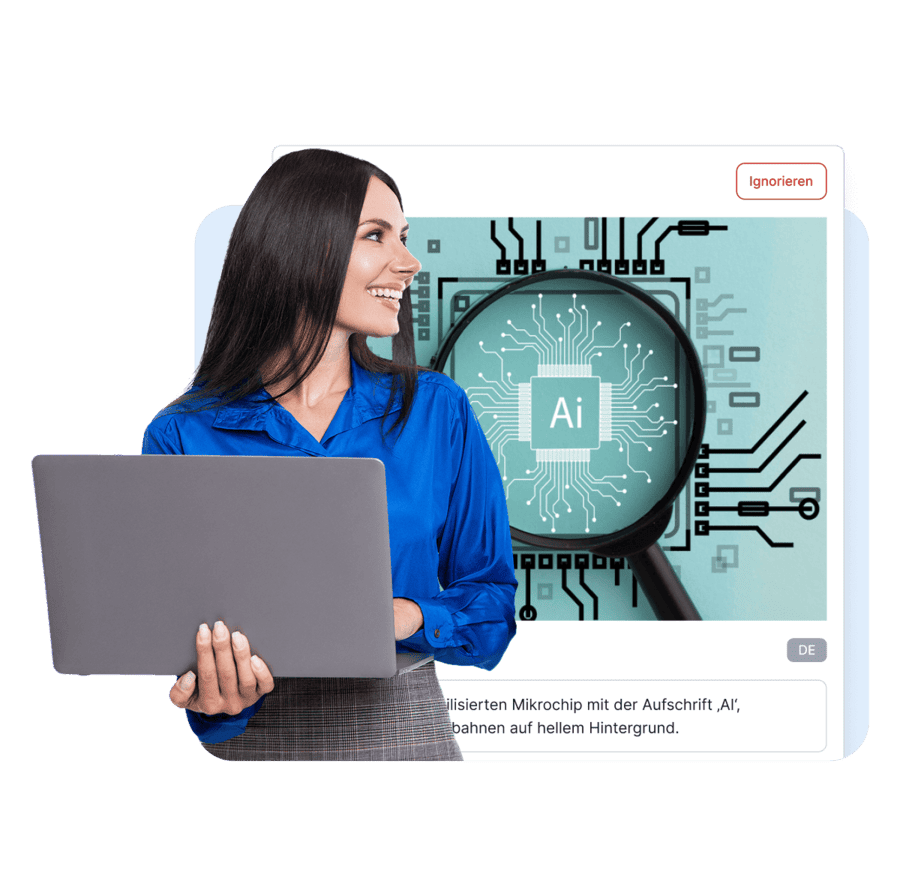
alt="A smiling woman with a laptop in front of a graphic showing a magnifying glass over an AI microchip." -
Good (an example for diagrams):
alt="Visualization of the SiteCockpit easyAI function: A woman is working on a laptop while in the background a magnifying glass analyzes an AI chip to generate automatic image descriptions."
Special cases for alt texts
Icons as img elements: If icons are embedded as normal images, they need an alt text that describes their function – not their appearance. Example: alt="Print page" instead of alt="Printer icon".
SVG graphics: SVGs often contain more complex content. Depending on the implementation, they should be provided with an aria-label, a title element, or the role role="img" so that reading programs receive an understandable description.
Background images (CSS): Images that are exclusively embedded via CSS as a background are not recognized by screen readers. If such graphics convey contextual information, they must be embedded as a normal img element with a text alternative.
SiteCockpit Solution
Automatic alt text generation with easyAI
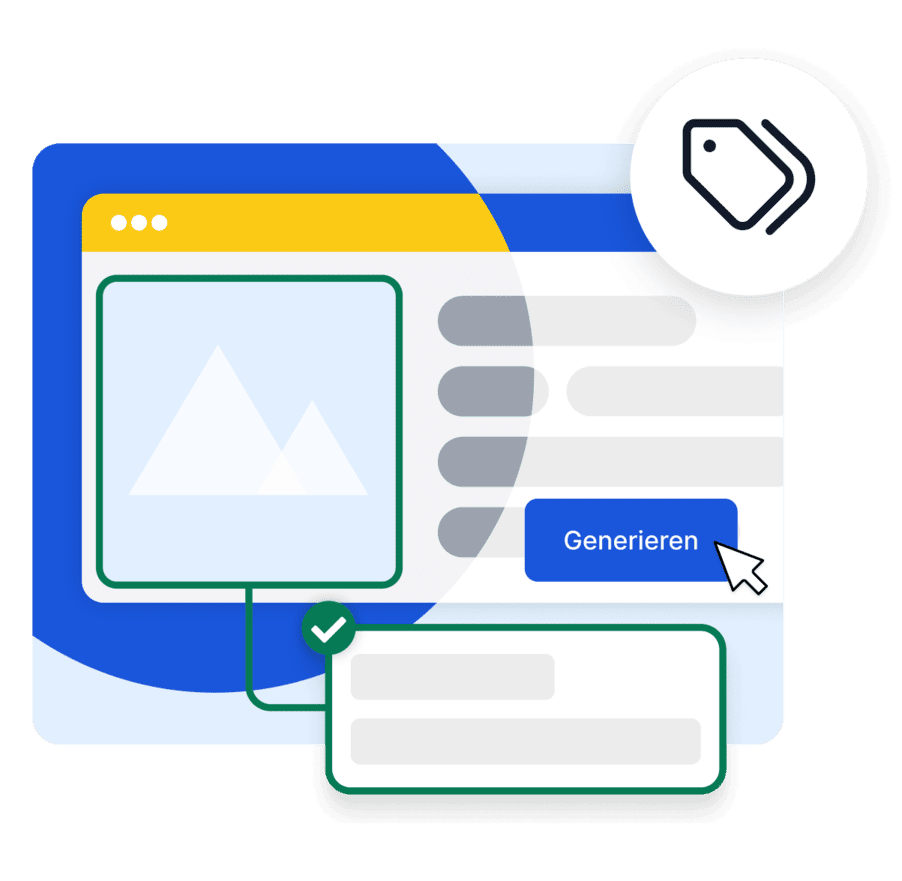
easyAI supports the automatic generation of alt texts directly in the SiteCockpit backend. With just one click, image content is analyzed and suitable alternative texts are created by artificial intelligence.
- Generation of alt texts via click in the backend
- Central editing and manual post-correction possible
- Ideal for large image inventories and product catalogs
- Combination of AI support and quality assurance
Frequently Asked Questions about alt texts
What is alt text?
Alt text (alternative text) is a short image description assigned to an image, photo, or graphic in the HTML code via the alt attribute. Screen readers read this text aloud when users cannot see an image. They are an elementary component of accessibility according to WCAG.
Why is alt text important for SEO?
Search engines like Google cannot see images directly. They evaluate the alt attribute to understand what content an image represents. Meaningful alt text improves discoverability in Google Image Search and strengthens the contextual relevance of a page.
Does every image need alt text?
Alt text is required for all informative and functional images. Purely decorative images without informational value, however, should be provided with an empty alt attribute (alt="") so that screen readers skip them.
How long should alt text be?
Good alt text is as short as possible and as long as necessary. In practice, about 80 to 125 characters have proven effective so that screen readers and Braille displays can process the text optimally.
What is the difference between an alt attribute, alt tag, and title attribute?
The alt attribute describes the content and is mandatory for accessibility – "alt tag" is merely a colloquial term for it. The title attribute, on the other hand, only provides optional additional information as a tooltip.
Can easyAlt create alt text automatically?
Yes. easyAlt generates text alternatives using artificial intelligence directly in the SiteCockpit backend. This saves you time during content maintenance and meets the requirements of the BFSG.
How do I check if my images have alt text?
By right-clicking on an image and selecting "Inspect Element", you can view the HTML. Alternatively, automatic testing tools like easyMonitoring can be used to thoroughly check websites according to WCAG standards.
Learn more about accessibility now
Discover more helpful resources and tips for implementing accessible digital content. With SiteCockpit, you meet the requirements of the BFSG and make your website accessible to all users.
Try for freeFurther Topics
- WCAG 2.2 – Web Content Accessibility Guidelines at a glance
- WCAG AA – the legally required minimum standard
- What is Accessibility? – Basics and Meaning
- Screen readers – digital accessibility for blind and visually impaired people
- Accessibility Strengthening Act (BFSG) – Obligations starting June 28, 2025
- Warnings for lack of accessibility – Risks and consequences
- easyAlt – AI-generated alt texts for your website
- easyMonitoring – Automated Accessibility Scan