Accessibility on the Web – What Does Digital Accessibility Mean?
Accessibility refers to the digital accessibility of websites, apps and online services for all people – regardless of physical, sensory or cognitive limitations. Accessibility is not an add-on feature but a fundamental requirement for genuine digital participation – and since 28 June 2025, a legal obligation for many companies in Germany.

The key facts at a glance
Digital accessibility – the essential facts
Accessibility encompasses all measures that make digital offerings accessible to all people. These four points summarise what that means and why it is relevant right now.
-
 Applies to all digital offerings: websites, apps, online shops and software
-
Around 16% of the world's population live with some form of disability (WHO)
-
Legal basis: BFSG (Germany) has been in force since 28 June 2025
-
Technical standard: WCAG 2.1 Level AA as the internationally recognised benchmark
 Accessibility has been a legal requirement since 28 June 2025
Applies to websites, apps and online services for consumers
Basis: WCAG 2.1 Level AA – internationally recognised standard
Accessibility improves the user experience for all people
Accessibility has been a legal requirement since 28 June 2025
Applies to websites, apps and online services for consumers
Basis: WCAG 2.1 Level AA – internationally recognised standard
Accessibility improves the user experience for all people
What is accessibility – and why does it matter for all people?
Accessibility – in German "digitale Barrierefreiheit" – describes the ability of digital offerings to be used fully by all people. This concerns not only people with permanent disabilities but also older users, people with temporary limitations or those accessing online services under difficult conditions – for example via voice control or on a smartphone in bright sunlight.
According to the World Health Organization (WHO), around 1.3 billion people worldwide live with a disability. Many of them depend on accessible websites, apps and digital documents in their daily lives. Organisations that fail to make their digital offerings accessible exclude a significant portion of potential users – endangering reach, conversion rates and social participation.
Accessibility also makes business sense: accessible websites achieve better SEO rankings, reduce bounce rates and reach a broader audience. Since 28 June 2025, accessibility is also a legal obligation for many companies in Germany under the Accessibility Strengthening Act (BFSG) – based on the WCAG 2.1 guidelines of the W3C.
Which people benefit from accessibility?
Digital accessibility benefits far more than people with permanent disabilities. It improves access to websites, apps and online services for a much broader group of users – and creates a better experience for everyone.
-
People with visual impairments or blindness rely on screen readers – which require accessible HTML structures and alternative texts
-
People with motor impairments use keyboard navigation or voice control instead of a mouse
-
Deaf and hard-of-hearing people need subtitles and transcripts for video and audio content on websites and apps
-
Older users benefit from clear structures, scalable fonts and sufficient colour contrast
-
Temporary limitations such as a broken arm – or situational ones like strong sunlight – affect every person at some point
The four principles of accessible websites
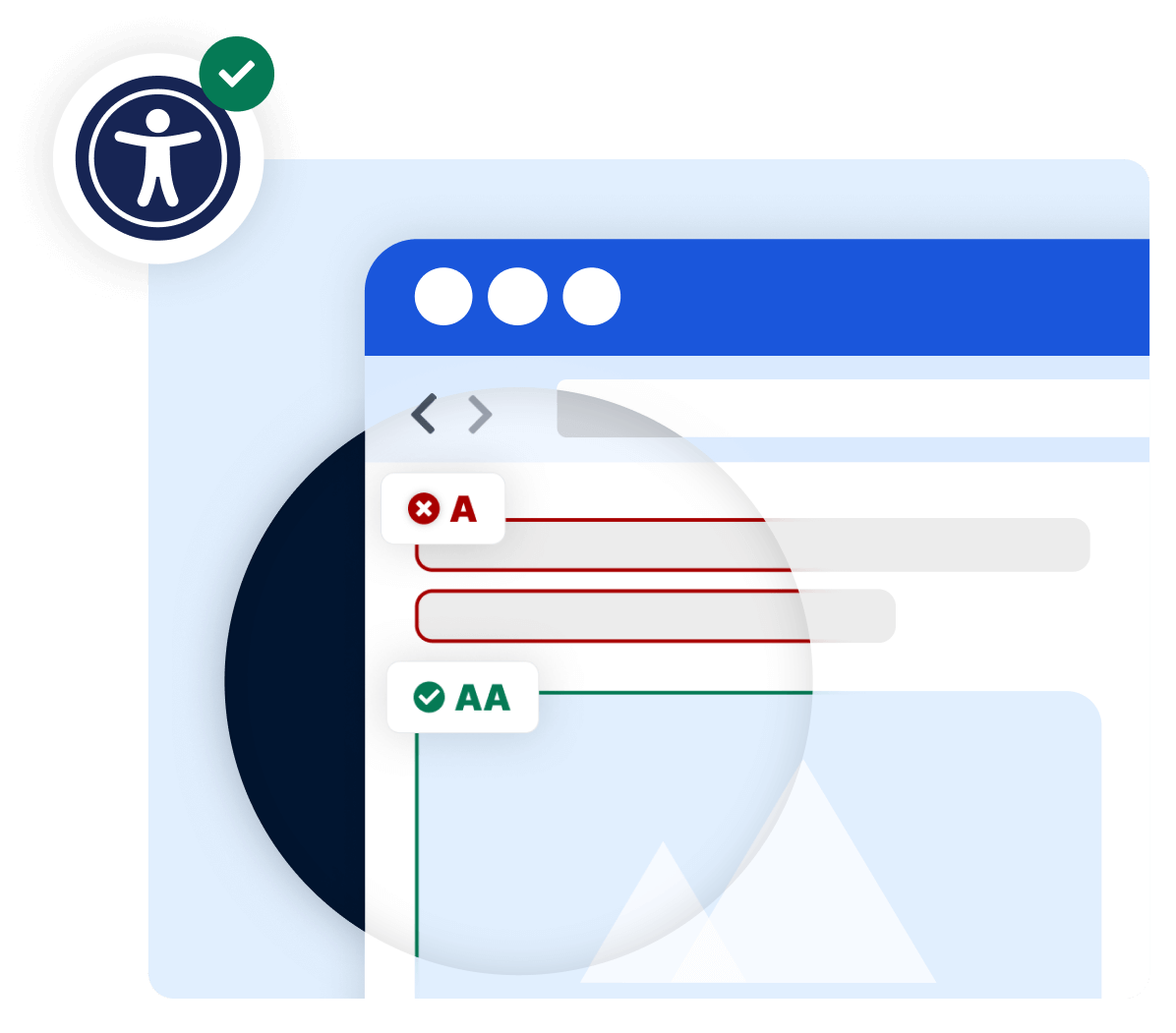
The WCAG 2.1 of the World Wide Web Consortium (W3C) organise all accessibility requirements into four core principles – known as POUR. These principles apply to websites, apps and all other digital offerings for consumers.
1. Perceivable
All content and interface components must be perceivable to users – visually, audibly or via assistive technologies. Images need alternative texts, videos need subtitles, and text must have sufficient colour contrast.
2. Operable
All functionality must be accessible to all users – not only with a mouse but also via keyboard, voice control or other input methods. Visible focus indicators and sufficient time for inputs are essential.
3. Understandable
Both content and operation must be understandable. Clear language, consistent navigation, explanatory hints in forms and comprehensible error messages help all users interact with a website without confusion.
4. Robust
Digital content must be compatible with different browsers, devices and assistive technologies such as screen readers – and remain so over time. Clean, standards-compliant HTML is the foundation.
Accessibility as a legal obligation – BFSG and EAA
Digital accessibility in Germany has been a legal requirement since 28 June 2025 under the Accessibility Strengthening Act (BFSG). The act applies to companies with at least 10 employees or an annual turnover of at least 2 million euros that offer products or services online to consumers. Its foundation is the European Accessibility Act (EAA) – an EU-wide legal framework for digital participation.
-
BFSG in force since 28 June 2025 – no transition period for websites and online shops
-
Applies to all companies offering products or services online to consumers (B2C)
-
Technical standard: WCAG 2.1 conformance level AA as the minimum requirement
-
Non-compliance risks fines of up to €100,000, cease-and-desist orders and regulatory action
SiteCockpit easyMonitoring
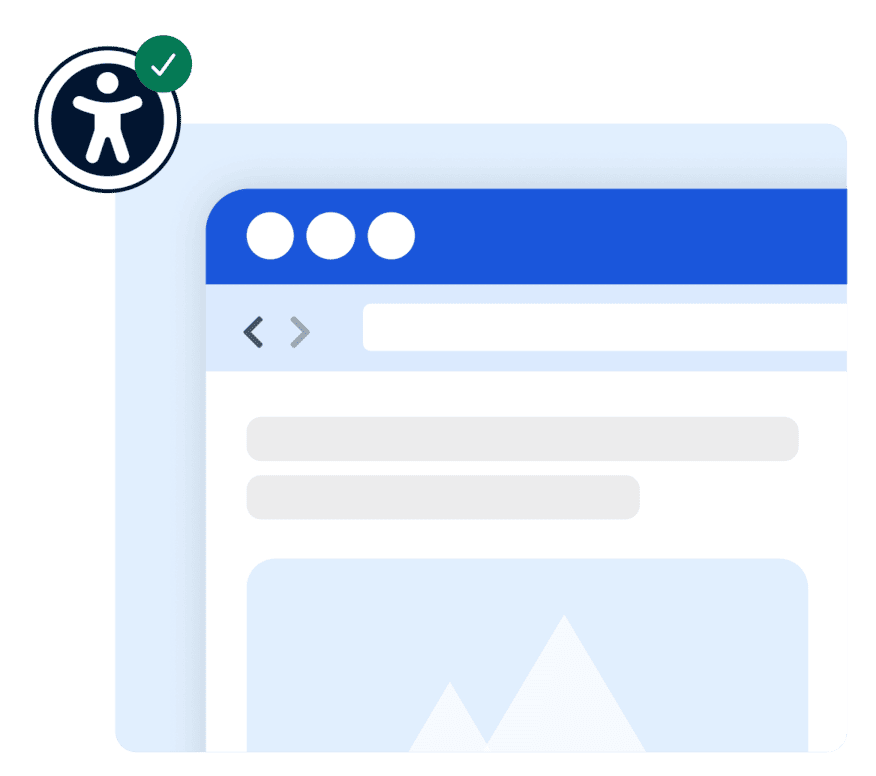
Making accessibility measurable – with automated WCAG monitoring
Digital accessibility is not a one-off project but an ongoing process. Every new page, every updated image or modified form can introduce new barriers for people with disabilities. easyMonitoring automatically checks your website, online shop and apps for WCAG conformity – with specific recommendations and measurable progress.
Frequently asked questions about digital accessibility
The technical requirements are based on WCAG 2.1 Level AA. They are structured around four core principles: Perceivable (e.g. alternative texts for images, sufficient colour contrast), Operable (full keyboard navigation, no time-limited inputs), Understandable (clear language, consistent navigation) and Robust (compatibility with assistive technologies such as screen readers).
SiteCockpit's free Live Check provides an instant first assessment – no registration required, directly in your browser. For ongoing monitoring, easyMonitoring is recommended: the tool automatically audits all relevant pages of your website against WCAG 2.1 and delivers prioritised recommendations. A complete conformity assessment – including apps, software and documents – additionally requires a manual review by accessibility experts.