Accessibility Tool: All SiteCockpit Features
SiteCockpit brings together everything you need for an accessible website: finding barriers, fixing them, documenting progress and supporting your visitors with display options. Here you can see all features at a glance.

 Test, fix and document on one platform
 Integration via embed code in any system
 Based on WCAG 2.2 and EN 301 549
How SiteCockpit Works
SiteCockpit supports you throughout the entire process. Automated scans and expert reviews show where barriers exist. AI features and auto-corrections help you fix them. easyStatement documents your progress. And easyVision gives your visitors additional display options.
-
 Test: automatically, guided or by experts
-
Fix: with clear recommendations, AI features and auto-correction
-
Document: accessibility statement based on your results
-
Support: display options for your visitors
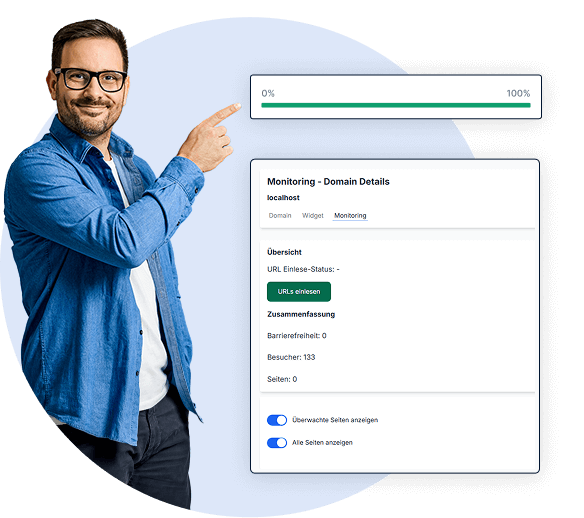
Find and Monitor Barriers
From a quick test to an expert audit: choose the review that fits your needs.

Live Check
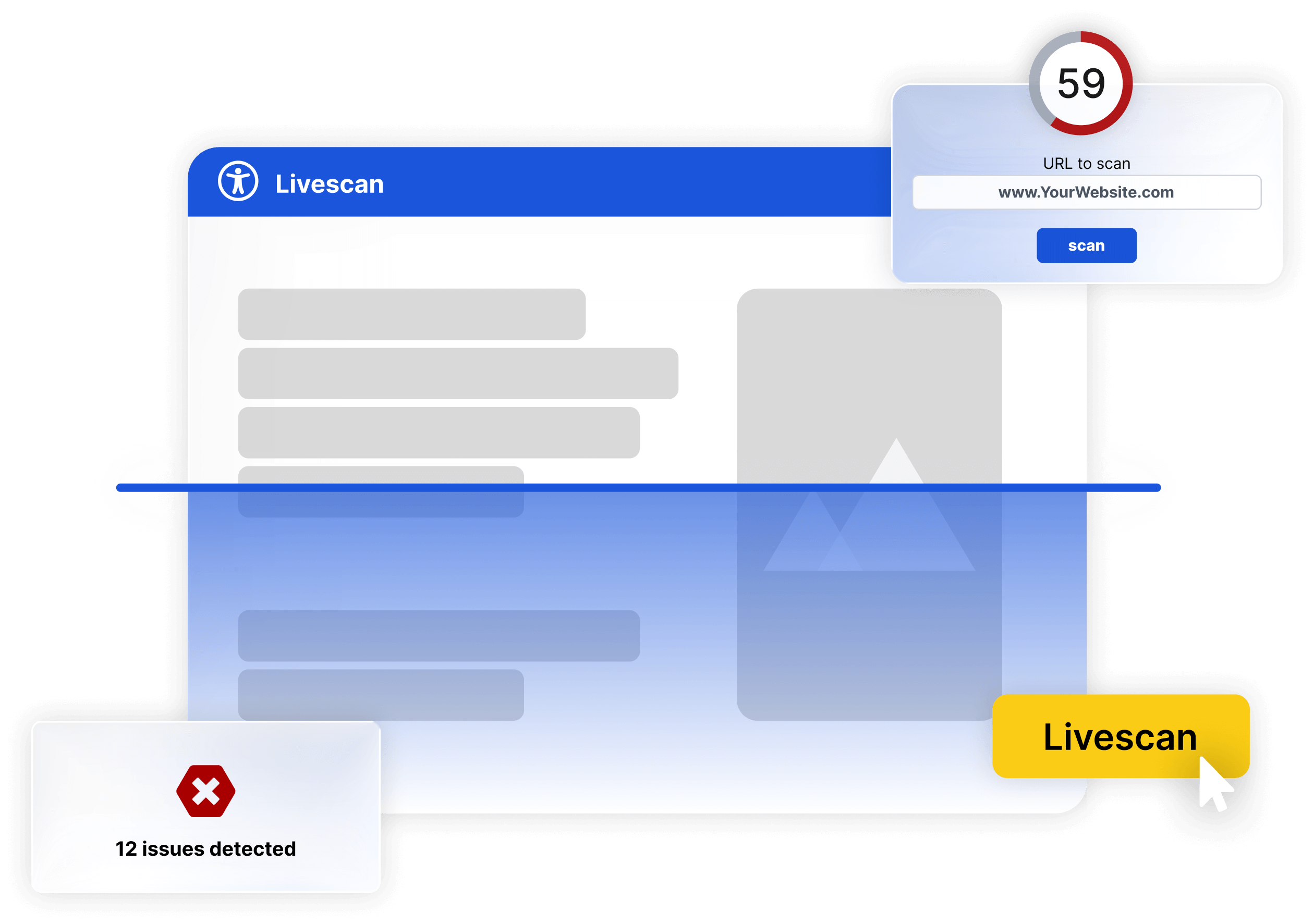
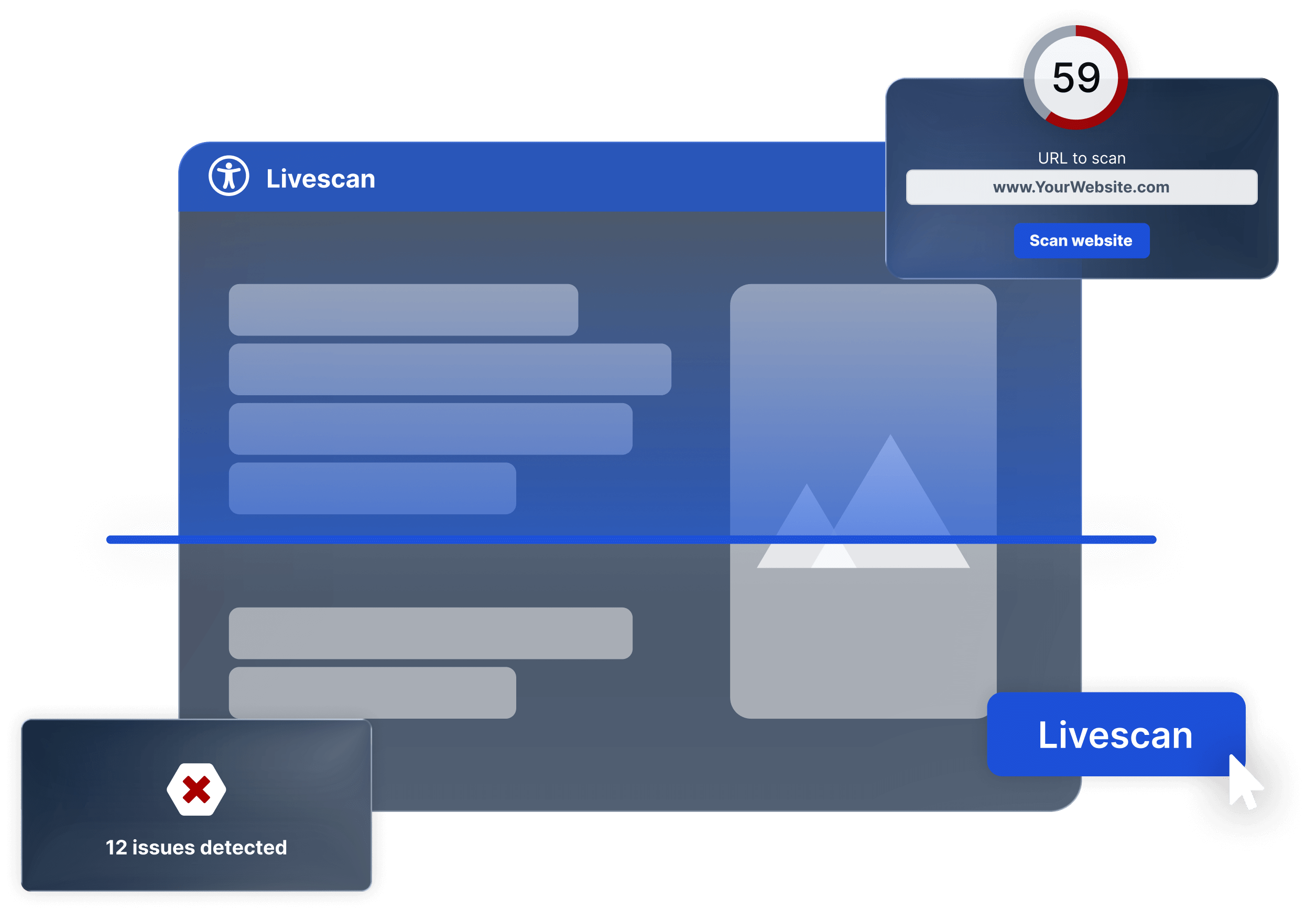
Free test of a page without registration. Shows automatically detectable barriers within minutes.
Test your website →
easyMonitoring
Regular automated scans of your pages with recommendations, complemented by manual checkpoints assessed by experts.
Discover easyMonitoring →
easyAudit
Guided audit with 98 test criteria based on EN 301 549, instructions for every step and a report.
Discover easyAudit →
Contrast checker
Calculate the contrast ratio of any colour combination and check level AA and AAA for text and UI elements.
Go to the contrast checker →Fix Barriers
Issues you find should disappear quickly. These features take work off your team.
Auto-correction
Automatically fixes common technical barriers in the frontend, such as missing alt attributes or input field labels.

easyAlt
Creates alternative texts for images with AI and checks existing texts.
easyLanguage
Converts texts into plain or easy-to-read German so that more people understand your content.

easyTranslate
Automatically translates the content of your website into other languages.
easyVision: Support for Your Visitors
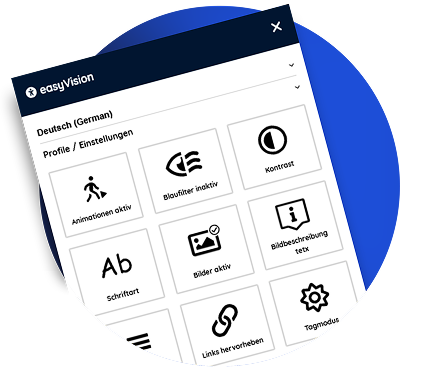
With the assistive widget easyVision, visitors adapt your website to their needs without additional software. Preconfigured profiles and individual functions can be activated with one click. The widget complements an accessible implementation but does not replace it.
-
Profiles, for example for ADHD, dyslexia and low vision
-
Contrast modes, blue light filter, cursor enlargement and text alignment
-
Button icon, size and position adaptable to your design
-
Free browser extensions for Chrome, Edge and Firefox
How accessible is your website?
Enter your URL and get a first impression within minutes, without registration.
Document and Keep Going
Accessibility is an ongoing process. These features help you keep track.
easyStatement
Create your accessibility statement using the results from monitoring and keep it up to date.
Discover easyStatementTask planner and notifications
Assign tasks within your team and get notified about new results.
New featuresThe Four WCAG Principles and How SiteCockpit Helps
All WCAG requirements can be assigned to four principles. SiteCockpit offers suitable tools for each principle.
Perceivable
Content must be visible, audible or readable aloud. Alternative texts with easyAlt, checked contrast and an adjustable display with easyVision take care of this.
Discover easyAlt →Operable
Everything must also work with a keyboard. easyMonitoring reports issues, and auto-correction adds, for example, links to skip the navigation.
About auto-correction →
Understandable
Texts and processes must be easy to follow. easyLanguage simplifies texts, easyTranslate brings them into more than 30 languages.
Discover easyLanguage →Robust
The code must work with assistive technologies such as screen readers. easyMonitoring checks names, roles and ARIA attributes, among other things.
Discover easyMonitoring →Works with Your System
SiteCockpit is integrated via embed code and therefore works regardless of the system you use. For many common content management and shop systems, there are dedicated guides or plugins.
-
CMS: WordPress, TYPO3, Contao, Drupal, Joomla and Wix
-
Shop systems: Shopify, Shopware, WooCommerce, Magento and JTL-Shop
-
Enterprise: Spryker, commercetools, OXID and plentyONE
-
All other systems via embed code
Everything on one platform
Start your journey to an accessible website with SiteCockpit
Frequently Asked Questions About SiteCockpit Features
An accessibility tool helps you find and fix barriers on your website and document your progress. SiteCockpit combines automated scans, guided and manual reviews, AI features and an assistive widget.
Which features do you need?
In a short call, we show you how SiteCockpit fits your website and your team.