.png)
Alt Text: Why It's Crucial for SEO and Accessibility
Images bring websites to life, they explain complex issues, arouse emotions and draw attention to the essentials. But what happens if an image cannot be loaded or a visually impaired person visits your site? Then a small, often overlooked HTML attribute decides whether your content remains comprehensible: the alt text.
Summary
Alt texts are short descriptions stored in the HTML code of an image that allow screen readers to make image content accessible to people with visual impairments. Since June 28, 2025, the Accessibility Strengthening Act (BFSG) has required a text alternative for every non-textual element, based on WCAG 2.2. At the same time, Google uses alt text as a signal for image search and overall page relevance, so well-written alt texts also improve SEO ranking. With easyAlt from SiteCockpit, missing alt texts can be generated automatically using AI, directly in the SiteCockpit dashboard.
Alt text: Why it is crucial for SEO and accessibility
Images bring websites to life, they explain complex issues, arouse emotions and draw attention to the essentials. But what happens if an image cannot be loaded or a visually impaired person visits your site? Then a small, often overlooked HTML attribute decides whether your content remains comprehensible: the alt text.
What many companies underestimate is that alt texts are not just a tool for digital accessibility. They are a tangible SEO factor that can measurably improve your visibility in Google search and image search. In this article, we show you why you should consider both perspectives together and how you can efficiently get to grips with the topic.
What are alt texts and why does every image need one?
Alt texts, also known as alternative texts or alt attributes, are short descriptions that are stored in the HTML code of an image. They fulfill two central tasks:
For people: screen readers read out alt texts so that people with visual impairments can understand the image content. Around 2.2 billion people worldwide live with a visual impairment. If alt texts are missing or poorly formulated, these users are excluded from important content.
For search engines: Google cannot interpret images in the same way as humans. The algorithm uses the alt text together with the file name and surrounding text to understand the image content and index it correctly. Without alt text, an image basically remains invisible to search engines.
Alt text as an SEO lever: how your ranking benefits
Google Image Search records around 3.5 billion search queries every day. This is an enormous traffic potential that many companies leave untapped. Optimized alt texts help you tap into this potential:
- Better placement in image search: Google uses alt text as the primary signal to evaluate the relevance of an image for a specific search query.
- Greater page relevance: If your alt texts contain relevant terms that match the topic of the page, this strengthens the relevance of the content and has a positive effect on the ranking of the entire page.
- Visibility in AI-supported search results: In 2026, AI systems such as Google's AI Overviews play an increasingly important role. Well-formulated alt texts increase the chance that your content is considered in these new formats.
- Fewer bounces in the event of loading problems: If an image fails to load, the browser displays the alt text as a placeholder, so the content remains comprehensible and dwell time benefits.
Legal obligation since June 28, 2025
In addition to the SEO benefits, there is another important reason to take alt texts seriously: the Accessibility Strengthening Act (BFSG). Since June 28, 2025, the law has obliged numerous companies in Germany to make their digital offerings accessible.
This is based on the Web Content Accessibility Guidelines (WCAG 2.2). Success criterion 1.1.1, "Non-text content," clearly states that a text alternative that fulfills the same purpose must be provided for all non-textual content. This applies to images, icons, infographics, buttons and all other visual elements.
Non-compliance can result in warning letters, fines and, not least, damage to your image. But regardless of the legal dimension, consistently maintaining alt texts makes your website not only legally compliant, but also more accessible for all visitors.
How to write good alt texts: 6 practical rules
The good news is that writing good alt texts is not rocket science. If you stick to these principles, you meet the requirements of both accessibility and search engine optimization:
- Describe the purpose, not just the look: Ask yourself why this image is here. A product image on a store page needs a different description than a decorative background image.
- Stay under 125 characters: Most screen readers break off the alt text after about 125 characters. This forces conciseness, which also benefits search engines.
- Avoid "image of" or "photo shows": Screen readers already announce that it is an image, so the repetition is superfluous and wastes valuable characters.
- Use relevant terms naturally: If the image fits thematically with the page content, you can and should use relevant search terms in the alt text, but avoid keyword stuffing.
- Leave decorative images blank: Purely decorative elements such as dividing lines or background patterns are given an empty alt attribute (alt=""), so the screen reader skips the image without disrupting the reading flow.
- Make each description unique: Avoid identical alt texts for different images. Each image has its own context and deserves an individual description.
Example: this is what the difference looks like
Bad: alt="image". No context, no added value. Neither screen readers nor search engines can do anything with it.
Better, but still not optimal: alt="Woman at laptop". Descriptive, but too general, with no reference to the page content.
Good: alt="Employee checks accessibility report in the SiteCockpit dashboard". Concrete, contextual and containing a relevant term, a benefit for both accessibility and SEO.
The problem in practice: hundreds of images, little time
The theory sounds simple. In practice, it looks different: many websites have hundreds or thousands of images with missing or outdated alt texts. Checking and labeling each image manually takes a lot of time and resources.
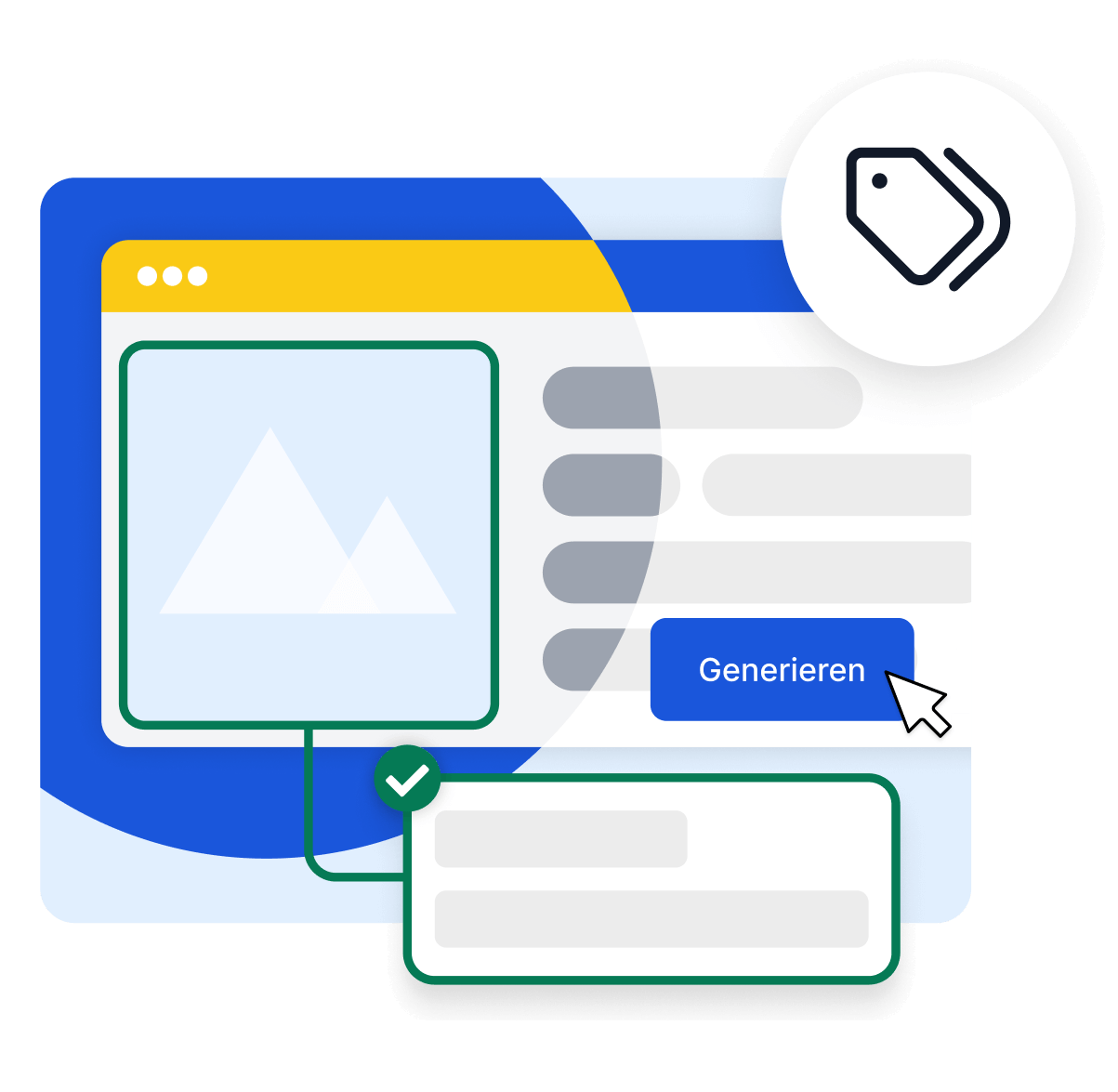
This is exactly where easyAlt from SiteCockpit comes in. As part of our AI-powered easyAI product family, easyAlt automatically generates descriptive alt texts for the images on your website. The texts are created using European AI, directly in your SiteCockpit dashboard. This allows you to quickly add hundreds of missing alt texts, improve your accessibility and maximize your SEO potential at the same time.
Alt texts are not a nice-to-have
Alt texts sit at the interface between accessibility and search engine optimization. They make your website accessible for people with visual impairments, meet the legal requirements of the BFSG and improve your visibility in Google search and AI-supported search results at the same time.
If you view alt texts as a tedious chore, you are giving away twice the added value. If you use them strategically, you win on both sides: more reach and a more inclusive web.
How accessible is your website?
Test it for free with the SiteCockpit Livecheck and get an initial assessment in under 60 seconds.
Test it for free nowRead more – Practice & Business
The Costliest Barrier Mistakes: Where Companies Should Start First
Not every barrier costs the same time or risk. Here is how WCAG data helps you find the right order to fix them.
Accessibility and SEO: How WCAG Compliance Improves Your Ranking
Accessibility is not a Google ranking factor, but WCAG, Core Web Vitals, and usage signals still shape your ranking indirectly.

Agentic Commerce and Digital Accessibility: What Online Shops Need to Know Now
AI agents are increasingly shopping on their own. Why accessible product data is the foundation for Agentic Commerce.