Web Accessibility: Meaning, a11y and the Four POUR Principles
Web accessibility means that websites, apps and digital content can be perceived, understood and operated by everyone – including people with disabilities. Developers often shorten it to a11y. Here you will find out what the term covers, how the four WCAG principles work and which rules apply in the EU.
The key facts at a glance
Web accessibility – the key facts
Web accessibility is the international term for making digital content usable for everyone. These four points sum up what it involves.
-
 Accessibility literally means being reachable and usable by everyone
-
Short form a11y: a, then 11 letters, then y
-
Web accessibility follows the WCAG and its four principles (POUR)
-
Required by law in the EU through the European Accessibility Act
 Accessibility means access for everyone
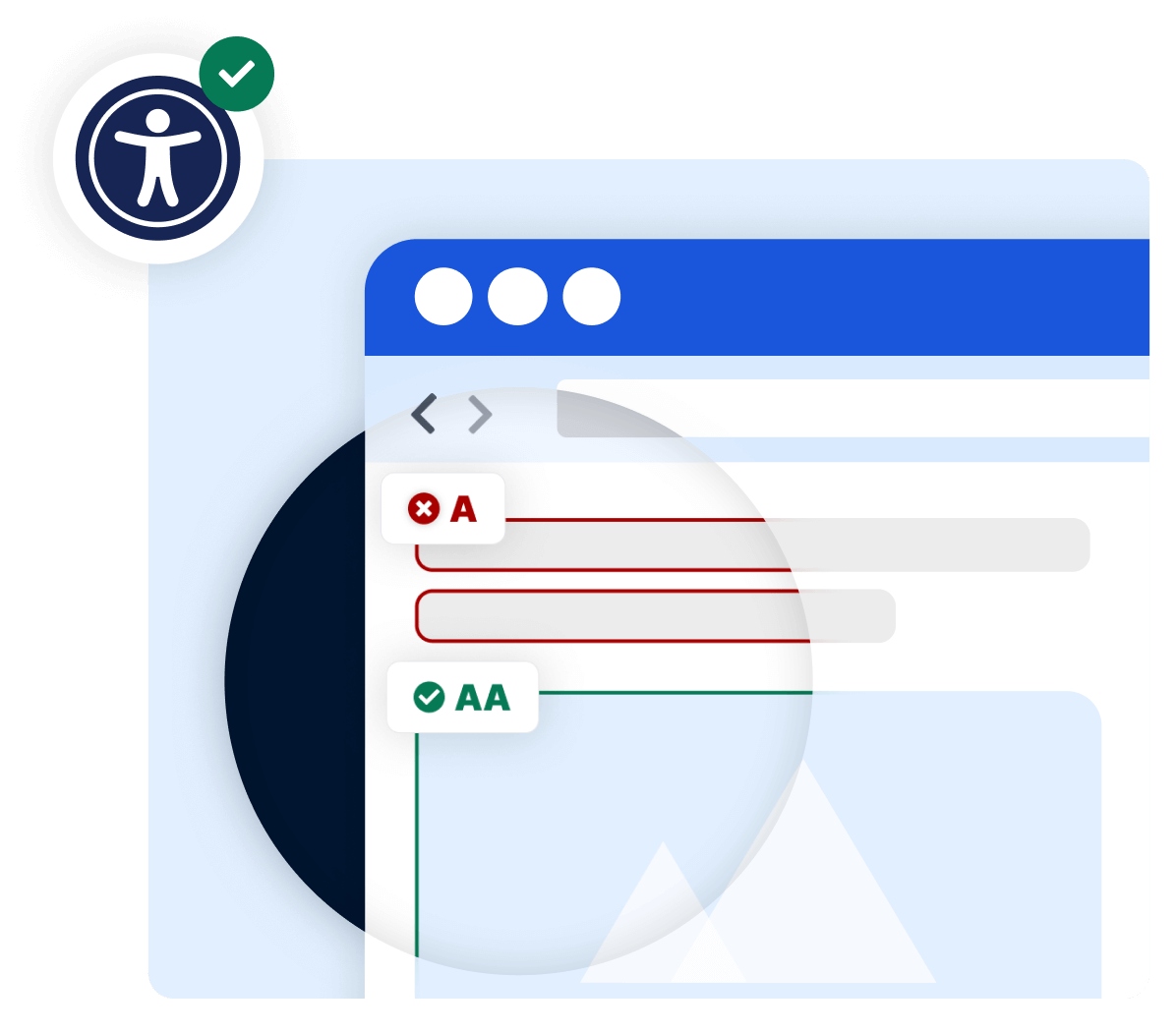
WCAG 2.2: 4 principles and 13 guidelines
Conformance levels A, AA and AAA
Required for many businesses since 2025 (EAA)
What does web accessibility mean?
Accessibility describes how easily people can reach and use something. On the web, it means that websites, apps, documents and software are designed so that people with and without disabilities can use them equally. The World Wide Web Consortium (W3C) describes web accessibility as people with disabilities being able to perceive, understand, navigate and interact with websites and tools on an equal basis.
In development teams, the short form a11y is common: there are eleven letters between the a and the y of the word. You will also come across the misspelling “accesibility” with a single s – it means the same thing.
The term also appears in law: the European Accessibility Act is Directive (EU) 2019/882 on the accessibility requirements for products and services. In Germany it is implemented by the Accessibility Strengthening Act (BFSG).
Accessibility, usability and inclusion: the differences
The three terms are often used interchangeably, but they mean different things. The W3C distinguishes them as follows:
-
Accessibility: people with disabilities can use digital offerings equally – for example with a screen reader, keyboard or voice control
-
Usability: a product is effective, efficient and satisfying to use, as defined by ISO 9241-11
-
Inclusion (inclusive design): involving as many people as possible – regardless of age, language, education, technology or internet connection
-
The three areas overlap considerably and, according to the W3C, should be addressed together
Web accessibility: the four WCAG principles (POUR)
The WCAG 2.2 of the World Wide Web Consortium (W3C) organise their 13 guidelines under four principles: Perceivable, Operable, Understandable and Robust – POUR for short. They apply to websites, apps and other digital content.
1. Perceivable
All content and interface components must be perceivable to users – visually, audibly or via assistive technologies. Images need alternative texts, videos need subtitles, and text must have sufficient colour contrast.
2. Operable
All functionality must be accessible to all users – not only with a mouse but also via keyboard, voice control or other input methods. Visible focus indicators and sufficient time for inputs are essential.
3. Understandable
Both content and operation must be understandable. Clear language, consistent navigation, explanatory hints in forms and comprehensible error messages help all users interact with a website without confusion.
4. Robust
Digital content must be compatible with different browsers, devices and assistive technologies such as screen readers – and remain so over time. Clean, standards-compliant HTML is the foundation.
Accessibility in law: European Accessibility Act and BFSG
With the European Accessibility Act (EAA), the EU has set accessibility requirements for certain products and services. In Germany, the Accessibility Strengthening Act (BFSG) implements the directive and has applied since 28 June 2025. It affects companies that offer certain products or services to consumers, such as online shops. Microenterprises with fewer than 10 employees and an annual turnover or balance sheet total of no more than 2 million euros are exempt for services.
-
EAA: Directive (EU) 2019/882, applicable from 28 June 2025
-
Germany: BFSG for products and services offered to consumers
-
Federal public bodies: Disability Equality Act (BGG) and BITV 2.0
-
Violations of the BFSG can be fined up to 100,000 euros
Testing accessibility – automated and manual
Automated tests find many errors quickly. Whether a website is truly usable only becomes clear when you combine them with a manual review.
-
Automated: contrast, alternative text, language attributes, HTML structure
-
Manual: keyboard operation, focus order, clarity of texts and links
-
With screen readers: check the output the way blind users hear it
Automated scanners detect technical errors such as missing alternative text, insufficient contrast or missing language attributes. Whether an alternative text makes sense or the keyboard focus order is logical has to be judged by people – for example with screen readers such as NVDA, JAWS or VoiceOver.
SiteCockpit combines both: easyMonitoring continuously checks your website for WCAG issues, and easyAudit adds a manual review by experts.
Frequently asked questions about web accessibility
How accessible is your website?
Test your website for free with our Live Check, no registration required.