Accessibility for Shopware: Integrated in 5 minutes
More than 100,000 companies worldwide rely on Shopware. Since 28 June 2025, most of them must meet the requirements of the European Accessibility Act (EAA). SiteCockpit is the solution to implement Shopware accessibility simply, quickly and legally compliant, via embed code in your template, without complex migration.









How to integrate SiteCockpit into Shopware
Integration into Shopware is done via an embed code that you insert into your template. The entire process takes less than five minutes. Here is how it works:
-
 Step 1: Create an account on sitecockpit.com and configure your easyVision widget
-
Step 2: Copy the embed code and insert it into your Shopware template, right before
</body>. The documentation shows you exactly where -
Step 3: Done. The widget is immediately visible and your customers can adjust contrasts, font sizes and reading modes individually
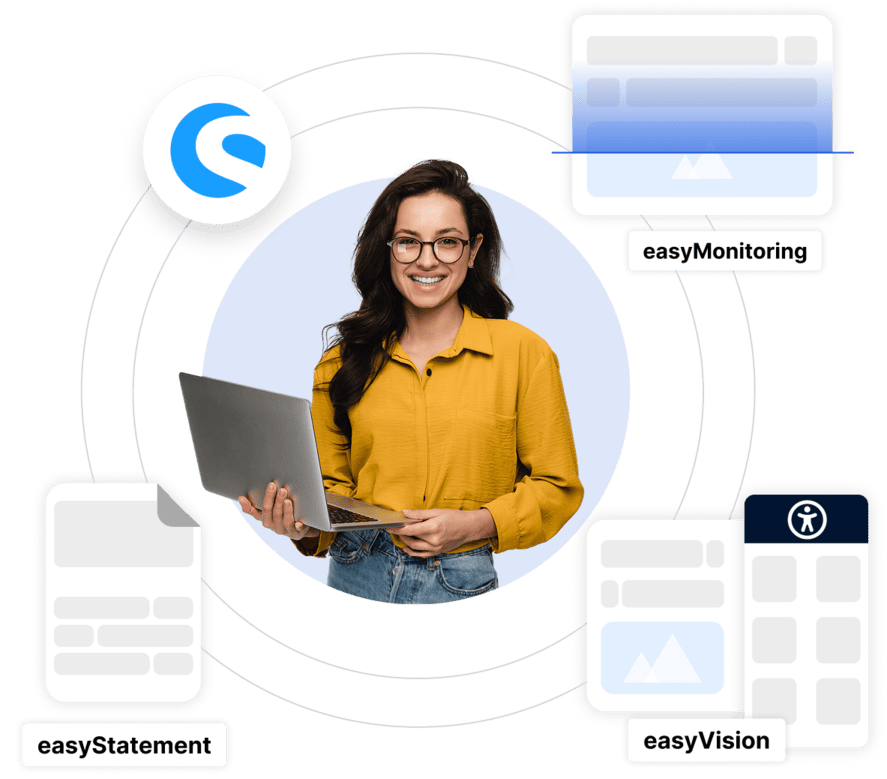
SiteCockpit explained briefly
What exactly is SiteCockpit and how does it support Shopware accessibility? This short video gives you a compact overview of all modules and the integration.
What accessibility means in a Shopware shop in practice
Shopware offers enormous design freedom with experience worlds, custom CMS blocks and Twig templating. That is exactly why accessibility is often not considered from the start. In practice, we regularly see the same problems in Shopware shops:
Experience worlds are designed purely visually without considering the structural requirements of WCAG. Images in CMS blocks remain without alt text because the fields in the backend are not filled in. Custom JavaScript components such as product configurators or quickview overlays are often not operable by keyboard or screen reader. And cookie consent dialogs block access if not marked up correctly.
-
Experience worlds without semantic structure and missing alt texts
-
Custom CMS blocks with insufficient contrast
-
Sliders and mega menus not keyboard accessible
-
Checkout forms poorly labeled for screen readers
How SiteCockpit ensures Shopware accessibility
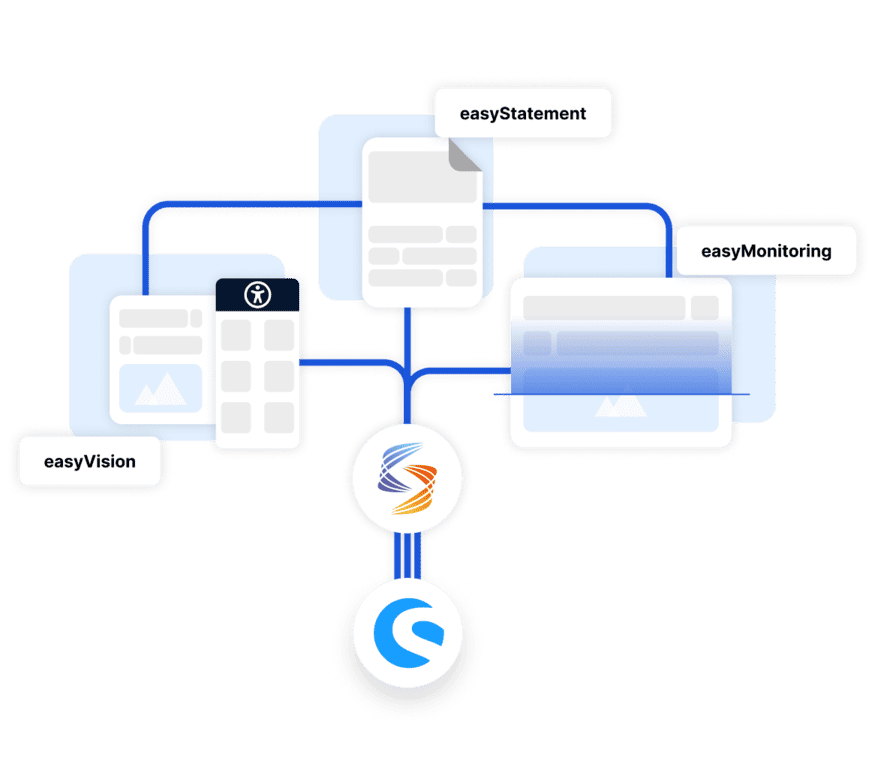
SiteCockpit addresses Shopware specific challenges with a modular platform. You test, fix and document your shop's accessibility in a continuous process.
Test: easyMonitoring
easyMonitoring automatically scans your Shopware shop according to WCAG 2.2. All pages are tested, including experience worlds, landing pages and CMS blocks.
Fix: easyAlt and easyVision
easyAlt automatically adds missing alt texts. easyVision gives your visitors contrasts, font sizes and dyslexia friendly settings.
Document: easyStatement
easyStatement creates the legally compliant accessibility statement that the EAA requires. Automatically generated, individually customizable.
 Embed code instead of plugin: integrated in 5 minutes
 Shopware 5 and 6 compatible
 Experience worlds and CMS blocks are also tested
Every click counts, except when it fails.
How accessible is your Shopware shop?
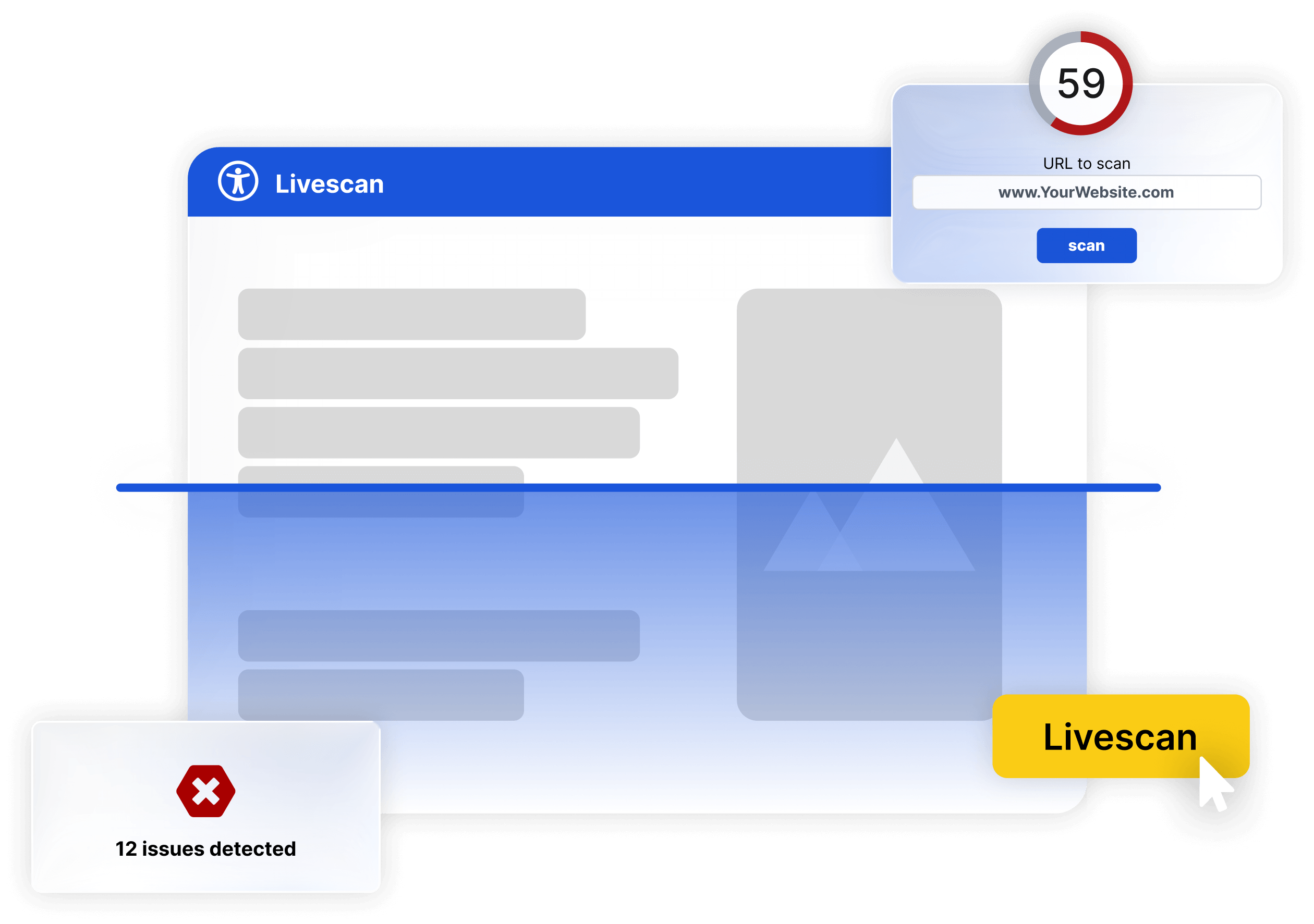
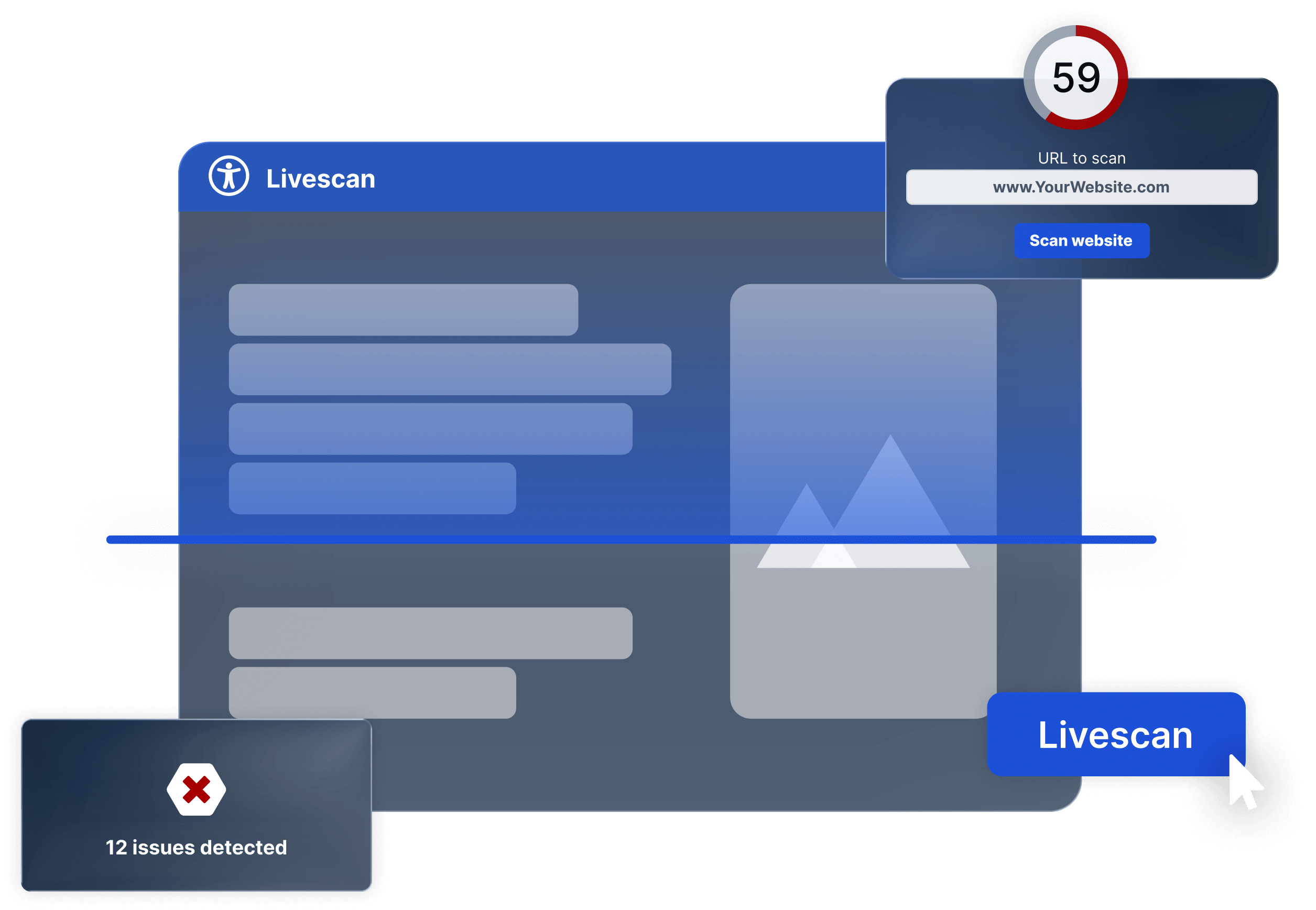
Free Live Check for your Shopware Shop
Enter the URL of your Shopware shop and get an immediate assessment of accessibility, automated and without registration. In under 60 seconds, you will see where action is needed.
EAA requirement: What Shopware operators need to know
The European Accessibility Act (EAA) has been in effect since 28 June 2025. For Shopware operators who sell products or services to consumers, accessibility is now a legal requirement. Violations can result in fines of up to 100,000 euros and warnings.
The good news: with SiteCockpit you implement Shopware accessibility without interrupting ongoing operations. Insert embed code, configure widget, done. You will see the first results from monitoring within minutes.
-
Affected: Shopware shops that sell to consumers
-
Threshold: At least 10 employees or over 2 million euros annual revenue
-
Consequences: Fines up to 100,000 euros and warnings
These Shopware shops already rely on SiteCockpit
More and more Shopware operators use SiteCockpit to implement accessibility in their shop in compliance with the law. Integration via embed code is done in minutes and all modules are available immediately.
-
Mientus: fashion shop on Shopware with accessibility
-
Don Carne: premium meat delivery, accessible through checkout
-
Technigro: technical retailer with automatic alt texts
Mientus is a fashion and lifestyle shop on Shopware that uses SiteCockpit for accessibility implementation. With easyMonitoring, the experience worlds are regularly tested for WCAG violations, easyVision gives visitors individual accessibility settings.
Don Carne operates a premium meat delivery service on Shopware. With SiteCockpit, Don Carne ensures that the entire ordering process, from product selection to checkout, is accessible. Technigro, a technical retailer, additionally uses easyAlt for automatic generation of alt texts in the extensive product catalog.
Shopware: Open source e commerce from Germany since 2004
Shopware was founded in Germany in 2004 and is now one of the leading open source e commerce platforms in Europe. More than 100,000 companies worldwide rely on the system, which is characterized by flexibility, API first architecture and a strong ecosystem of agencies and developers.
Shopware 6 offers a highly customizable system with the Storefront, Twig templating and experience worlds. For Shopware accessibility, this means: great design freedom, but also the necessity to consider accessibility from the start. SiteCockpit makes this possible without affecting the core.
By the way: Shopware 5 is also supported. The integration via embed code works identically for both versions. There are no differences in setup.
Implement WCAG 2.2 in Shopware
WCAG 2.2 defines how a Shopware shop must be accessible: content must be perceivable, operable, understandable and technically robust. In Shopware, this particularly affects storefront navigation, experience worlds, product pages, checkout forms and cookie consent dialogs.
SiteCockpit supports you in implementing all four WCAG principles:
-
Perceivable: Automatic alt texts for product images and experience worlds, adjustable contrasts and font sizes
-
Operable: Keyboard navigation, focus control and skip navigation via easyVision
-
Understandable: Clear form labeling, error messages and consistent storefront navigation
-
Robust: Regular testing with easyMonitoring and documented progress with easyStatement
For Shopware agencies
Do you manage Shopware projects for your clients?
As a Shopware agency or freelancer, you can offer accessibility to your clients as a permanent part of your service portfolio. With the agency package you manage multiple Shopware shops centrally, set your own prices and build recurring revenue. Alternatively, the service partner model also works with attractive terms.

Frequently asked questions: Shopware accessibility with SiteCockpit
You copy a short embed code into your Shopware template (before the closing </body> tag). You can find detailed instructions in the Shopware documentation. The entire integration takes less than five minutes.
Shopware accessibility: start in 5 minutes now
Insert embed code, configure widget and test SiteCockpit 7 days for free. All modules included.